
Novinky od vývojářů a zajímavosti okolo této hry.
scum
April patch is officially live! (1.2.3.0.113582)
Hey there prisoners,
We've just released our second monthly patch! Let's not beat around the bush and let's dive right into it. We hope you'll enjoy what we've prepared for you!
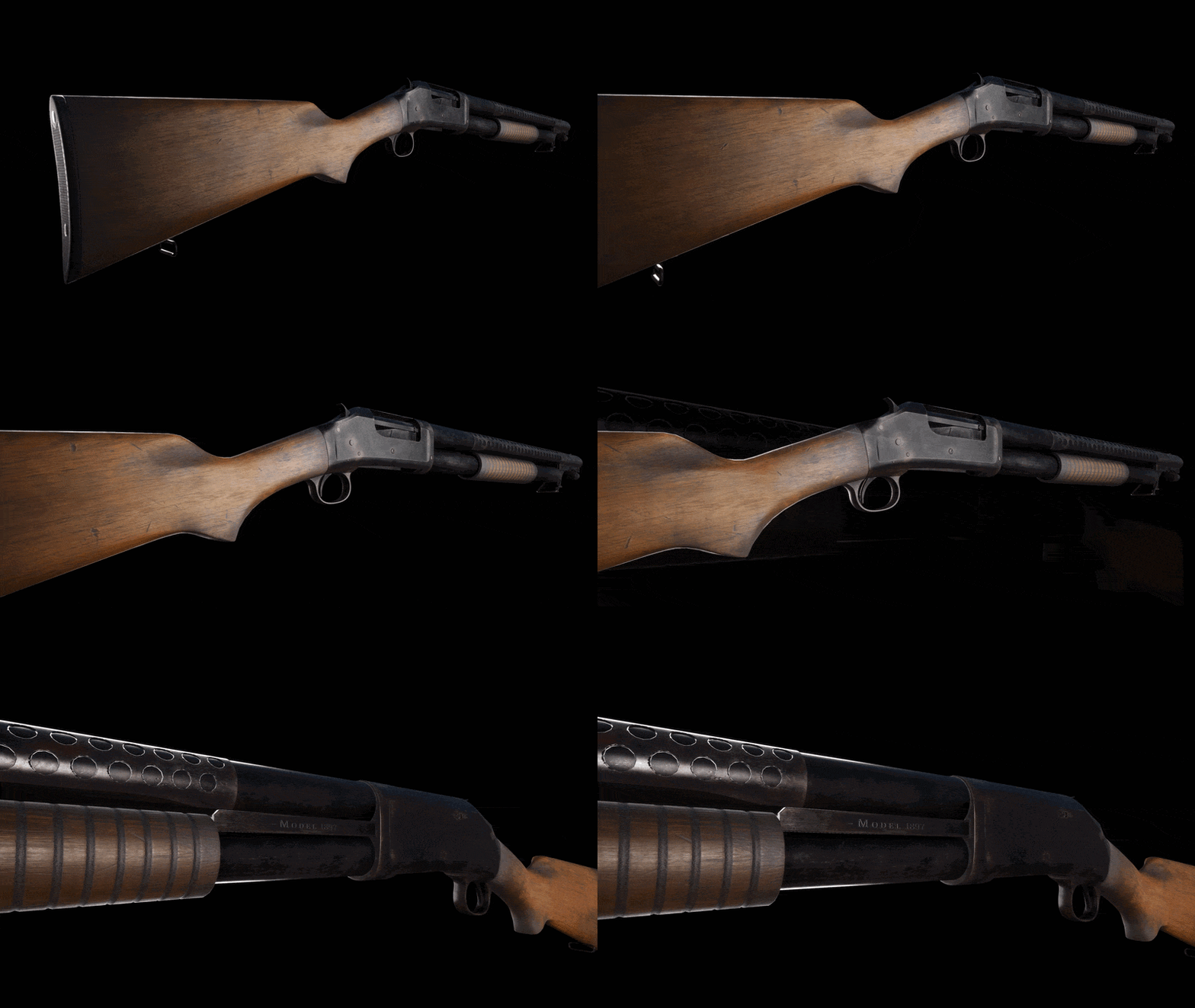
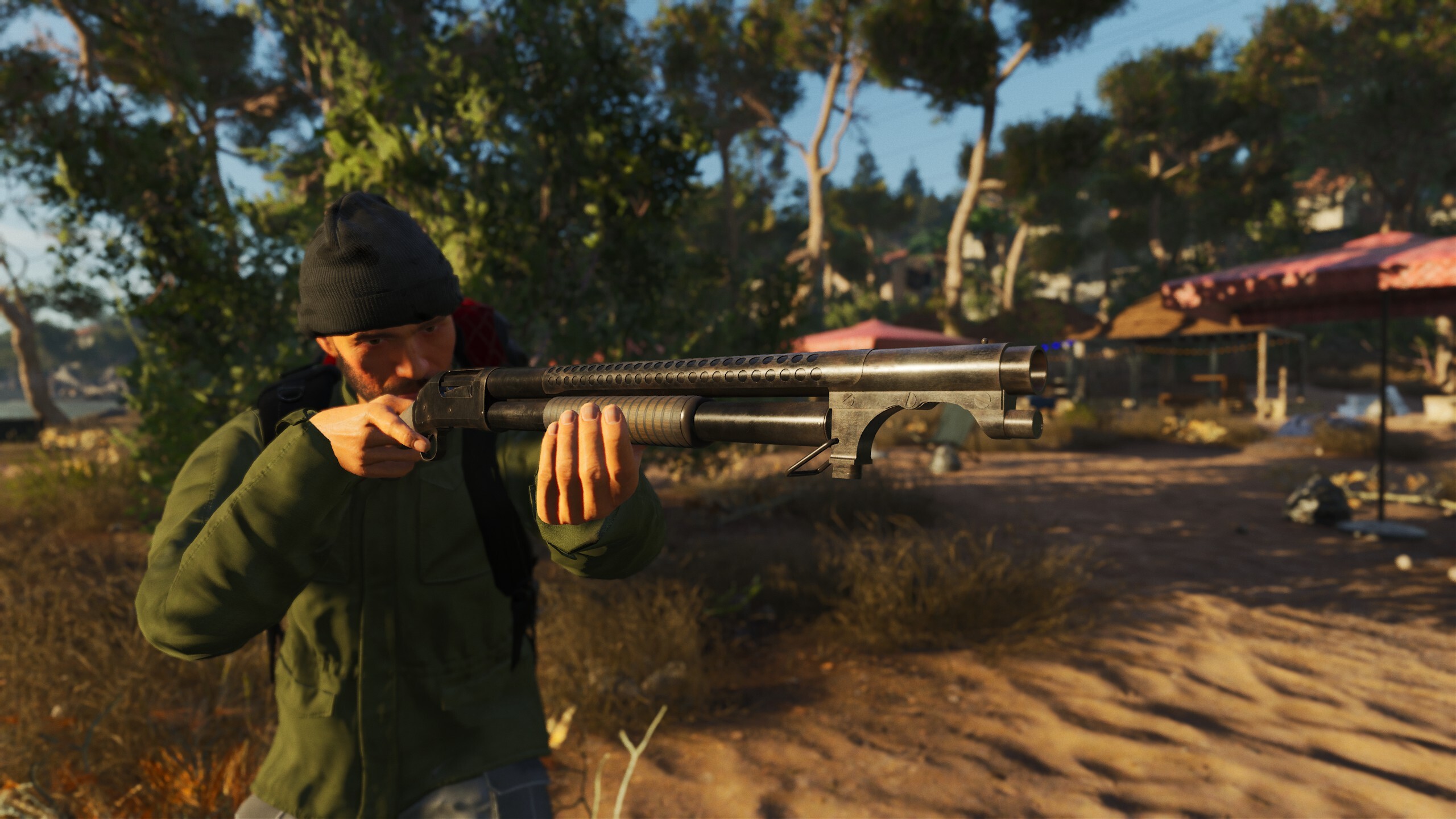
The terrifying and notorious Trench Gun is making a grand appearance in SCUM. Historically, this weapon of war was so devastating that there was an attempt to ban it, as it was argued that it brings unnecessary harm and damage to those unlucky enough to survive its blast. Famous for its slam-fire that allows those who wield it to dispatch their enemies with insane efficiency, it is the ideal weapon for those that want to solve their disputes from up close. To put it simply - it's the last thing you want to see someone carrying in close quarters.
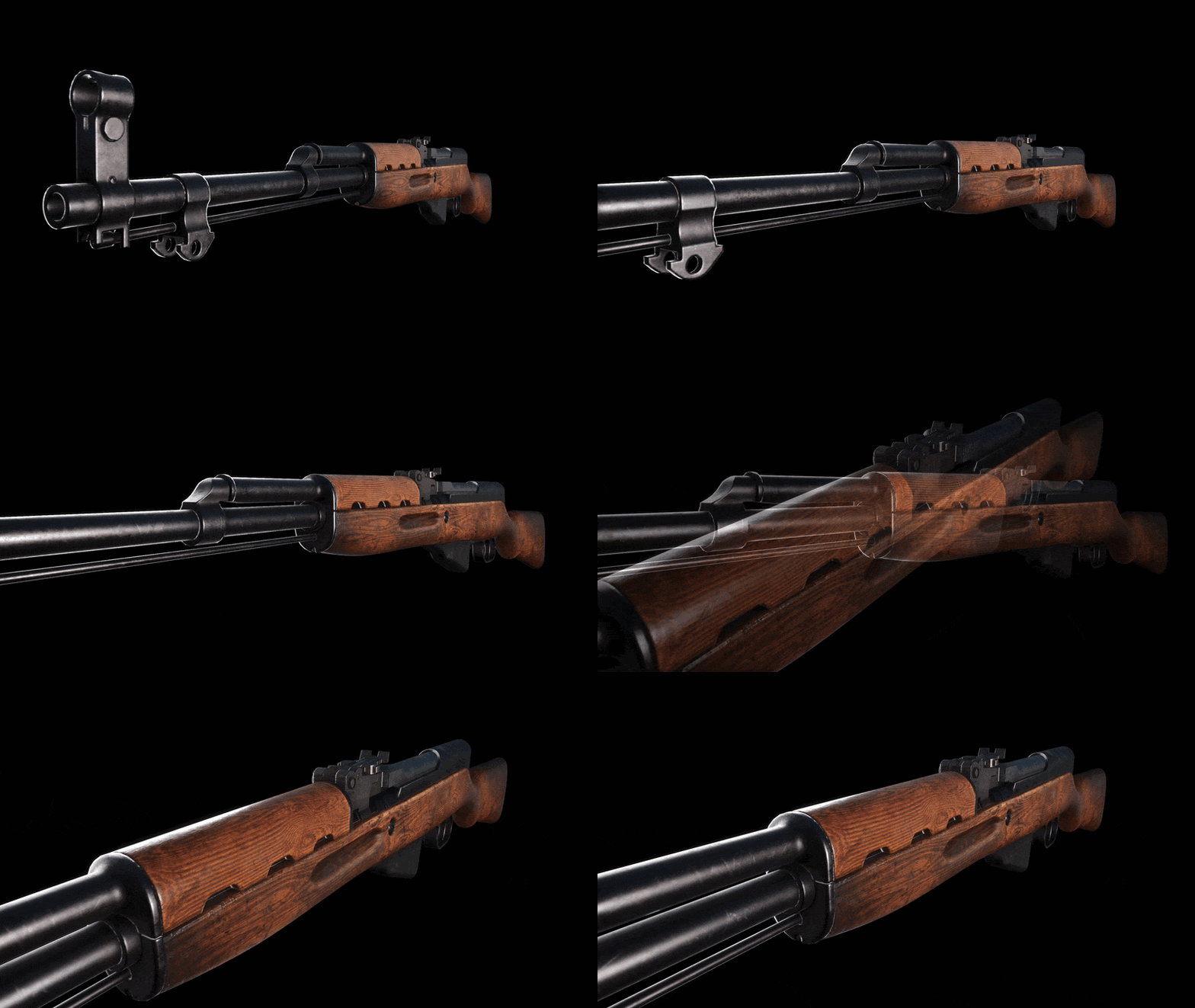
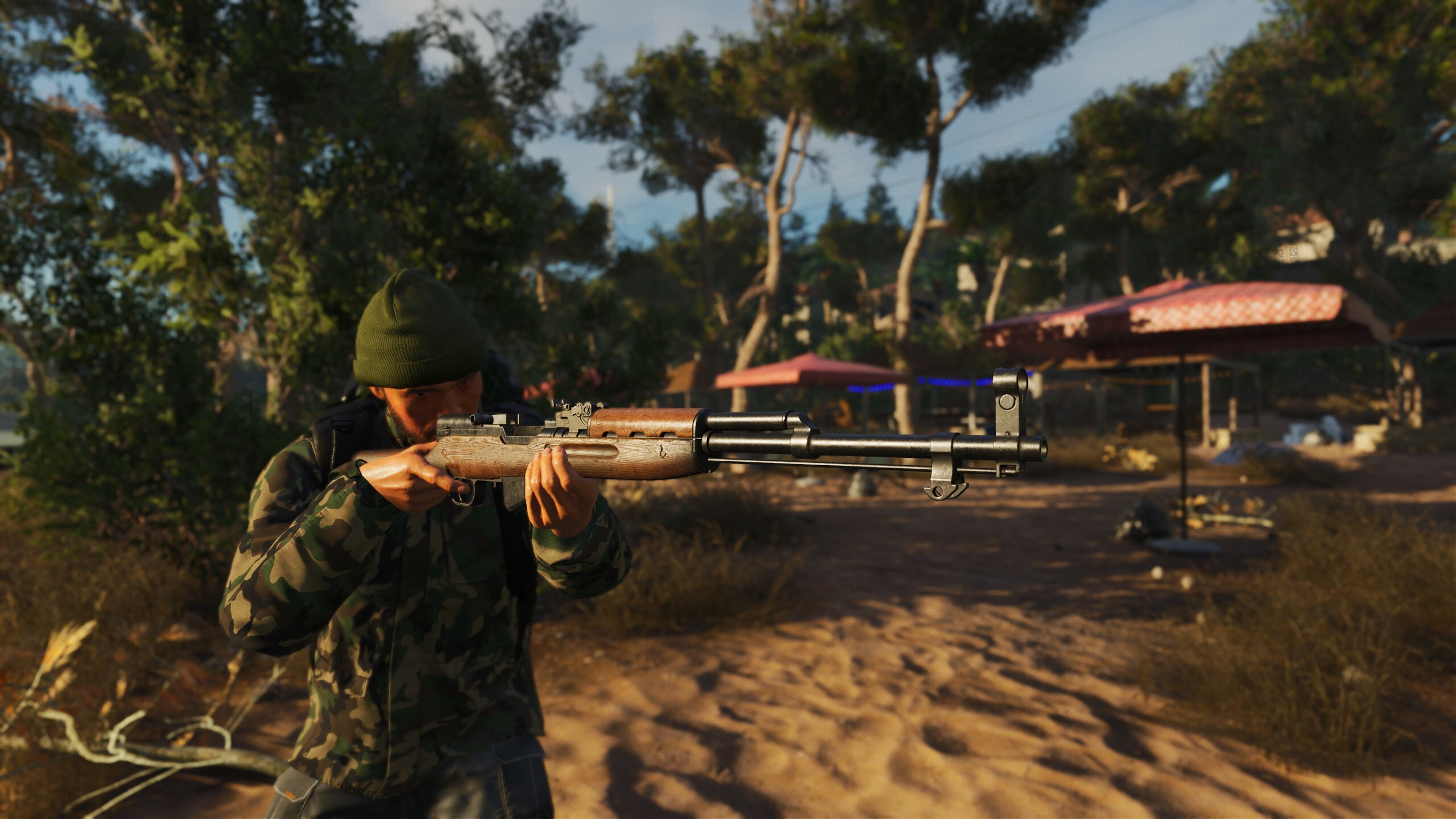
Hailed as the people’s carbine before it was substituted by the ever-popular AK47, the SKS was one of the testaments to Soviet capability to produce reliable and versatile weaponry. The SKS is a rifle for true aficionados of firearms - durable, built with quality materials, and above all - deadly! Those who want a reliable mid-range, semi-automatic firearm, as well as a penchant for Soviet-era weaponry, will find the SKS a no-brainer!
For version 1.0, we developed our own technology to achieve realistic indoor lighting affordably. Now, we are upgrading that same tech to boost realism across the entire island. The biggest change is in the ambiance, where we’ve improved ambient occlusion and reflections. Even though UE4 lacks Lumen, we’ve managed to make all models look "grounded" with accurate colors and environmental reflections, technically without any performance hit.
With these changes, we also made the bunkers darker and narrowed the light beam of flashlights to create a more frightening and claustrophobic atmosphere.
For those that haven't seen, here are some before and after screenshots, with the first being before the lighting overhaul, and the second being after it:
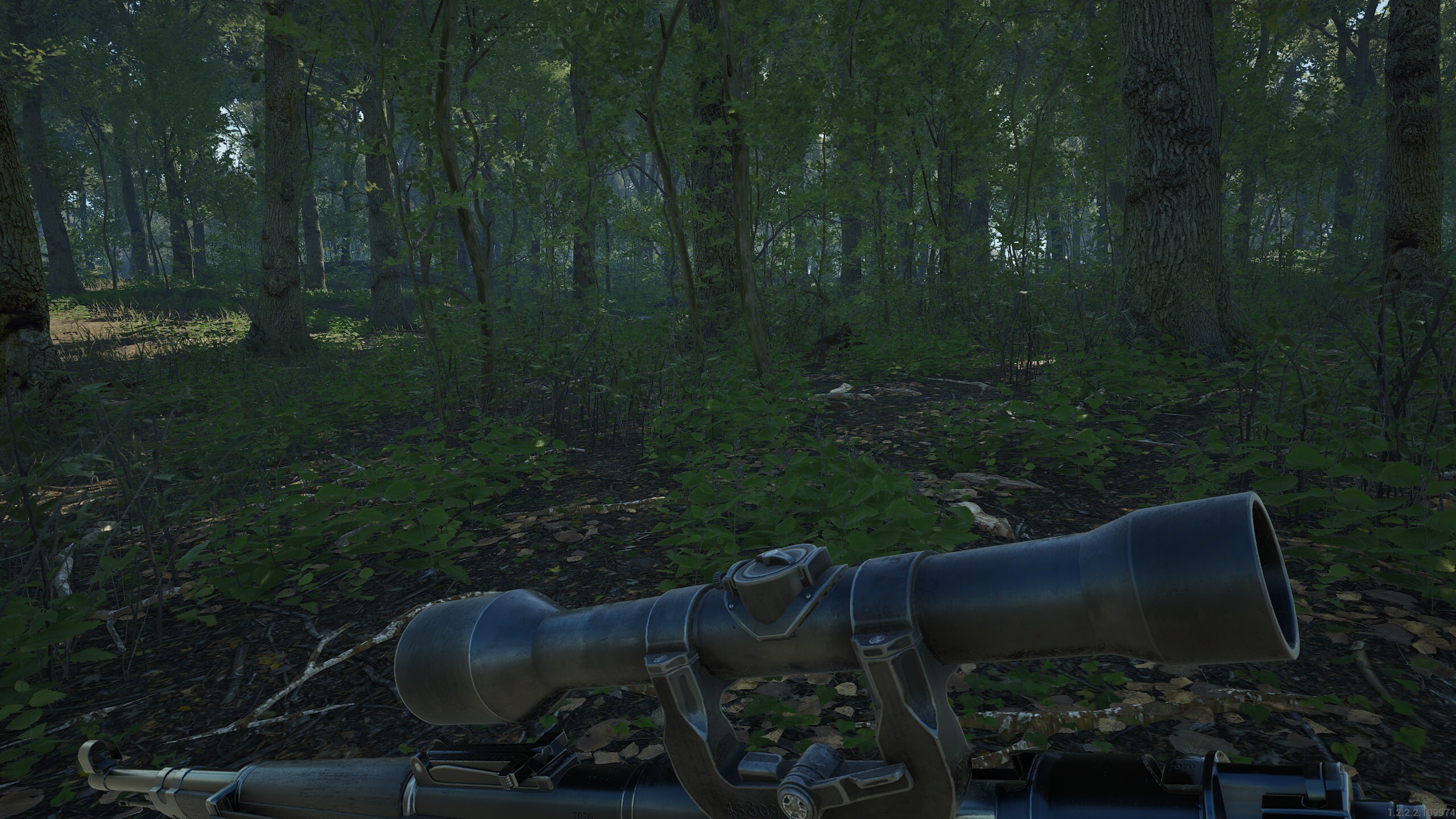
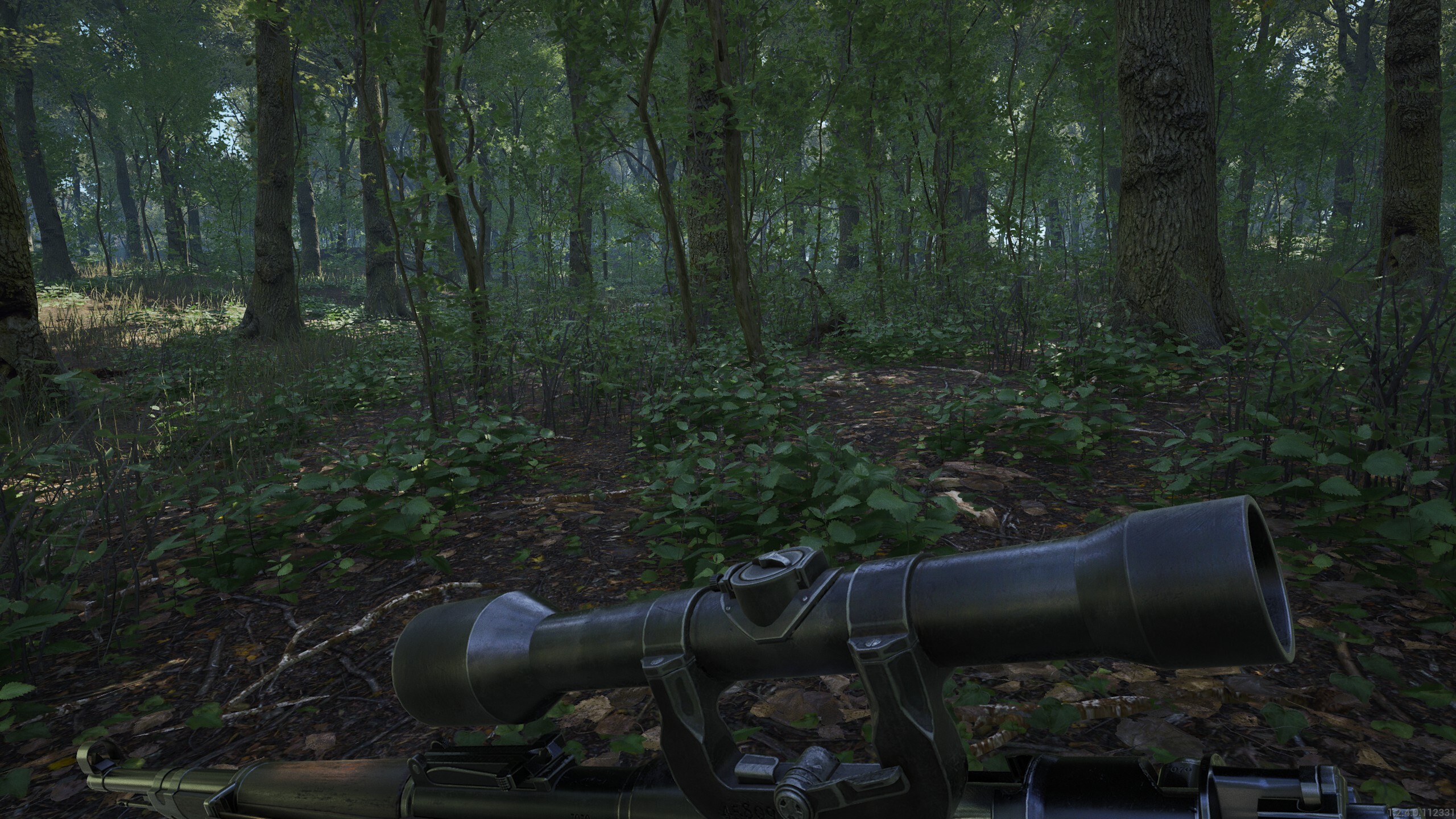
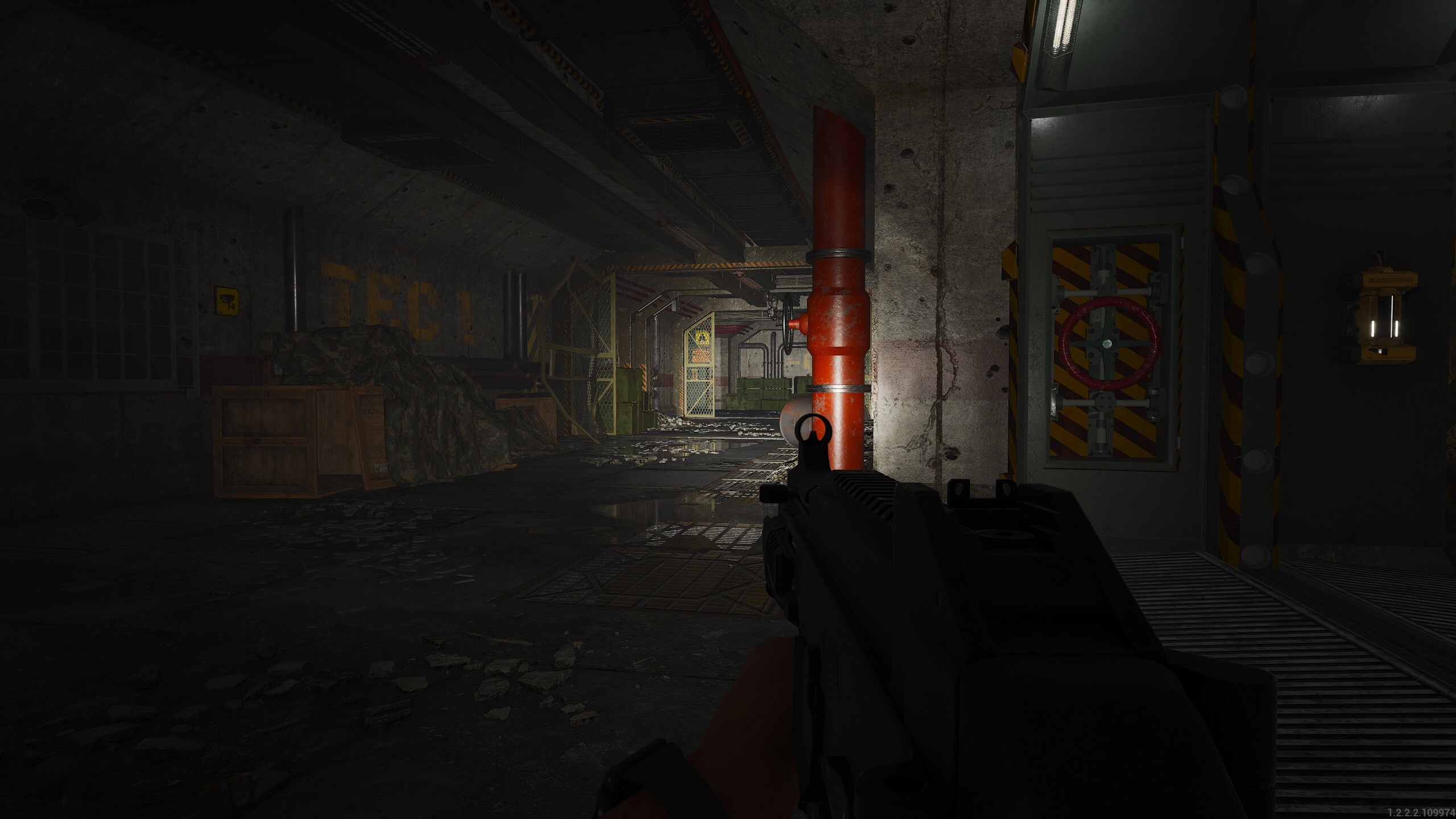
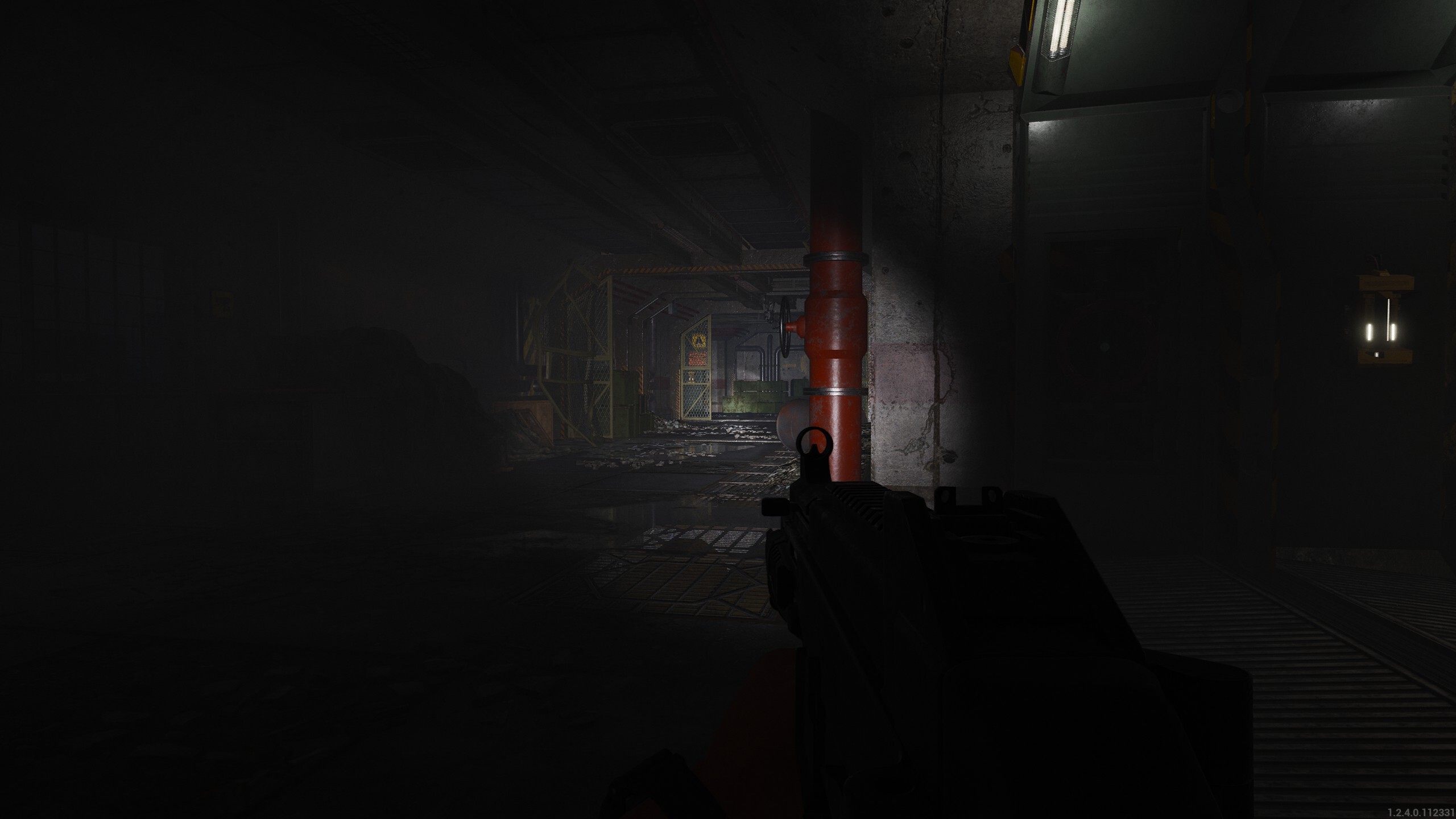
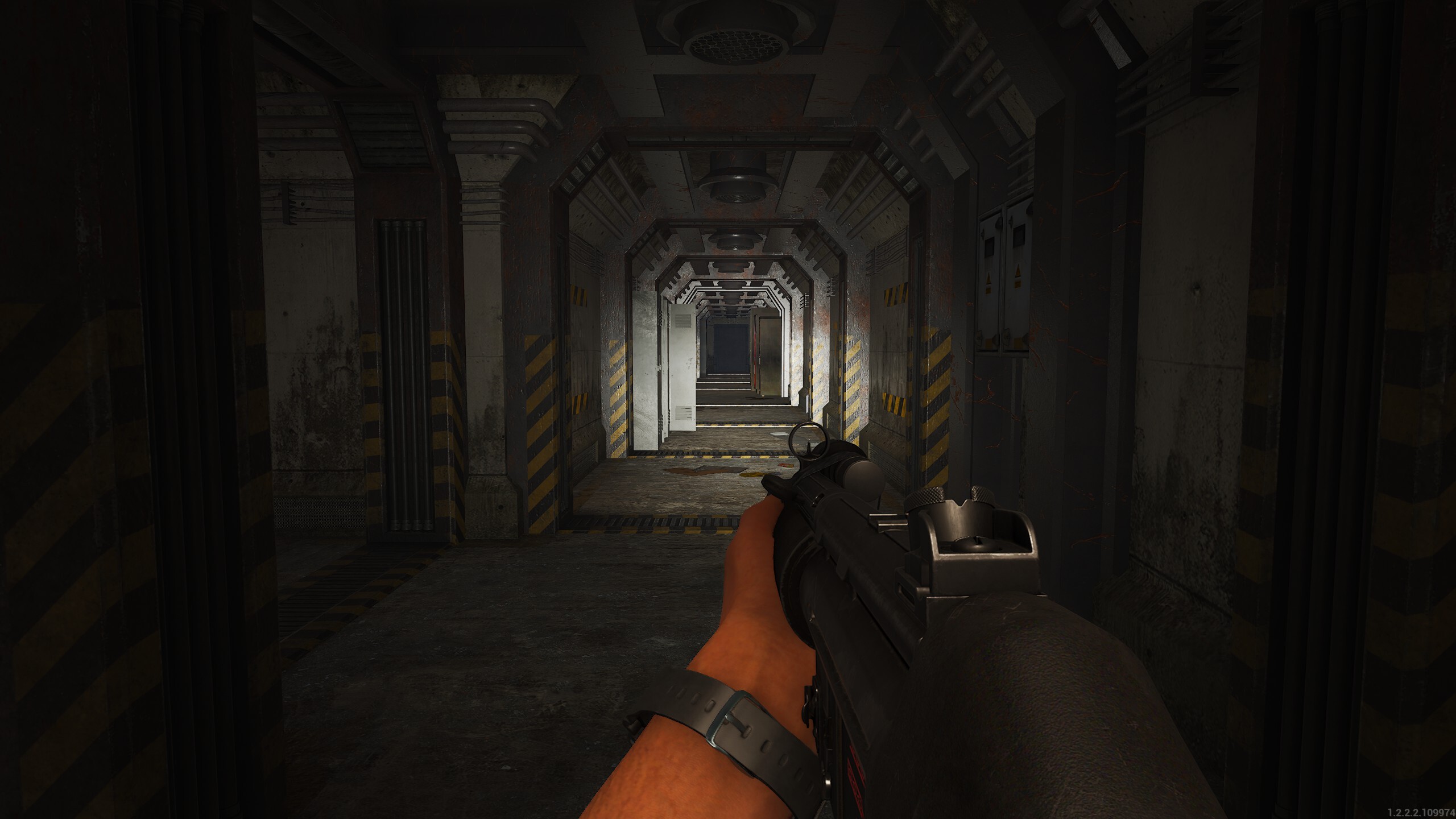
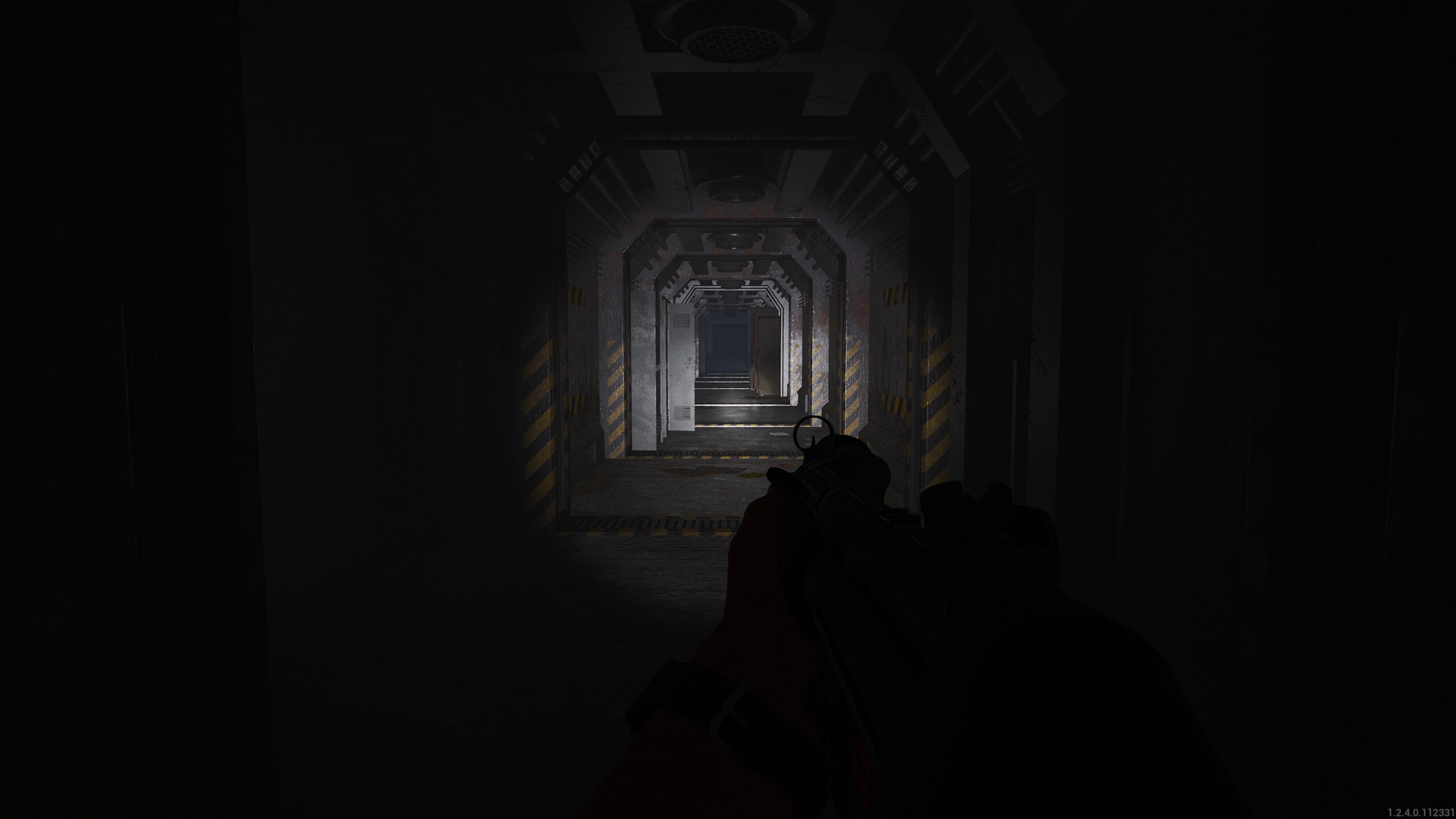
If the screenshots aren't enough for you, we've also created a video showcasing these lighting improvements so make sure to check it out:
https://www.youtube.com/watch?v=zkhHHl1mQQ0
When we're on the topic of lighting, we've also improved the look of night vision to make it look less 'milky'. Here are the before and after images:
Before - Gamma set to 2.0
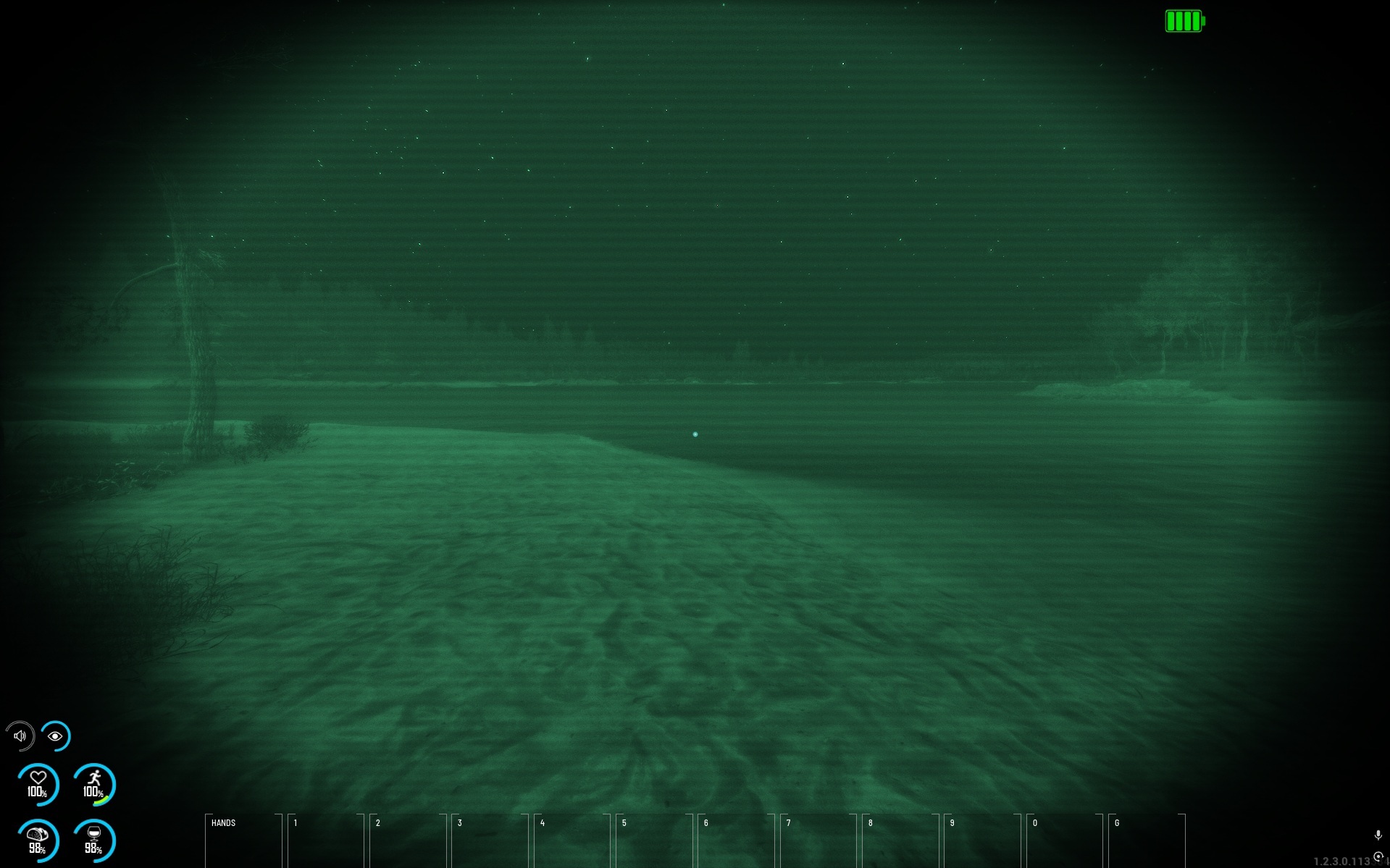
Before - Gamma set to 2.4
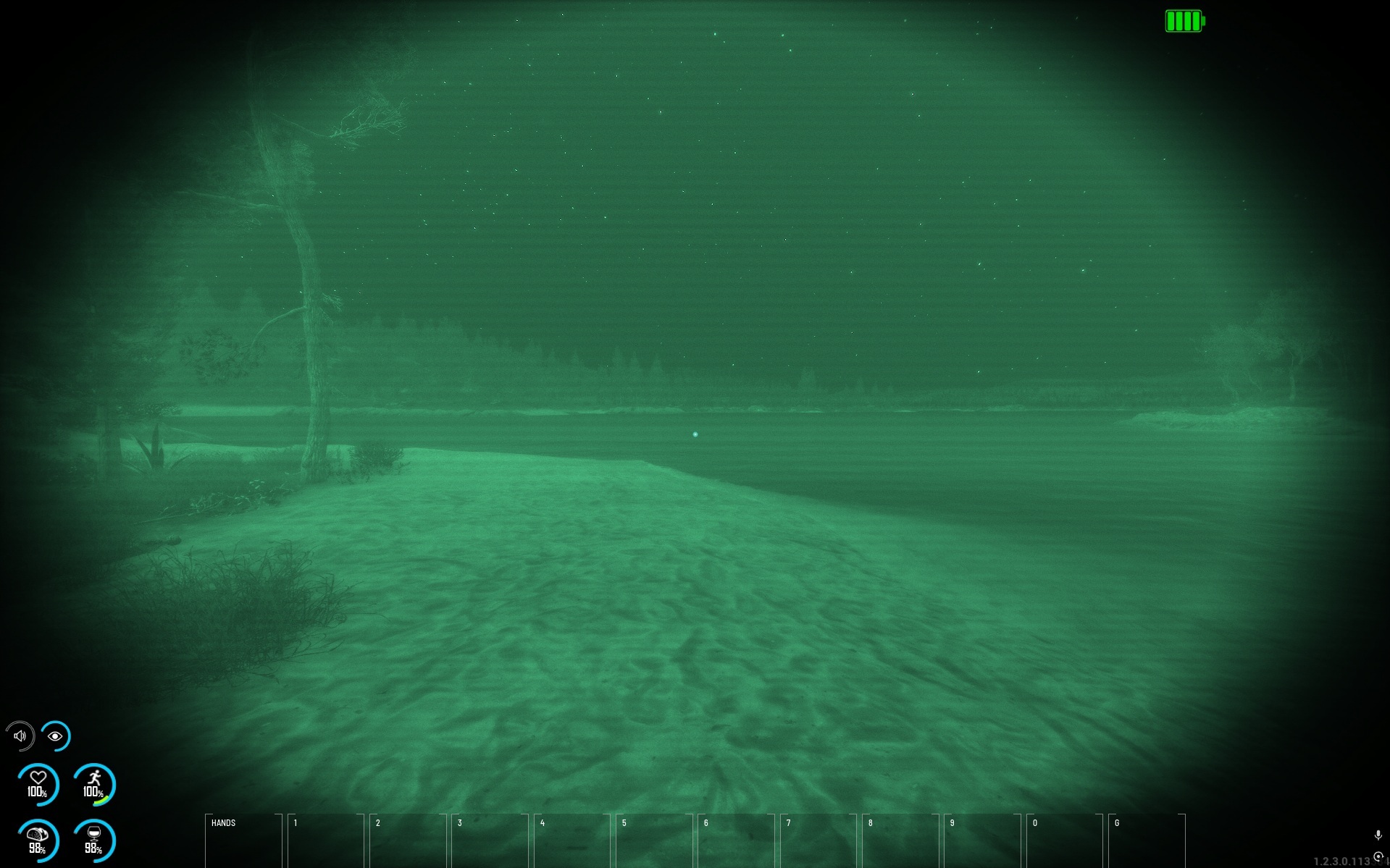
Before - Gamma set to 2.8
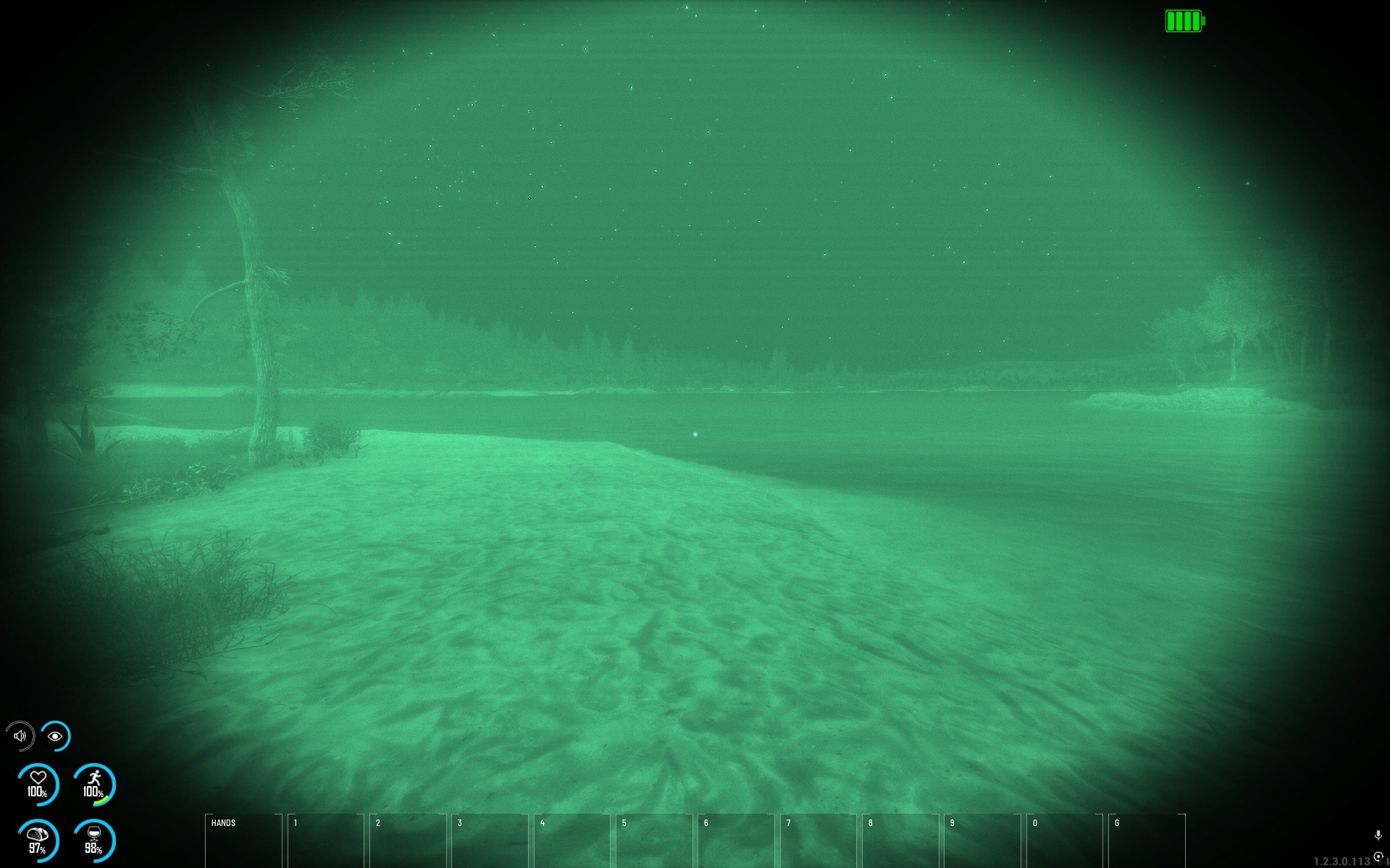
After - Gamma set to 2.0
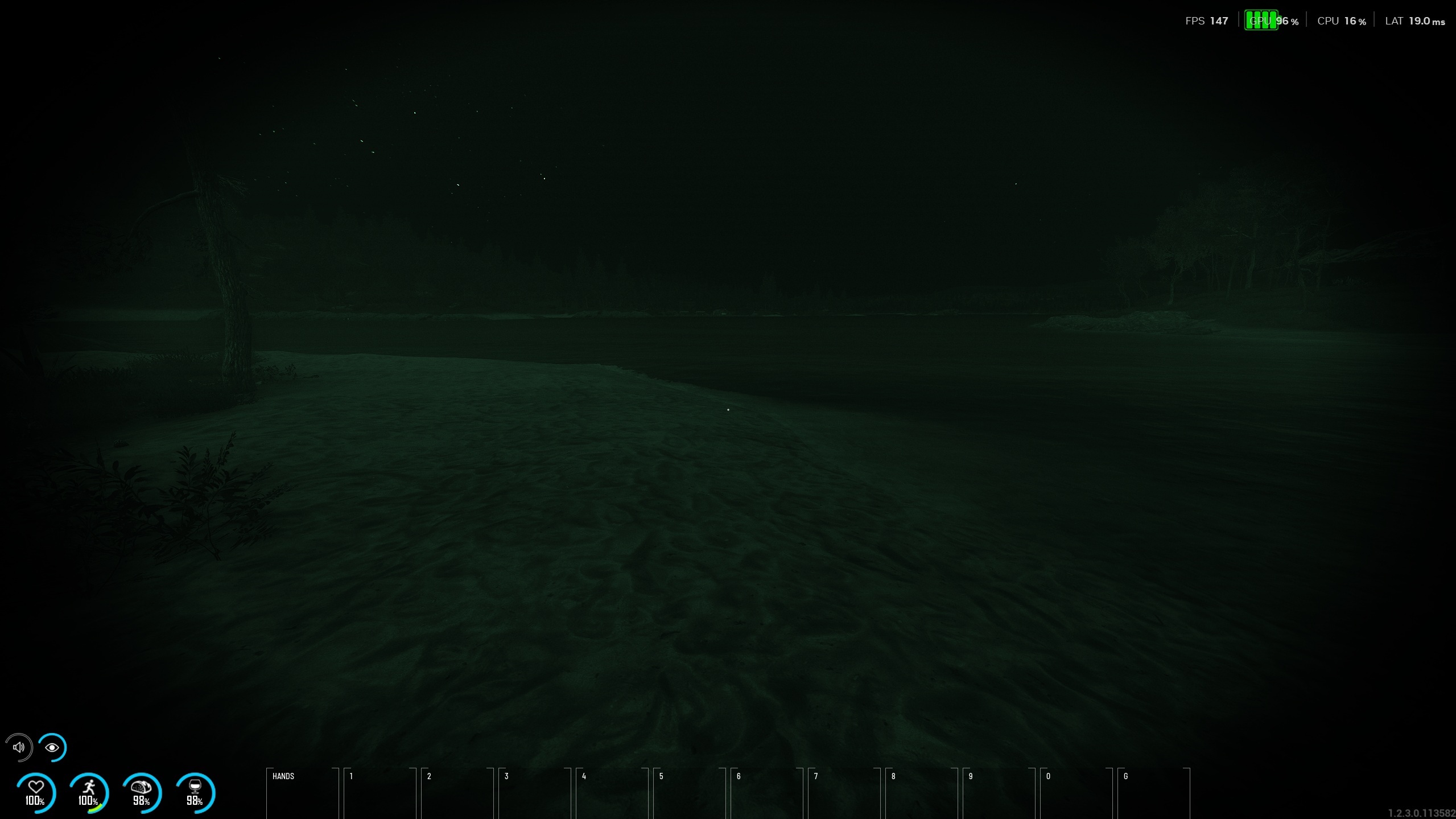
After - Gamma set to 2.4
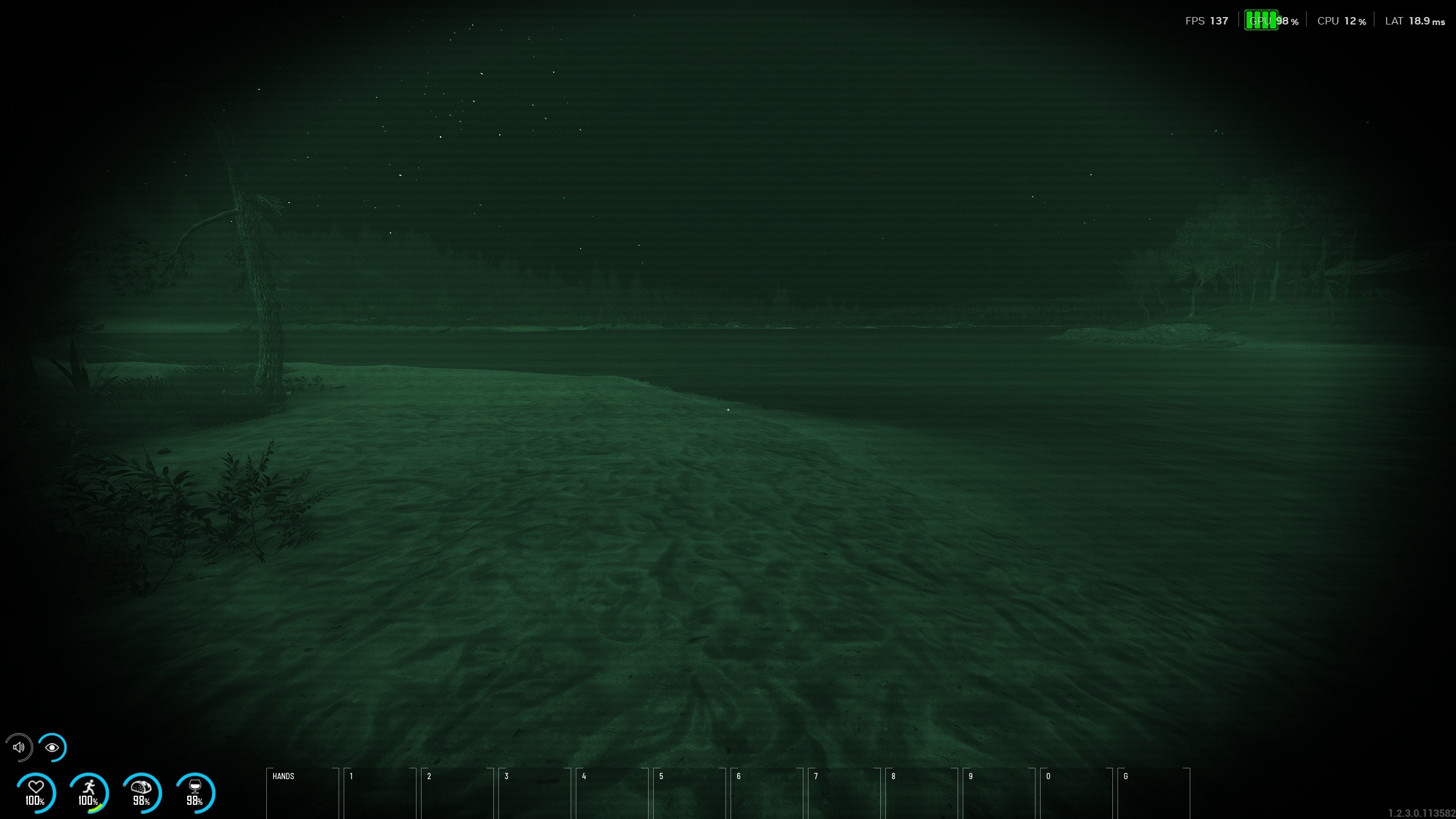
After - Gamma set to 2.8
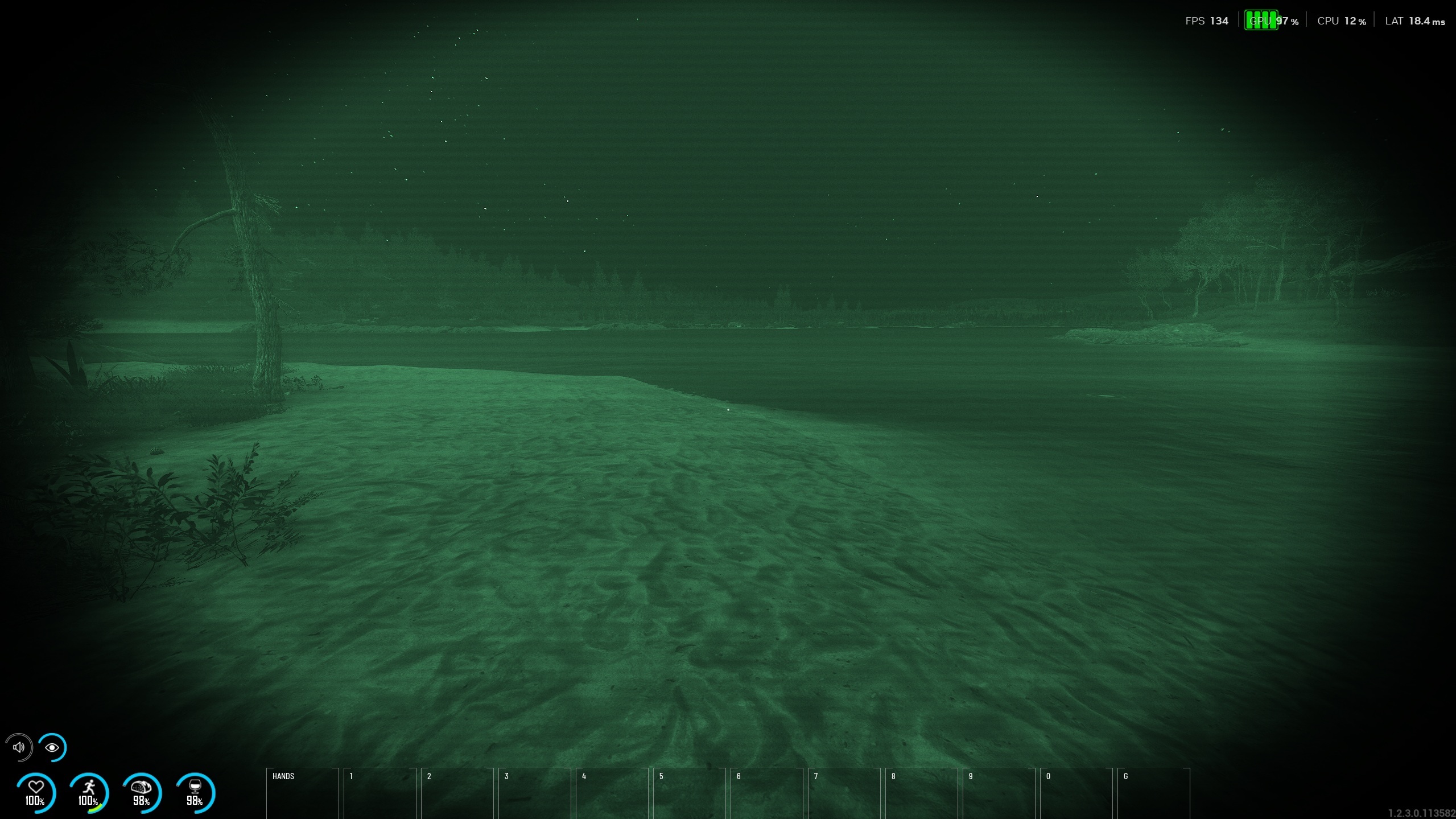
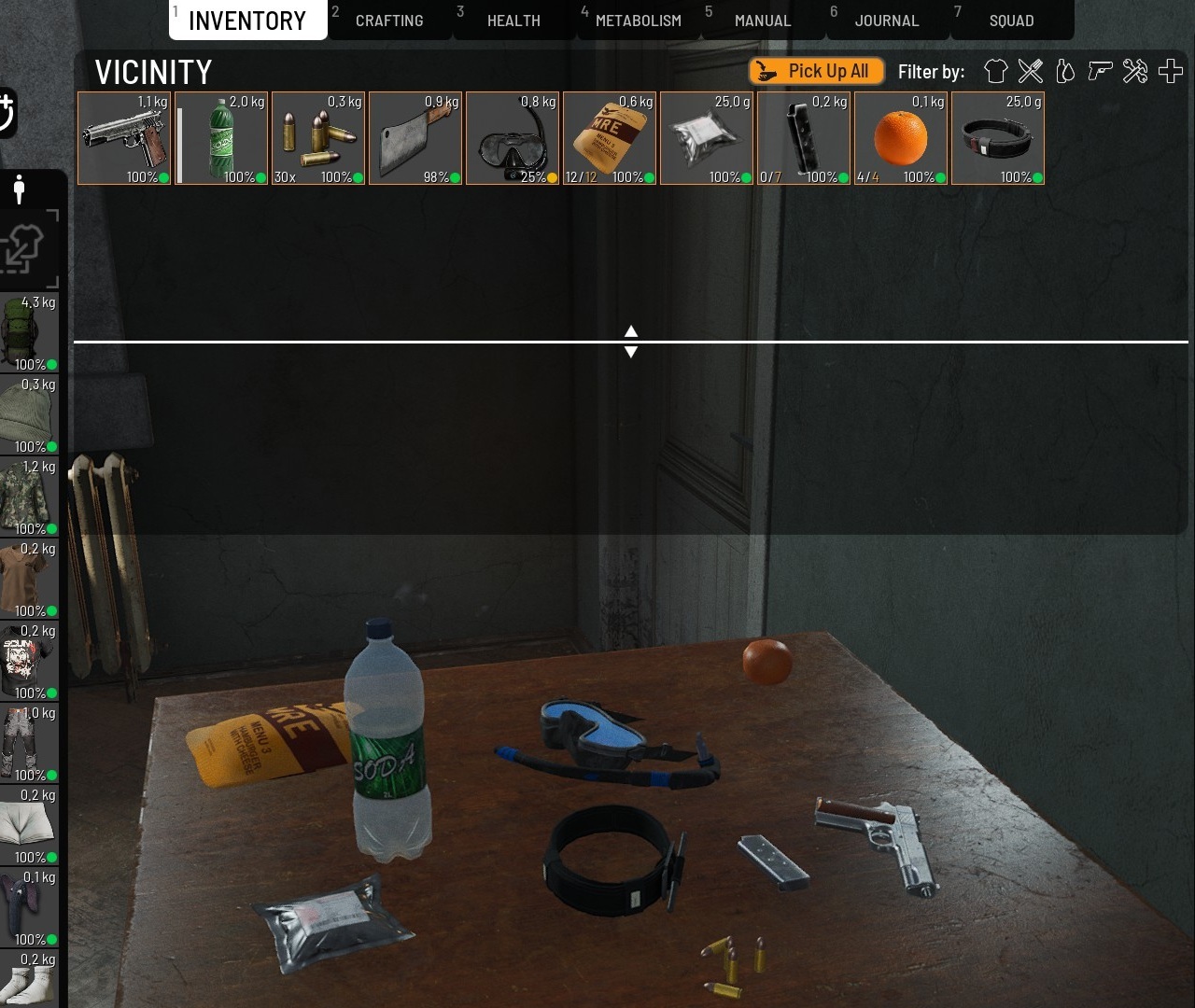
A continuation of the inventory rework that we first introduced at the end of last year, we have introduced a more streamlined and user-friendly way to manipulate and move items between the player, the vicinity, and the loot containers.
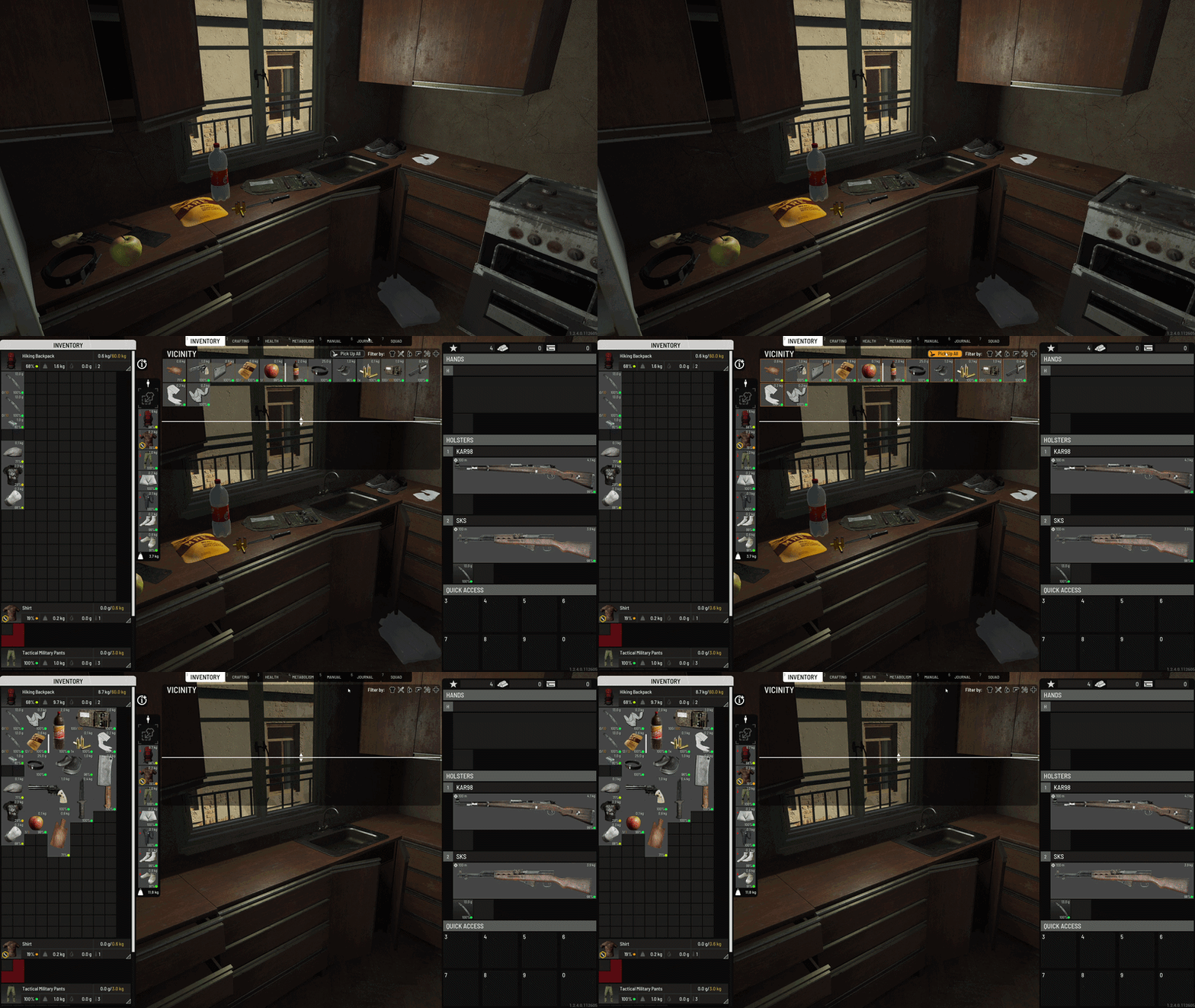
For instance, you find a bunch of different items lying on the floor near you. Looks like a classic trap, but you are hungry and desperate, and you hope that you’ll find some food. Now, instead of manually looking through all the items and picking them up one by one, you can sort out only the food items and then simply press a button to pick them all up. It’s that simple. Two mouse clicks instead of tens of them or more. Less time out in the open and exposed for someone else to claim your stuff.
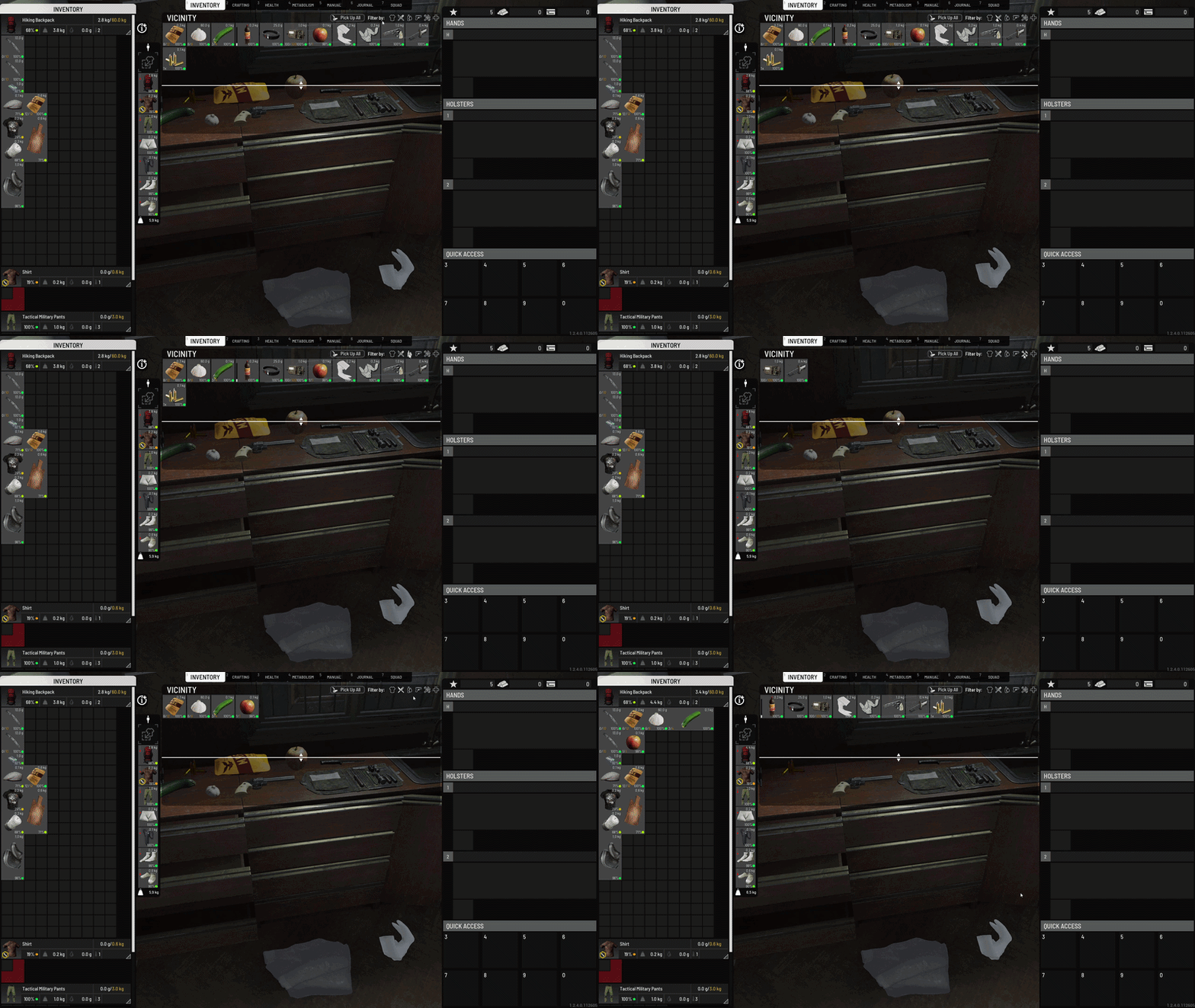
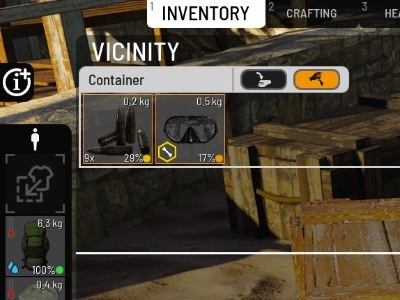
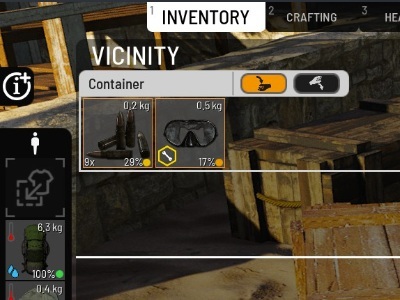
As we have stated in the announcement for the patch, the option to either pick up all or drop all also works for lootable containers, meaning that with a single press of a button you can either store everything in your inventory or drop everything into your vicinity.
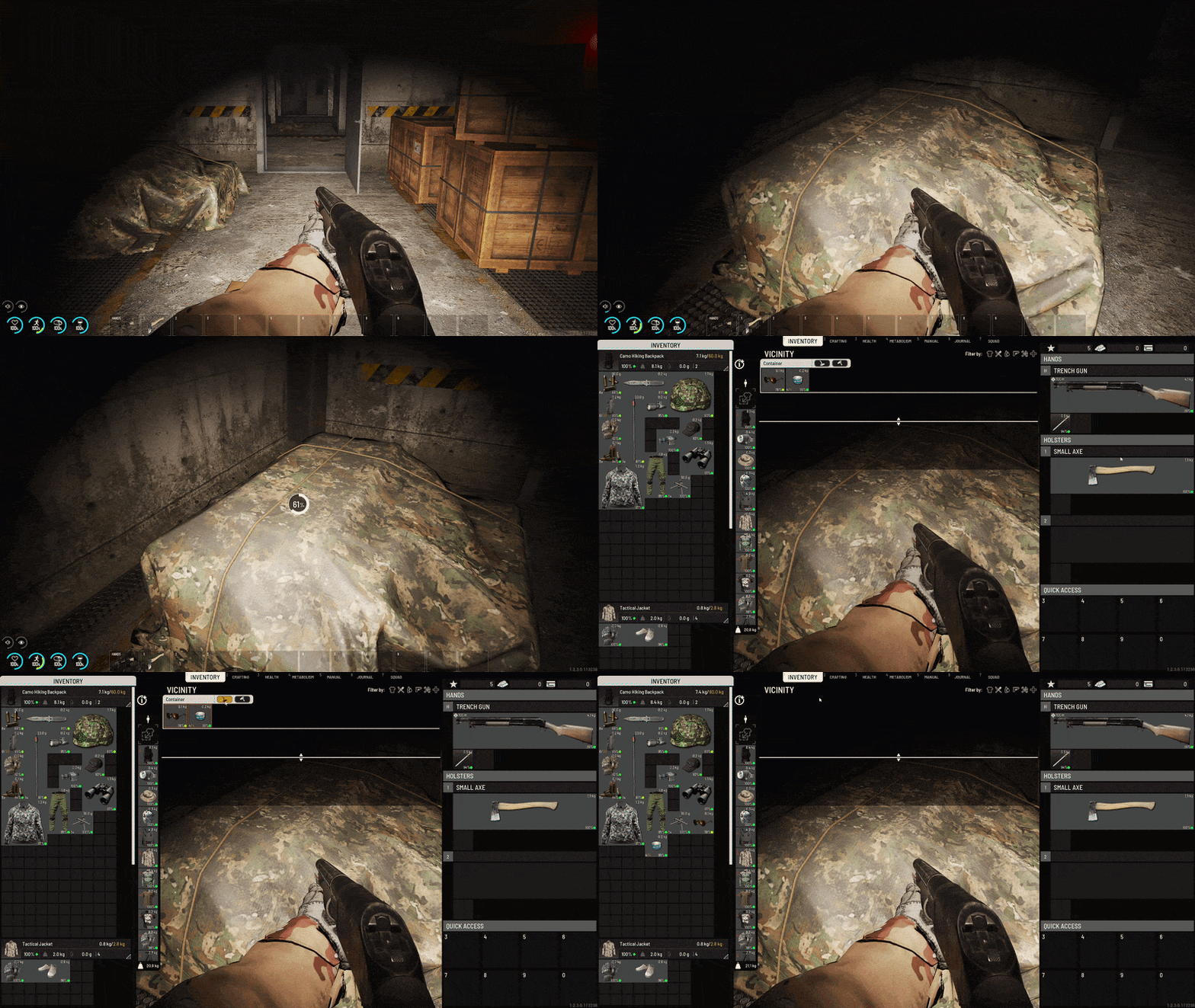
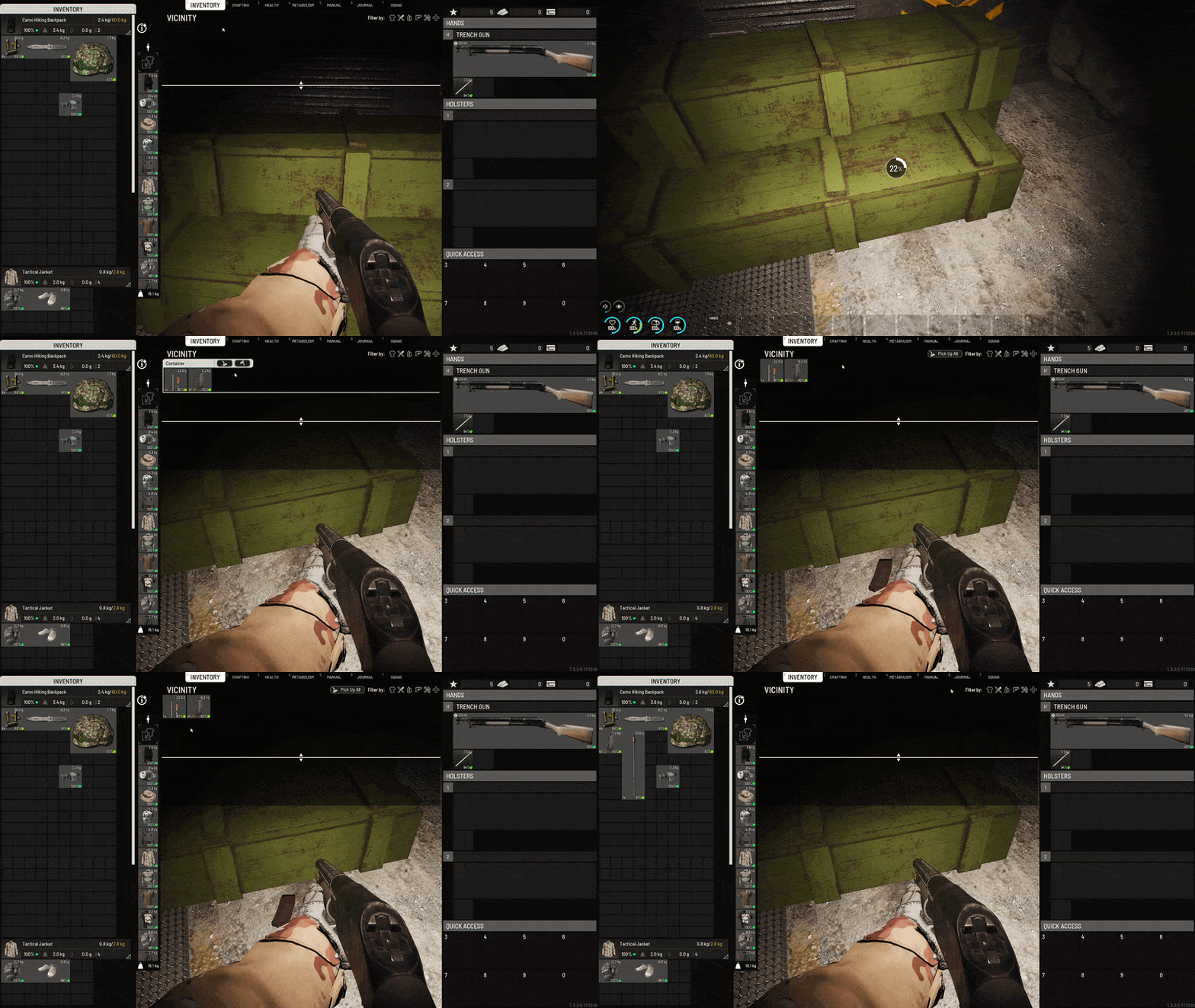
Naturally, the question arises whether this also extends to chests and clothing items, or in other words, basically all containers that are not examine containers. Currently, this is a work in progress and we weren't able to implement it for this patch because we ran into some performance issues, meaning that the time is not yet right for this, but we’ll make sure to add those in the future.
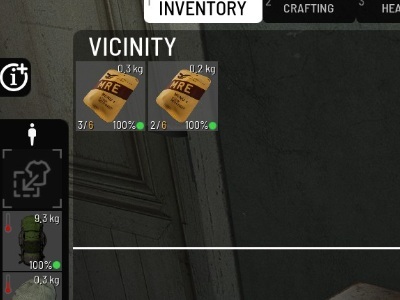
Also a continuation of the aforementioned inventory rework, use stacking has now been expanded to cooking items and ingredients! Have one 2/10 and one 5/10 flour? Now you can combine it into one single 7/10 item! While that doesn’t sound exciting at face value, those that want to keep things tidy, organized, and easier to handle know how big of a deal this change is.Also, this same change applies to canned food items as well!
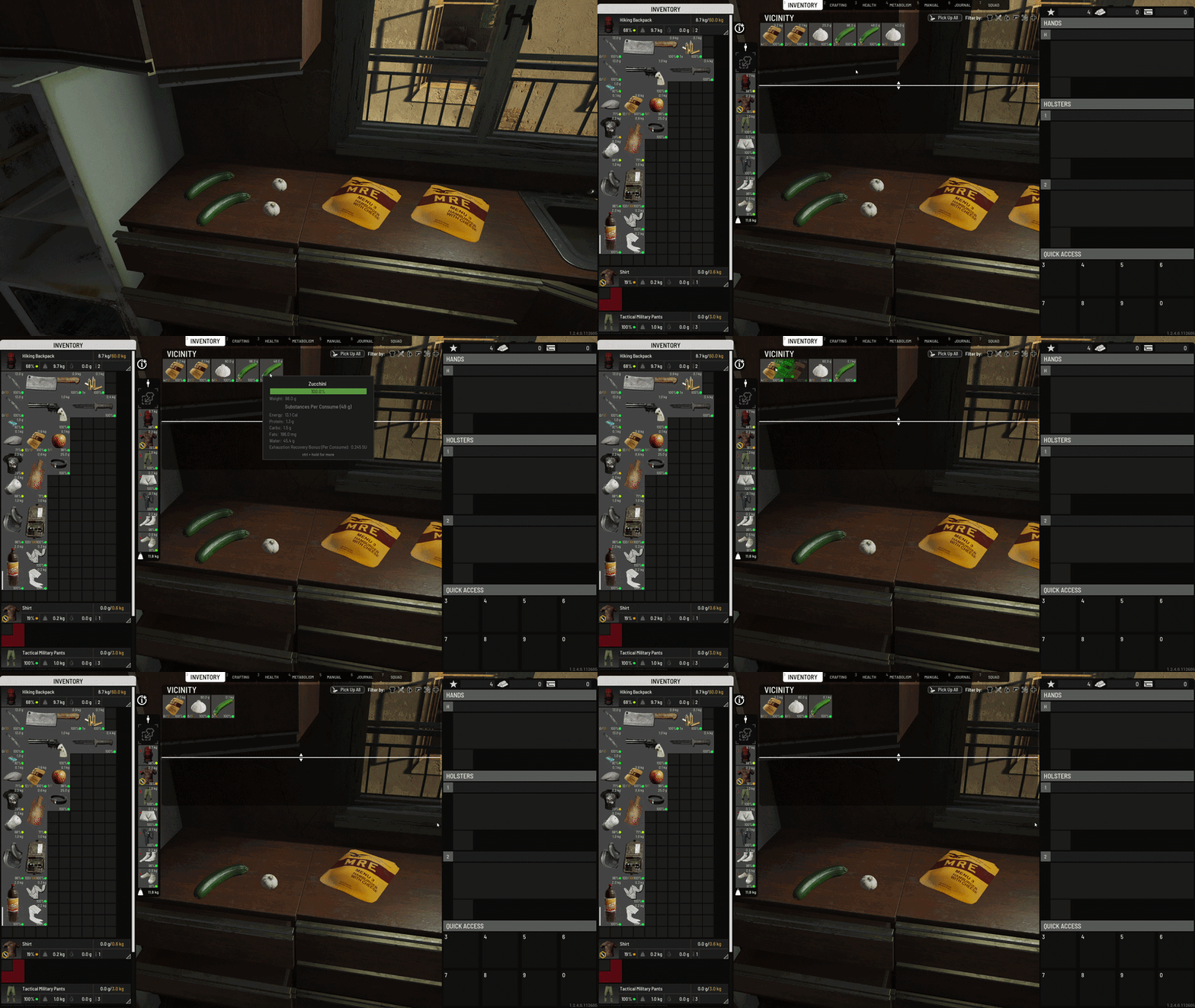
Also, you can now stack cooking ingredients directly from the cooking UI! Just add your partially used ingredients and they will stack in the recipe immediately!
Because of this change, we have also implemented a system where the eating action is driven by the eating animation, meaning that there is no more uncertainty whether less or more uses of the food item have been consumed. Instead, when your character takes a bite, this means that a single use of the food has been consumed.
We have adjusted the ‘grams per consume’ and food usage values. Beforehand, an entire cooked meal or a large food item had a single use, regardless of its overall weight. It makes more sense to divide these meals into multiple uses. For instance, we have assigned 150g for a single use of some foods, meaning that something that weighs 1.2 kilos will have 8 uses. Other smaller food items such as garlic have also been adjusted to reflect these changes. The weight of a single use of food is contextual, meaning that different food items will have different weight values for their respective single uses.
Additionally, ingredients with lower quality values will result in meals with lower final nutrition when cooking. Previously, lower-quality ingredients would still produce meals with perfect nutritional values.
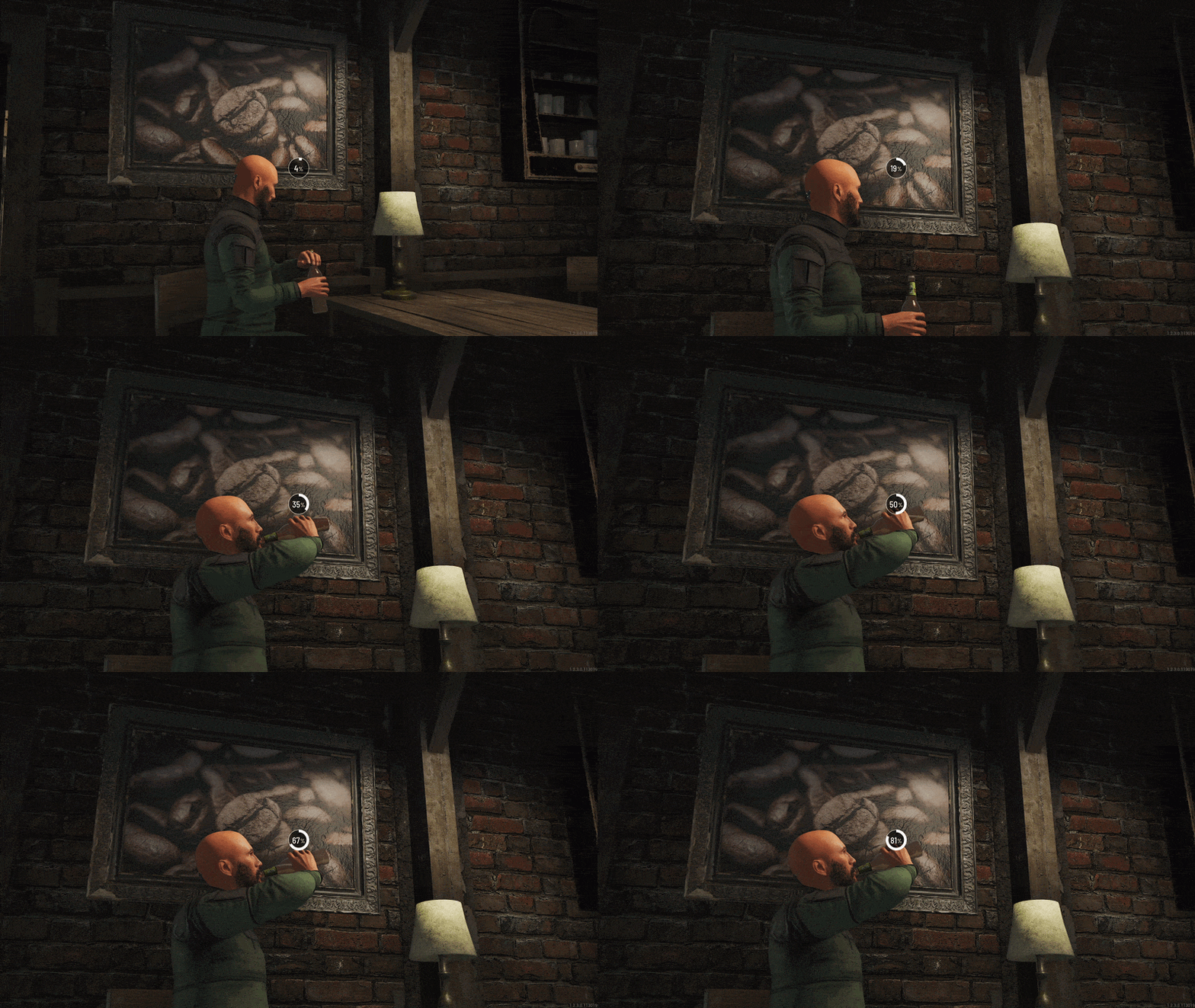
Liquids are now finally… liquid! The material for liquid items has now been changed and they will now simulate how liquids actually behave. In short, you will now see liquid levels shift inside the bottle when used, and they will realistically pour out of their containers. Previously, liquid items had uses, but now we have replaced those with a UI element which tracks the level of fullness of a liquid container such as a bottle and have added an animation for removing and placing bottle caps. To top it off, your beer can now foam up!
We have added the option for battery-to-battery charging for cars! Make sure that both your cars (or just car batteries) are near each other, click on both, and pick the option to charge the empty car battery.
We’ve added informative text popups for all interactions that can be disabled for some gameplay reason. Remember the ‘Eat’ interaction being disabled because you have a mask on? Now, when you press on ‘Eat’, you will be prompted to remove your mask so you can successfully complete that interaction. This is mostly aimed towards new players to help them understand why some actions cannot be conducted. You can find the full list of interactions and their respective text popups here.
Quite possibly the biggest quality of life change of all is definitely the server value logic explanations. It’s no secret that beforehand, server settings values were neither visible nor explained, thus making the process of setting up your server a tedious task of trial and error. Now, each server setting that isn’t a simple ON/OFF option will have both minimum, default, and maximum values described in the tooltips for each server setting, making it much easier for players to understand what they might need to either decrease or ramp up.
The loot in the secret bunkers has been significantly buffed! We have found that the secret bunkers were not worth the effort, as the loot you would receive would not provide enough incentive in terms of valuable items. Now, you will be able to acquire the most powerful explosives and firearms in the game!
Items created via crafting now auto-merge with identical items in the vicinity.
Want to take the edge off? Now you don’t have to worry about using too much of your weed to get high in-game. We reduced the amount of cannabis required to craft a joint and the amount of tobacco required to craft rolled tobacco.
Context menu now opens on the bottom right of your cursor, and it has also been reduced in size by 15%.
Base building lamps no longer have the option to be picked up in the context menu.
Male prisoners can no longer equip the high heel shoes clothing item.
We updated the inventory icon for the Police Stabproof Vest to better reflect its visuals when placed on the prisoner.
We have added a small element within clothing icons indicating that the item becomes of bad quality if it falls below 20% durability, meaning that it cannot be repaired beyond 50%. There were exploits where players could have 20% durability pants, repair them to 50%, and then craft a Twitch Drop pants item which you can then repair to 100% durability. Now, that bad quality icon is persistent on that clothing item, which will prevent that item from ever getting above 50% durability.
The scrolling speed within menus has been increased.
We have implemented the ability to assign multiple items of the same class to quick access slots and to assign a single item to multiple QA slots. For instance, now you can place a single apple on multiple quick access slots or multiple apples onto multiple slots. Holstered items can now also be placed into the quick access slots.
The context menu has been streamlined for the ‘Apply Skin’ interaction. The interaction now has its own submenu that shows available options when you hover over it.
The dildo arrow icon is now pointing the right way. As if there is a right or a wrong way…
The Magnifying Glass icon in the Details section was too zoomed in and had a visible cut on the side, so we made it look crisp again.
Items assigned to both Quick Access and Holster slots tend to be forgotten from Quick Access after relogging. This issue has now been resolved, and your designated items are not going to disappear from those slots after relogging.
The placed base building blueprint widget had multiple UI visual issues, which have now been fixed, including properly aligning the title and removing an unnecessary outline from the widget.
Fixed an issue where an invisible cursor would persist on the screen after exiting the ATM via the ESC button, causing the player to get stuck. Now it’s resolved, and after exiting the ATM, the cursor disappears, and movement is restored normally.
Fixed an issue where item icons would morph when dragging and dropping them into the hands slot.
Tired of pressing ESC for it to automatically close all the widgets and go straight to opening the pause menu? Won’t happen anymore. Pressing ESC now closes just the widgets that are open, and you will have to press ESC again if you want to go to the pause menu.
We added a global base element decay rate to server settings, as well as decay rate configuration for custom zones. You can find it in Features -> Base Building -> Base elements decay rate multiplier or in the serversettings.ini file as scum.BaseElementsDecayRateMultiplier=1.000000. This setting multiplies the default rate of base decay (672h).
Setting ''0'' will disable decay. Anything greater than ''1'' will have a faster decay, while anything fewer than ''1'' will have slower decay.
We also added a feature for logging current network objects, which you can find in Features -> Misc -> EnableNetworkObjectsLog and in the serversettings.ini file under scum.EnableNetworkObjectLogging=False.
Enabling this setting may slightly reduce server performance, but it is useful for diagnosing network object leaks that some servers are experiencing. Unless such a leak is expected or being investigated, it is recommended to keep this setting disabled.
The log will be located in the following folder: SaveFiles->Logs->network_objects
Fixed an issue where it would be possible to ignite flares unlimited times. Now flares are not stackable and have a limited number of uses.
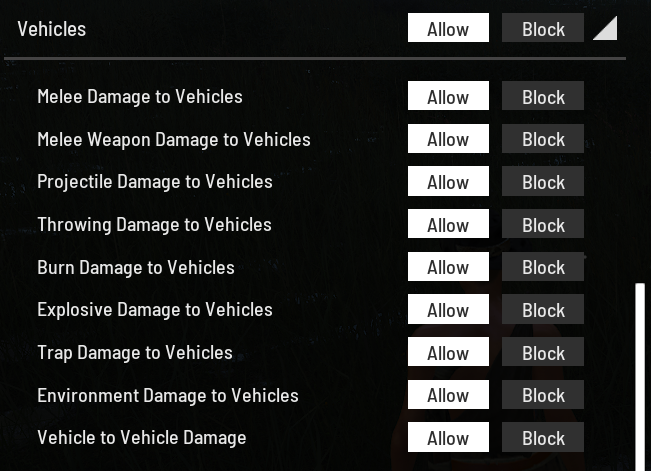
Remember how some players would ram into your car in PvE and destroy it even though the Vehicle Damage server setting was set to Block? That can’t happen anymore, as vehicle damage is now properly blocked by the custom zone settings, which are now actually expanded and divided into more subsettings that can be individually modified and which you can view below:
Fixed an issue where the shotgun would fail to malfunction properly, allowing players to load more shells and continue firing immediately.
Fixed an issue where it would be possible to place locks on houses, containers, and buildings located inside Points of Interest. This allowed players to restrict access to world-owned structures that are not intended to be claimable and stop loot from spawning inside.
Fixed an issue where players could bypass the visibility and awareness limitations of tear gas and smoke grenades by relogging. This has been resolved, and smoke and tear gas visual and sound effects now persist correctly after relogging while the effect is still active.
This one is surely going to be one of the more popular ones. The wind sound while driving a vehicle will be made more subtle and will not be as prevalent as before.
We have added a sound effect for weapon disassembly.
Walking on a brick base building floor used to have incorrect sound, so we matched the sound to the visual appearance of a solid, cemented brick surface, which now has a firmer and quieter footstep sound.
The Violation Manager has received additional updates to better detect cheating behavior. Not going into specifics here for obvious reasons.
Fixed multiple floating map assets such as tables, chairs, and loungers that are now connected to the ground.
There were places in the stone mine POI where rain would fall through concrete structures. Those are now a thing of the past.
There was an issue where the keycard was not visible when placed on the asphalt in some specific areas. It has been fixed now.
We fixed the issue where interior walls of the Weapons Factory in Z1 sector would not be visible from a greater distance.
Fixed an issue where it would be possible to float in the air at a specific building in the D1 sector in Gorica.
There was a rogue chair in sector B4 which wouldn’t allow you to rest on it. The chair fell in line and now you will be able to rest in it!
There was a bug where players would spawn inside a wall after resting on a specific bed in the WW2 bunker after relogging. This has now been fixed, and the character will spawn safely inside the bunker without intersecting bunker geometry. Additionally, we fixed an issue where unnecessary collisions would occur at the roof entrance of certain WW2 bunkers.
Fixed an issue where players could get inside a map border wall at a specific location.
Fixed multiple level design issues like floating stones, trees, and other vegetation in multiple sectors.
There was a garage in A2 sector which shined bright in the dark despite having no light source. It is dark now as it should be.
Don’t like getting rained on while inside the building? We completely understand. So we fixed an issue where it would rain inside a specific building in D4.
Players can no longer jump through glass in Z1, as they used to be able to.
Fixed an issue where the item would incorrectly spawn above the box without proper alignment to the ground or supporting surface in the C0 Radiation Zone. Also fixed a misplaced spawner item clipping through the wall at C2.
There was an issue where players were unable to place items on the ground in areas with wires on the floor. It has been fixed now.
The Tommy Gun had a 50% lower fame requirement than other SMGs. It has now been set to the same as others.
There was an issue where M82 scope and suppressor variants would inherit weapon camo or color and keep it after removal until attached to another weapon or after relogging. Now, these M82 attachment variants no longer inherit the weapon camo or color they are attached to.
While on the topic of scopes, there was an issue where the night vision scope would get destroyed when turned on. This one is a thing of the past now!
We added the missing supported ammo type to the Improvised Minigun Turret crafting description. The recipe now correctly lists both 7.62x54mmR rounds and 7.62x39mm ammunition as compatible ammo types.
Fixed an issue where the ADS sight with a VH2 CT would become transparent while shooting.
You can no longer see the black border in ADS appearing around the scope lens on the M82 scope, Improvised Scope, P223 scope, SpektralDR scope, and ACOG scope.
Kar98k Bayonet trader price was lower than other bayonets, so it has been adjusted to match the prices of other bayonets.
Fixed an issue where ammunition would randomly disappear from magazines, as reported by the community since the March 20th hotfix.
There was a bug where if you selected cash as a preferred payment method while on the service lift, it would give you back the money on your card when you sell something. That is no longer the case and it has been fixed.
There was an issue while playing in Sandbox mode where the character would get stuck in a wheel-holding animation after relogging back into the game.
There was a bug where clothes placed on the ground before it started raining would not get wet. Additionally, we have found that items that were wet and that were placed on the ground for too long would stop drying after a certain percentage, but would continue when the player would interact with the item. We’re pleased to inform you that both these issues were fixed and that both drying and getting wet in these instances works appropriately.
Also, there was a bug where players were unable to receive quest rewards if their mobile phone was turned off. Now, you receive the rewards regardless of whether the mobile phone is on or off.
There was an issue where using the #spawnitem command for ammo would spawn a single bullet instead of a full stack. It is fixed now.
There were a lot of instances where the Military Mask item would clip with other face masks and it wouldn’t look good. Now, we have adjusted the morph for the Military Mask and clipping should no longer be an issue.
There was a misplaced puppet spawner somewhere in Ugljan, where puppets would spawn floating in the air. It is fixed now.
Apricot seed bag has now been removed completely and it does not spawn anymore.
Chests and wardrobes are now included in the base building destruction logs.
Fixed an issue where the quantity and weight of soy sauce were displayed incorrectly when added as an ingredient in the Cooking tab.
Fixed an issue where puppets couldn’t vault through windows and open doors in Sandbox mode, even when server settings allowed it. This occurred at Sector B4 in a specific house in Preko and at B2 Seaside Gas Station. The issue has now been resolved. You have one more reason to be scared! While on the topic of vaulting and door-opening puppets, they are now able to do the same with the vaultable BB elements and BB doors.
Fixed an issue where the salt bag could not be fully unpacked at once. That’s no longer an issue, so no need to be salty about it.
Improved the description for the Santa Pants and Santa Hat clothing items,
Fixed inconsistent name capitalization for some Base Building elements in the storage menu. All Base Building storage items now use consistent capitalization. Additionally, we fixed minor grammatical errors in some of the chests' descriptions.
Fixed an issue where Rag Gloves could be crafted using only one Rag Strip and would incorrectly yield 2 Rag Strips when cut.
Items in the radiation zone do not cause instant death of the player when picked up from the vicinity anymore.
The Goat_Skull_Hat_01 doesn’t clip through Gas_Mask_01 anymore!
There was an issue where shovel kills would not count as blunt tool kills to eliminate puppets in the T1_AR_Kill_PuppetsBlunt quest. Now, this issue is resolved and shovel kills indeed count toward the blunt kill requirement for the quest.
Absinthe, Whiskey, Tequila, Majestic Bear Vodka, Kicmovaca, and Isopropyl alcohol do not weigh more after pouring them into another container like a Canteen, as was the case before. But you might feel like you gained some weight after drinking them…
There was issue where enemies would spawn in high-threat zones, such as the Police Station, directly in front of you while you were lockpicking, has been resolved. Enemies will no longer spawn within your line of sight while you are lockpicking.
Noticed how your character’s arms would go crazy while rowing on a Barba Boat or the Dinghy? Yeah, we know. Thankfully, the animation desynchronization issue that caused this atrocity has been detected and fixed, so there’s no way to view that nightmare fuel ever again.
We fixed an issue where car wrecks would not contain any loot in some garages.
When driving the SideCar bike in first person at speed, it was possible to see through the character’s body model while looking backwards. Now the camera is properly aligned, and this issue does not occur anymore.
Fixed an issue where engaging sentries from a distance would cause them to repeatedly call in hordes and dropships after being dealt with. Sentries now correctly call for reinforcements only once before entering cooldown.
Fixed an issue where the trader Sell tab UI did not visually include attached weapon items in the selected sale list, making it appear as though only the base weapon was being sold, even though attachments were correctly included in the final sale value.
Ever heard of floating chests? No, us neither. So we fixed an issue where some chests would remain levitating after the storage shelf beneath them was destroyed.
Fixed an issue where armed NPCs could detect and shoot the player through the tower at the radio station in C2 even without having line of sight.
Fixed an issue where the female character’s legs would become invisible while wearing HH_Boots_01 with Pantyhose_01, Ghillie_Suit_Pants, and all variants of Shorts_Pants except Shorts_Pants_01_01 and Shorts_Pants_01_10. Additionally, fixed the bug where both female and male characters' legs would become invisible when wearing any variant of Short Pants.
Fixed an issue where chests would lose their custom paint after leaving render range or when removed from a vehicle’s inventory.
Fixed an issue where equipping Over The Knee Boots with any of the Twitch Drop pants items makes the legs invisible on the female character.
Fixed an issue where it would be impossible to interact with the lamp upgrade blueprint after the server restart.
Fixed an issue where melee-armed NPCs could deal damage to the player despite the server setting blocking it in custom zones.
Fixed an issue where placing a flag near a bunker could interfere with Base Building mechanics, affecting puppet and loot spawns inside the bunker.
Fixed an issue where vehicle tires would disappear when removing them while prone.
Pants that used to dry much more slowly than the rest of your equipment are now drying at a normal rate.
We removed the Microwave from the spawn item admin command because it would not spawn.
We've renamed the Deluxe DLC, so the server setting caption "Enable Digital Deluxe Starter Pack" is now named "Enable Deluxe Survival Pack"
And that's a wrap when it comes to the April patch. We believe that this one will be much better than the last one and that it is more substantial. As you may be wondering, our next patch will drop in around a month so make sure to keep an eye out.
Also, if you encountered any issue that might have popped up, we'd like to kindly ask you to report it either here on Steam via our Bug reports subforum or via our Bug reports channel on our official Discord server! Our team will make sure to promptly react and fix any issues as soon as possible.
You are also welcome to share any ideas, feedback, criticism - we're all ears!
Until next time,
The Gamepires team
SCUM - Community showcase
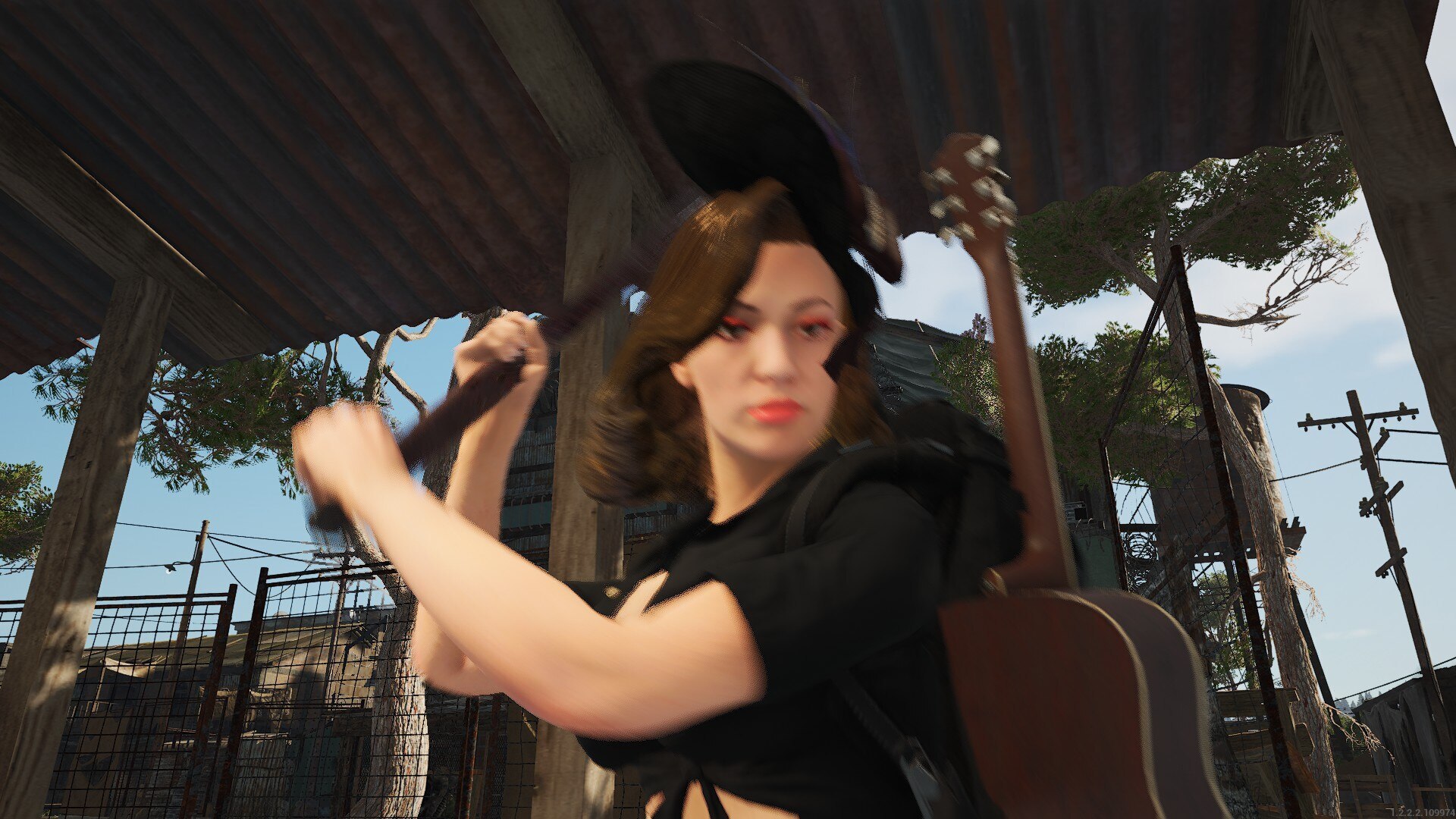
POV: You came home 10 minutes too late.
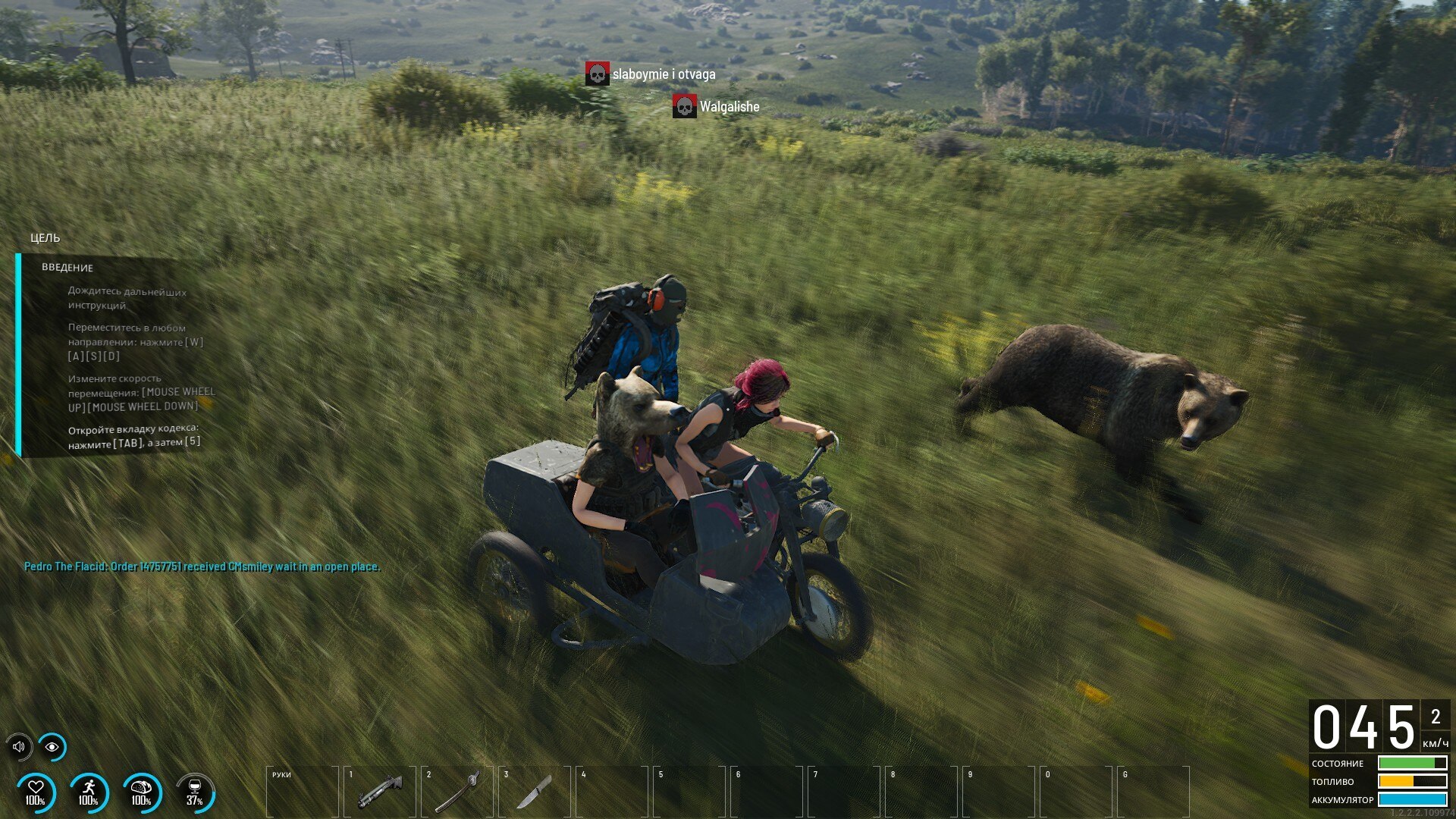
They are driving beary fast!
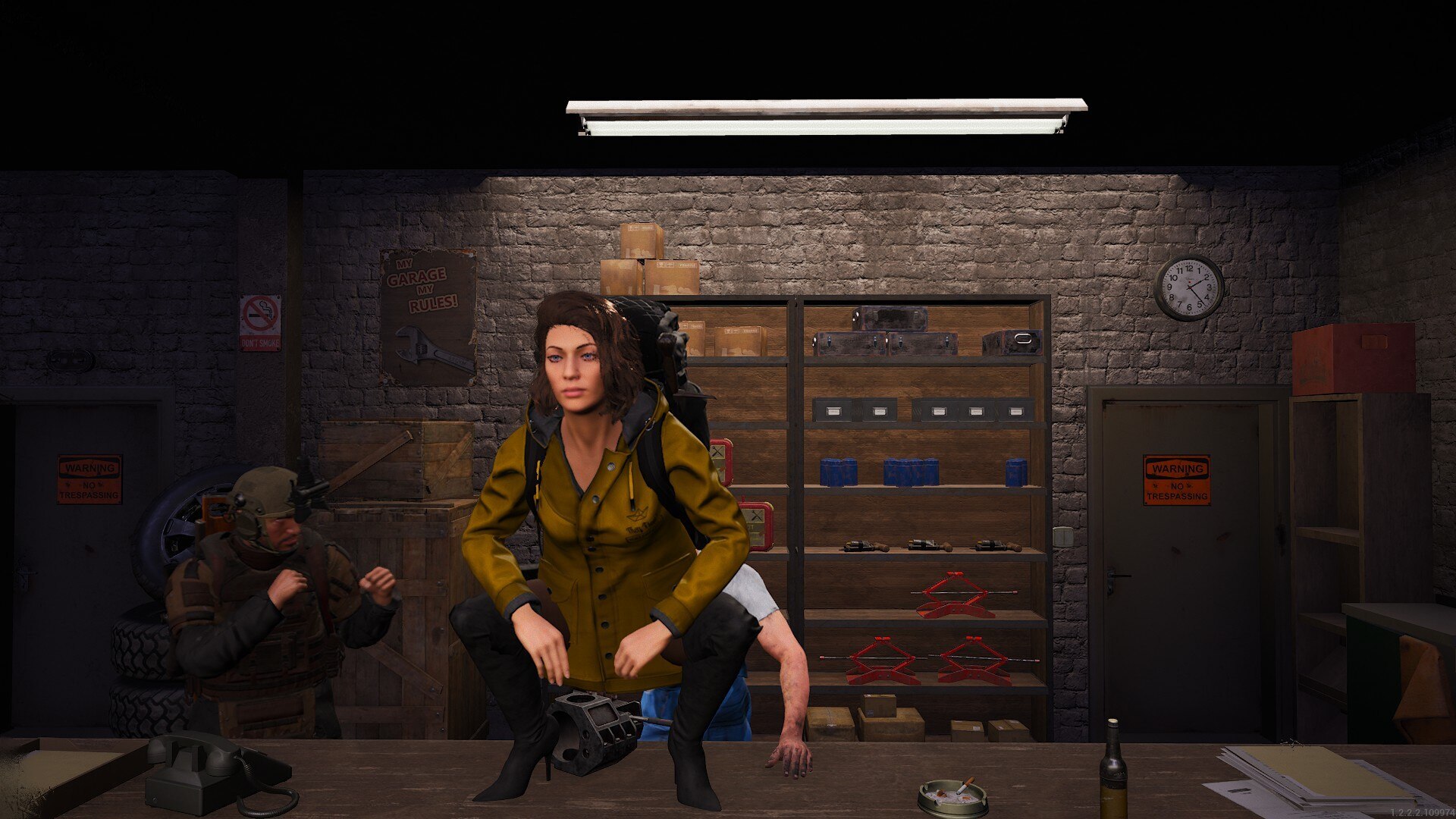
If you could stop harassing our mechanic, that would be great.
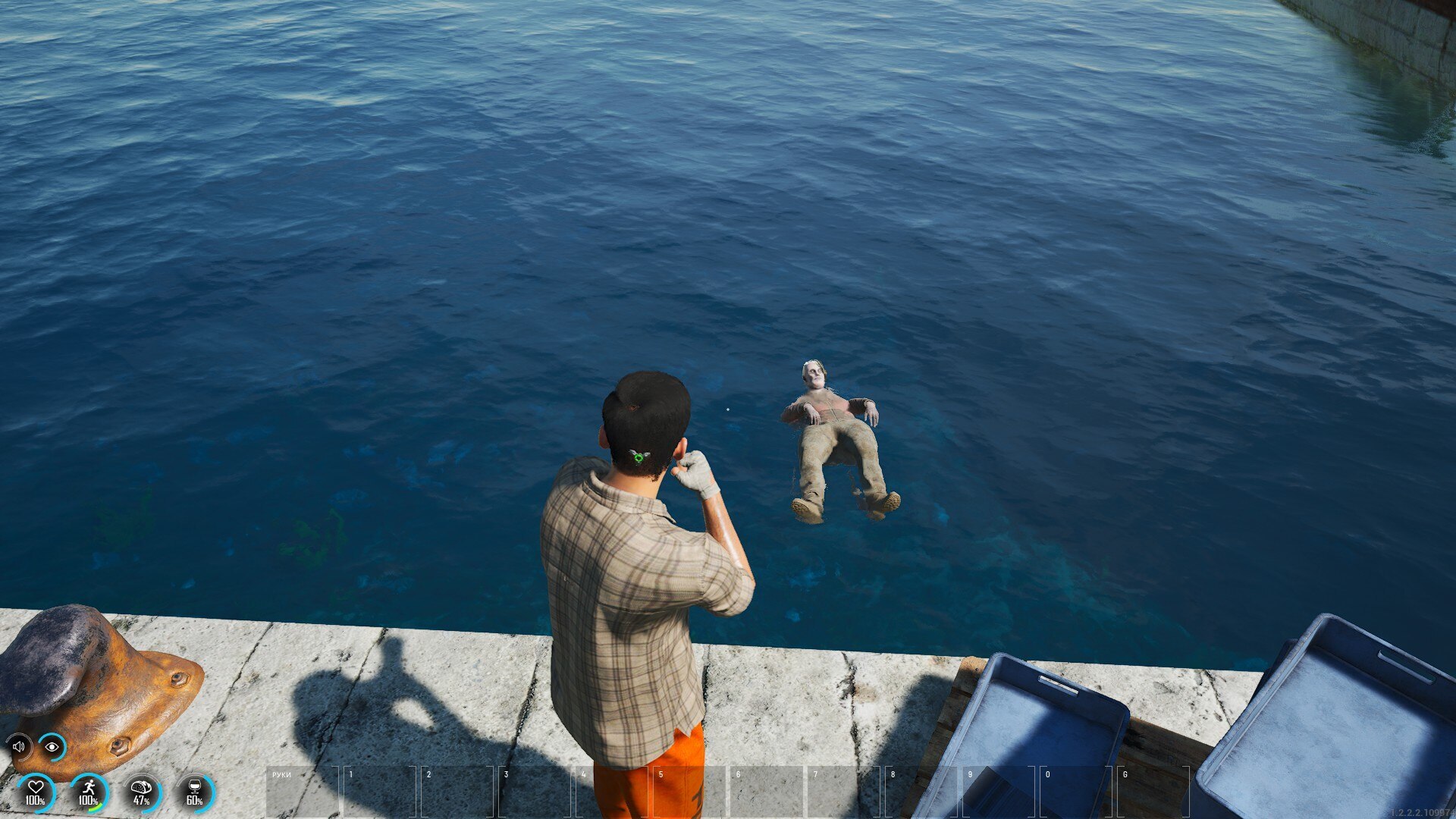
Even puppets have to relax sometimes..
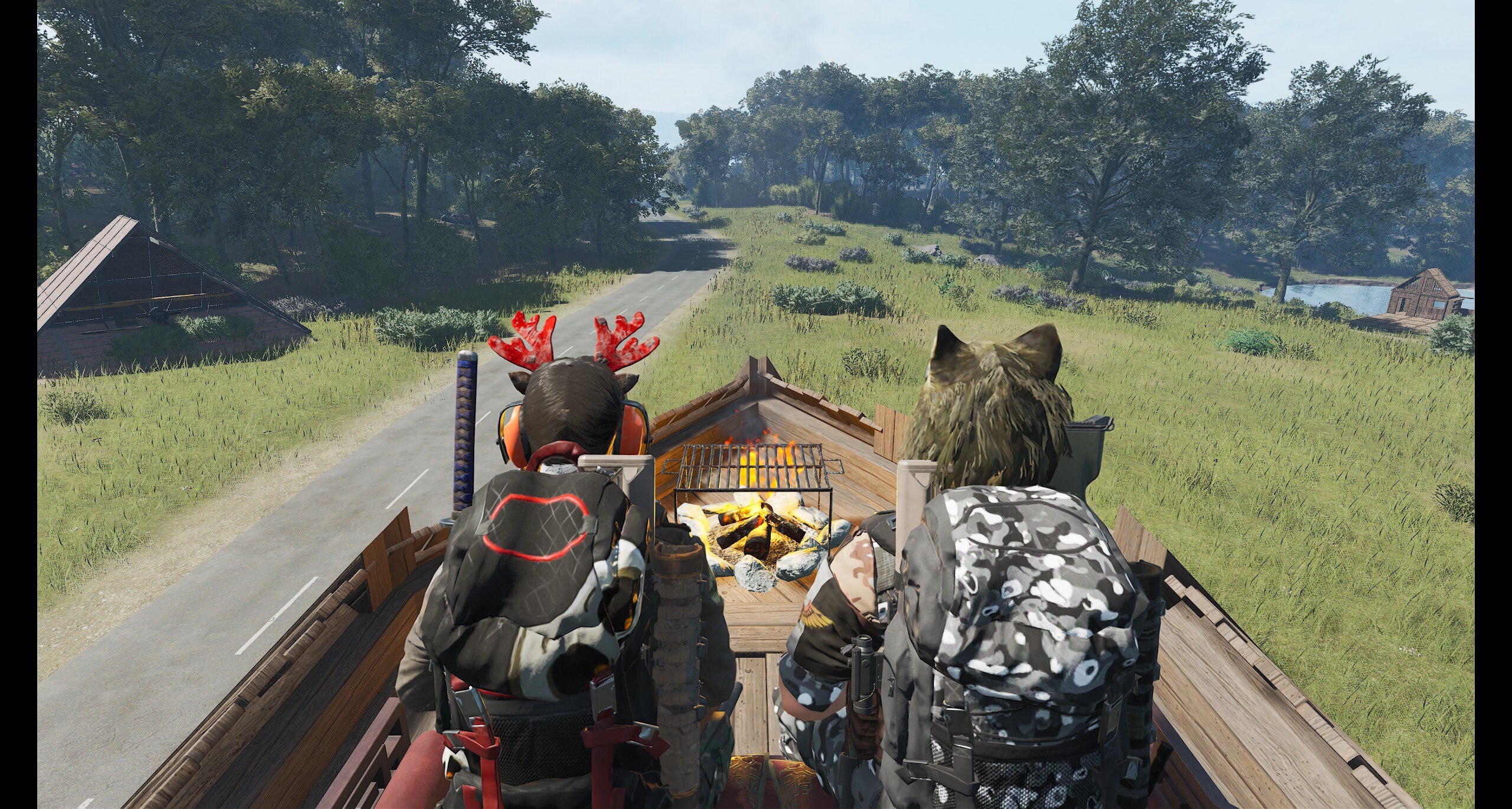
Exceptional use of free will.
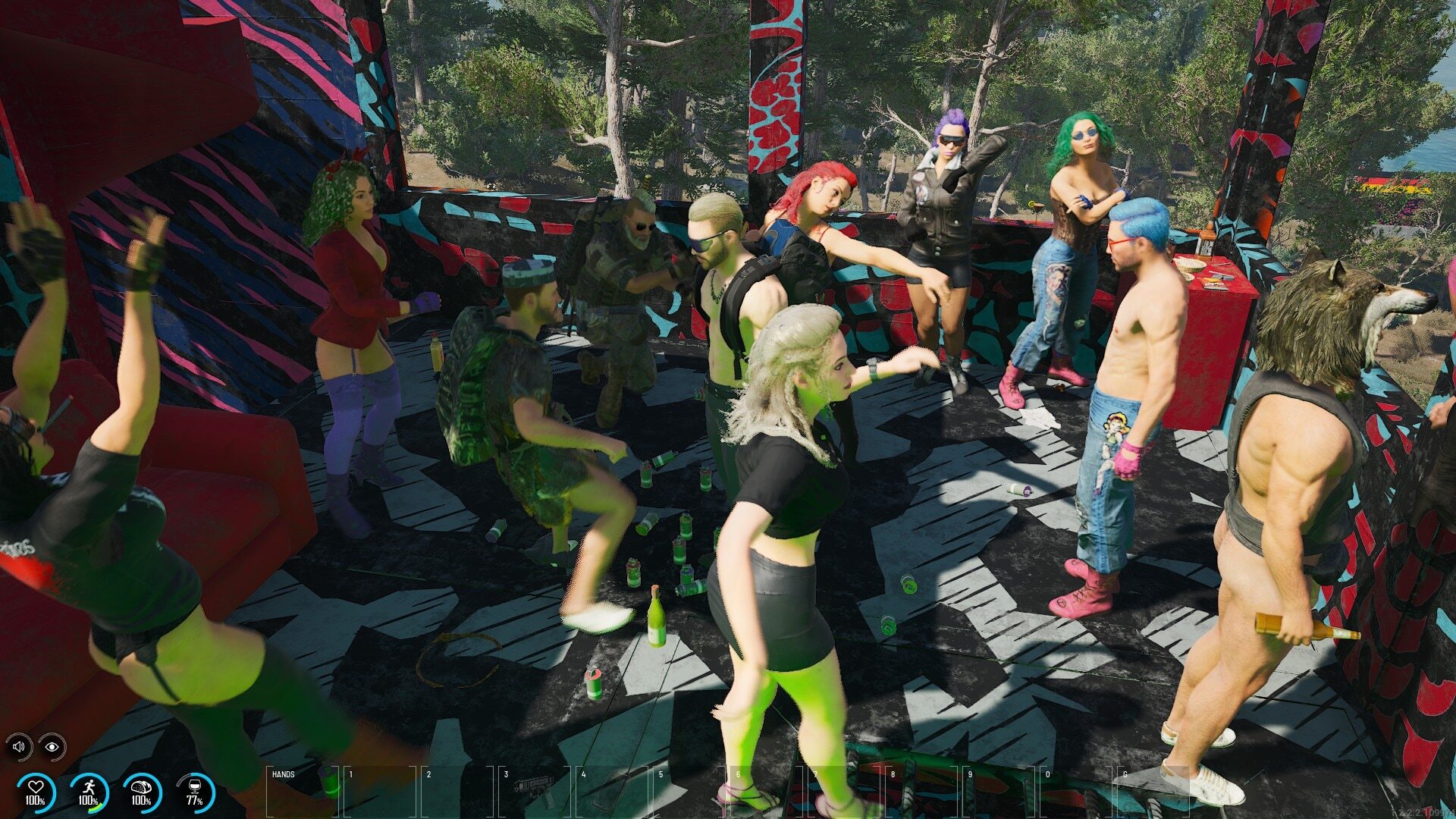
People at this Island are partying crazy style.
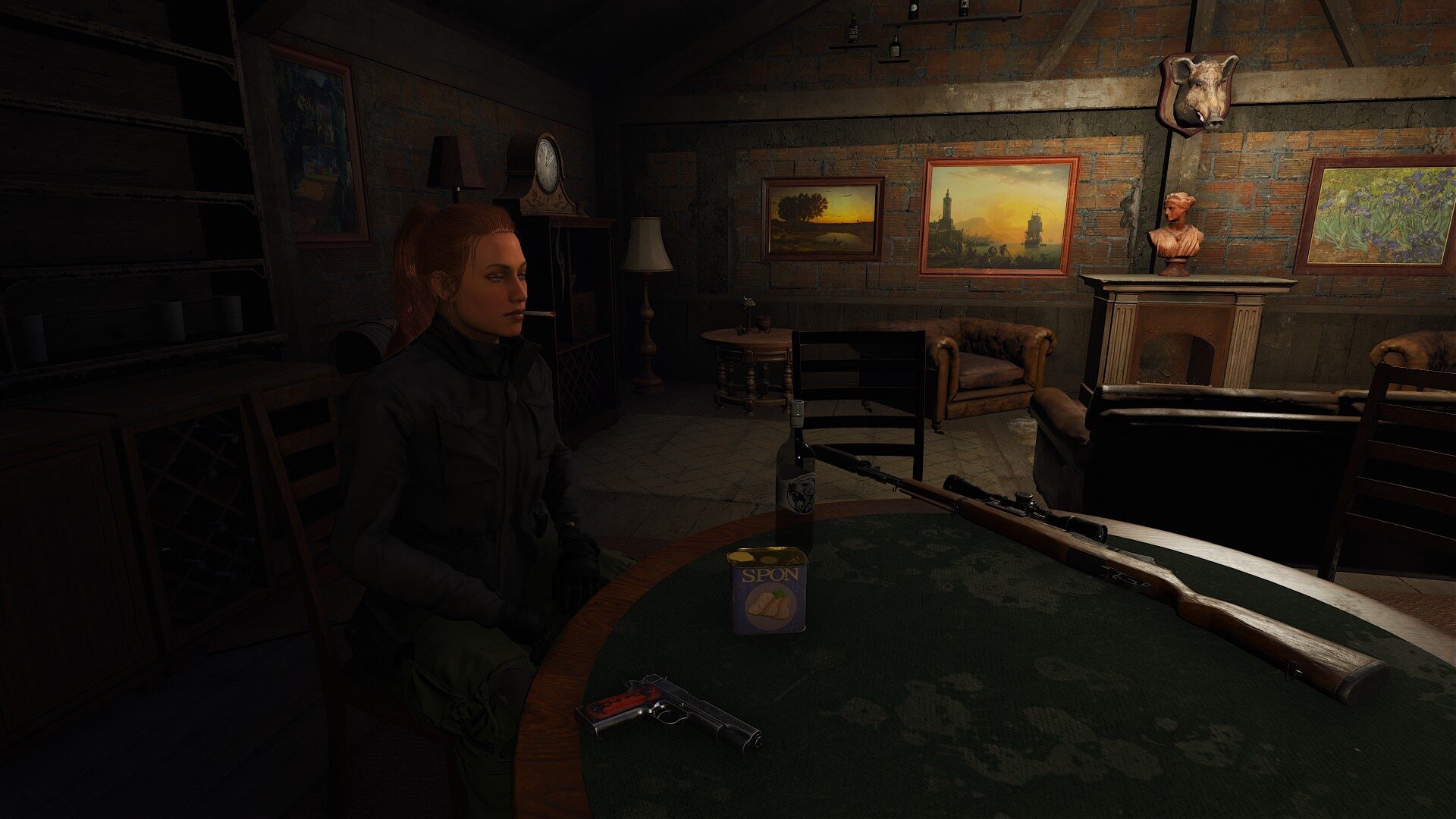
At the afterparty contemplating whether they should continue to survive the Island or end it right now.
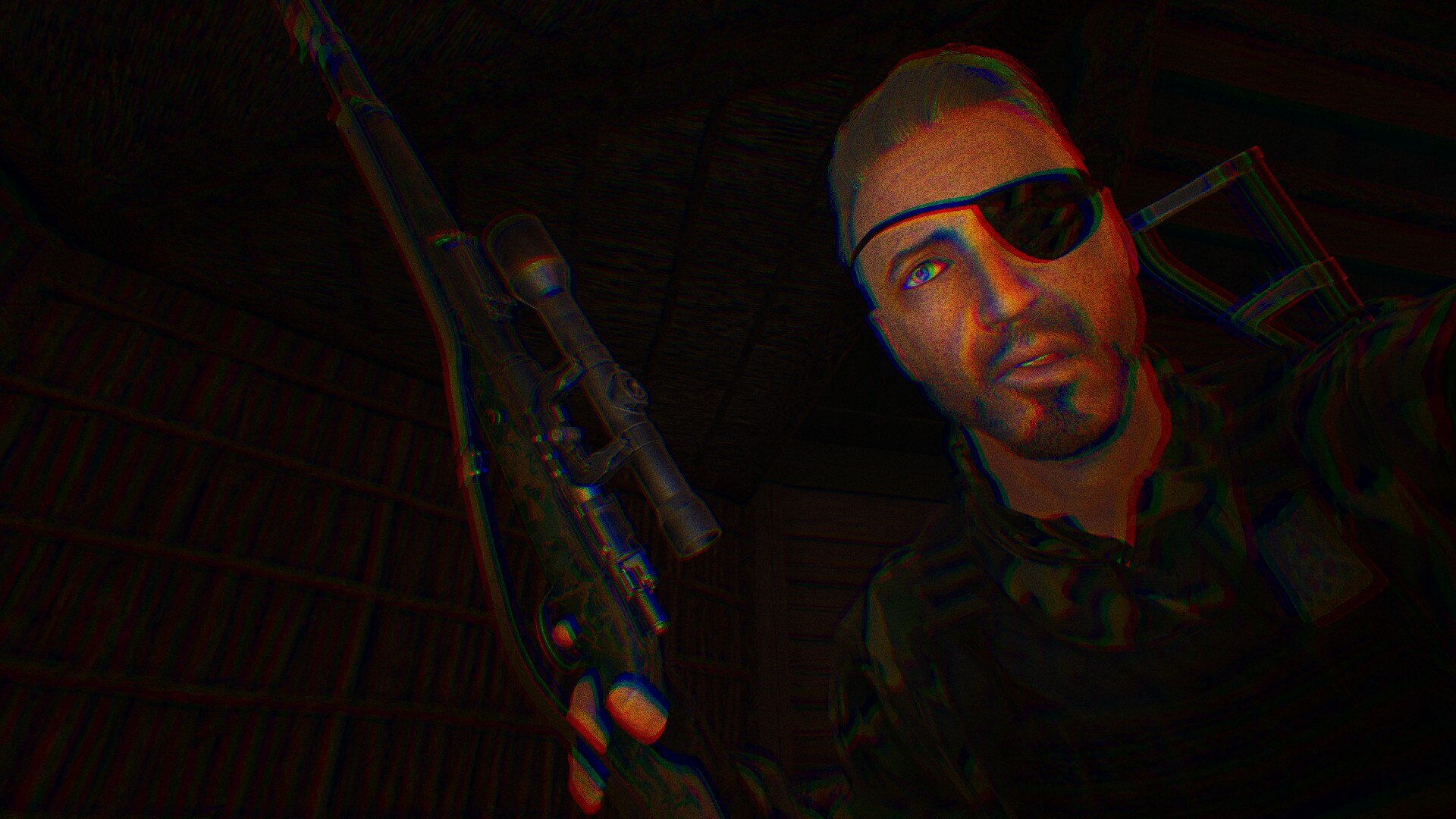
Hey, you, you’re finally awake!
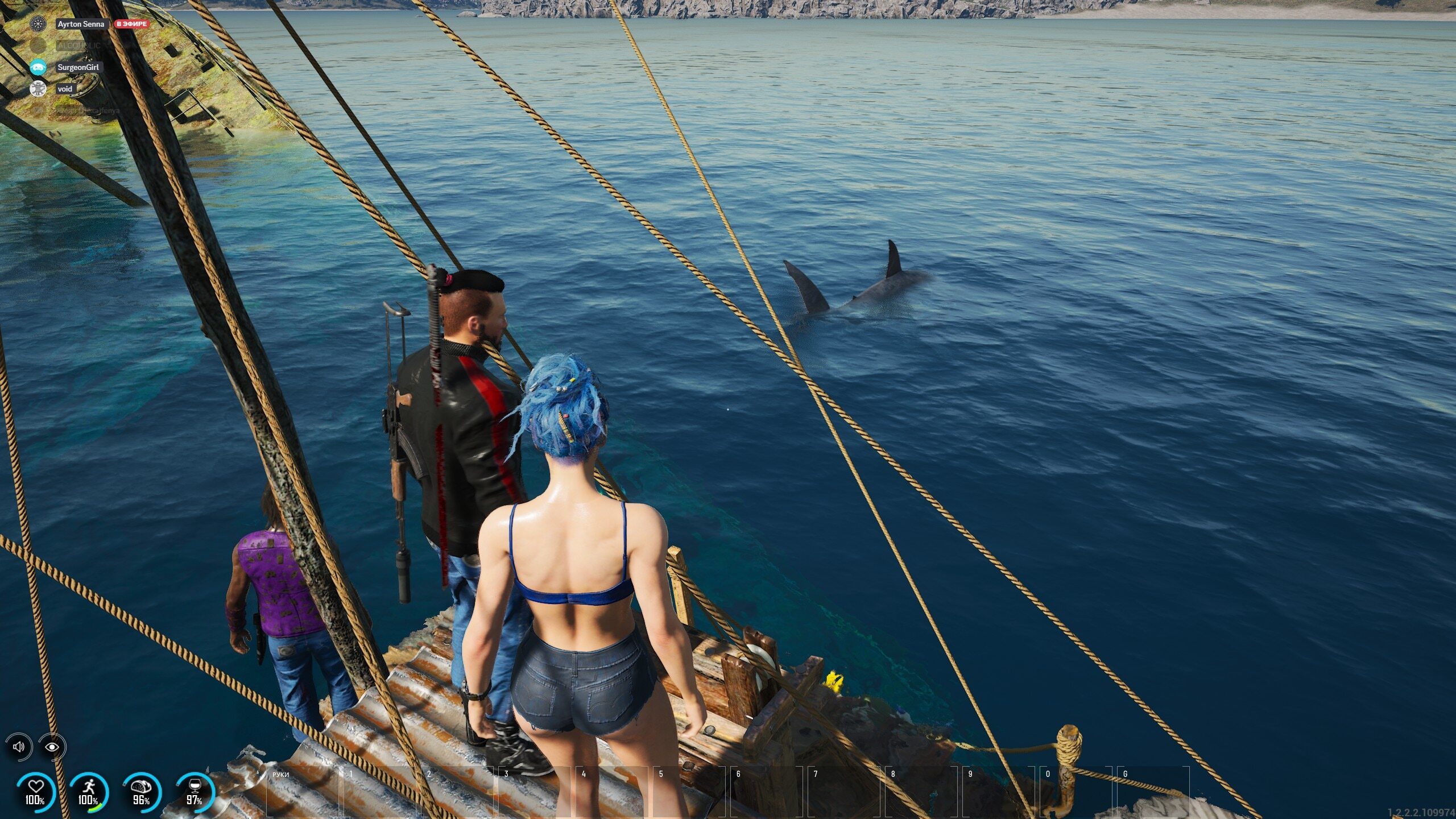
Not even sharks want to have anything with our players...
______
YouTube content creators ->
RayKit is going over some of our latest patch notes. Go see what’s new and what awaits us soon!
https://www.youtube.com/watch?v=8ZoUArYU724
Olivia shared some of their best PvP moments, so go check it out.
https://www.youtube.com/watch?v=LRhM7e-h7dE
gaminghaps is back with SCUM, want to see how they’re doing?
https://www.youtube.com/watch?v=U2WU46u7oFc
______
Twitch ->
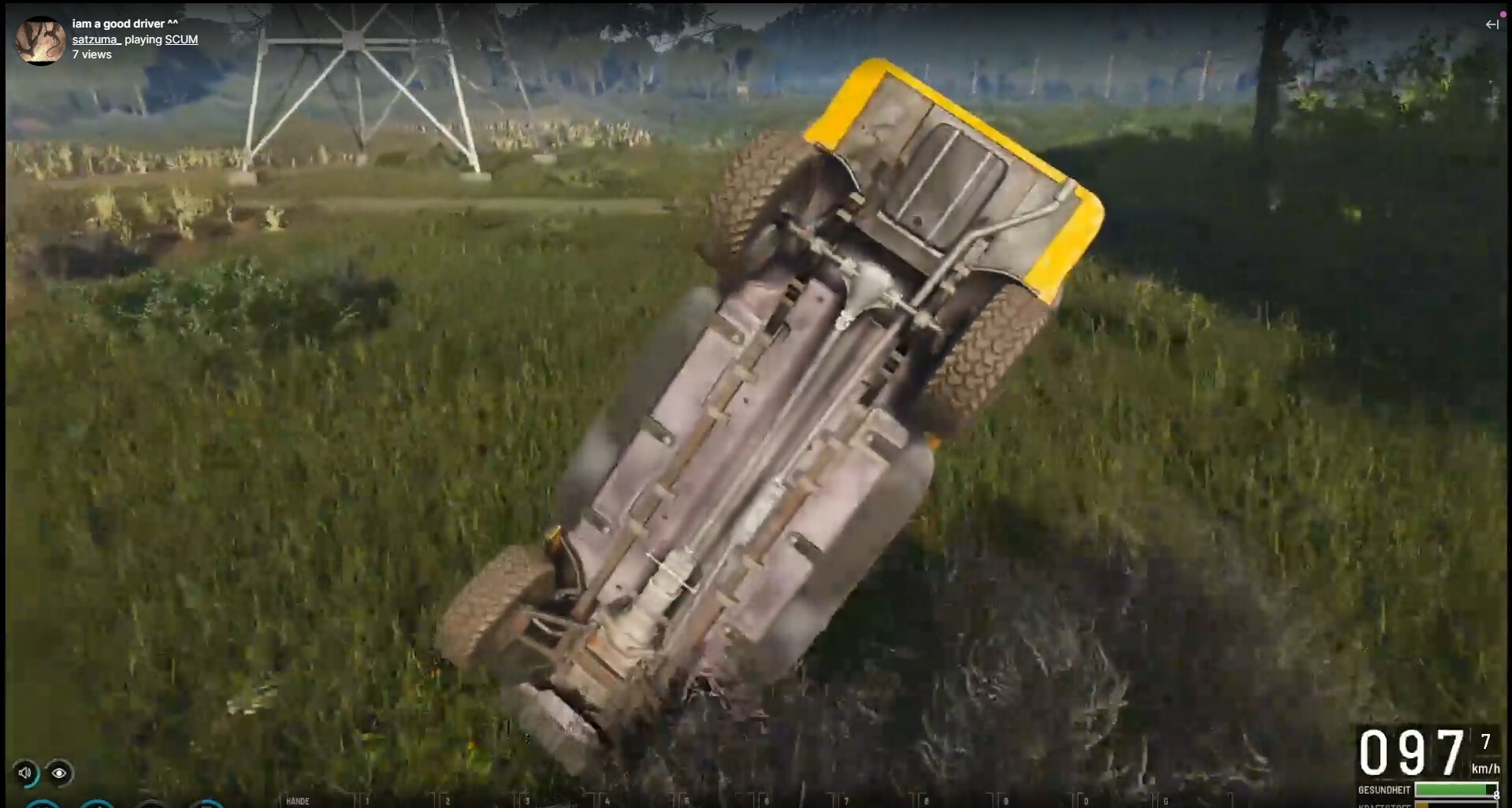
Great driving, indeed, satzuma_.
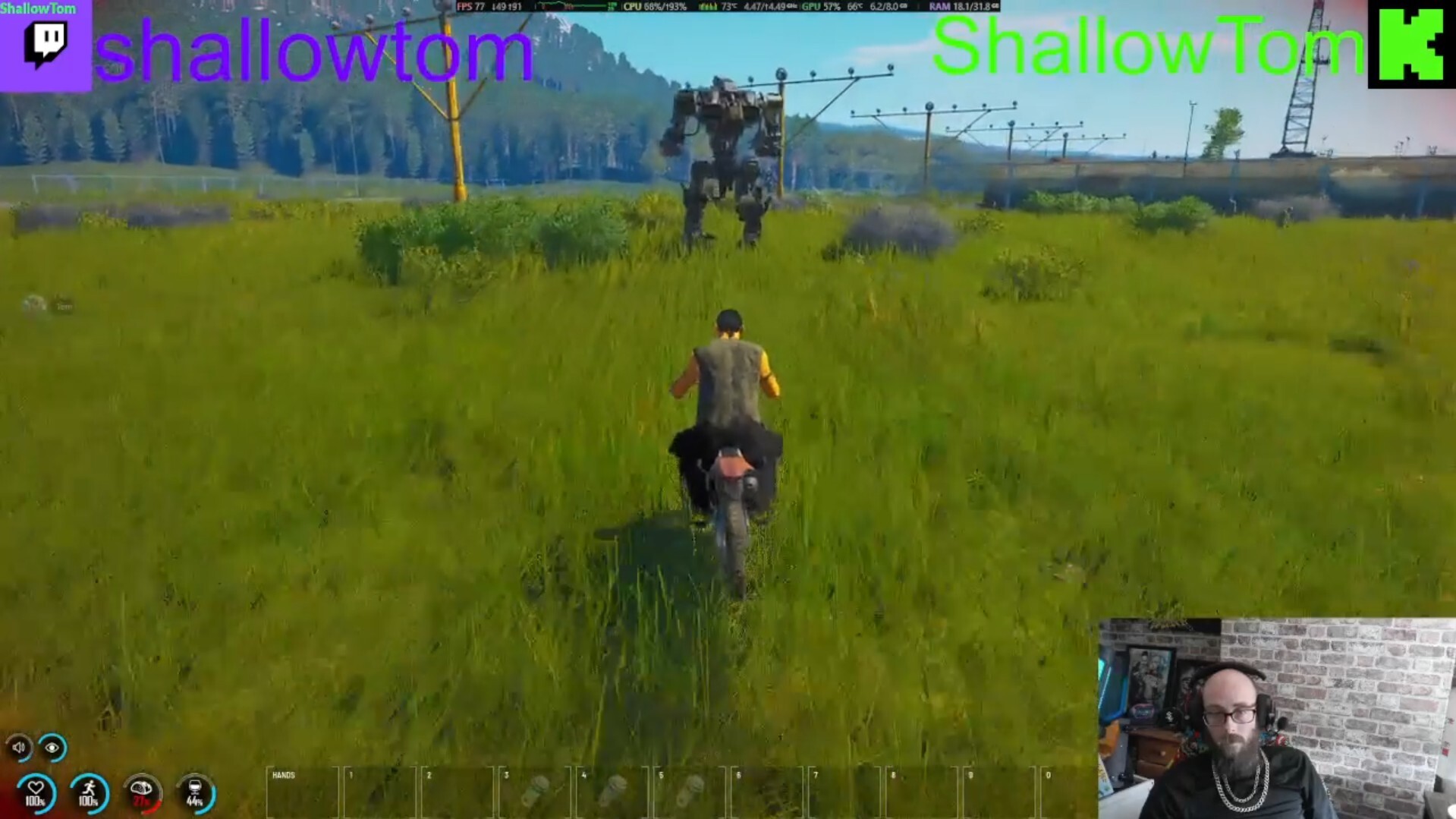
shallowtom tried their best.
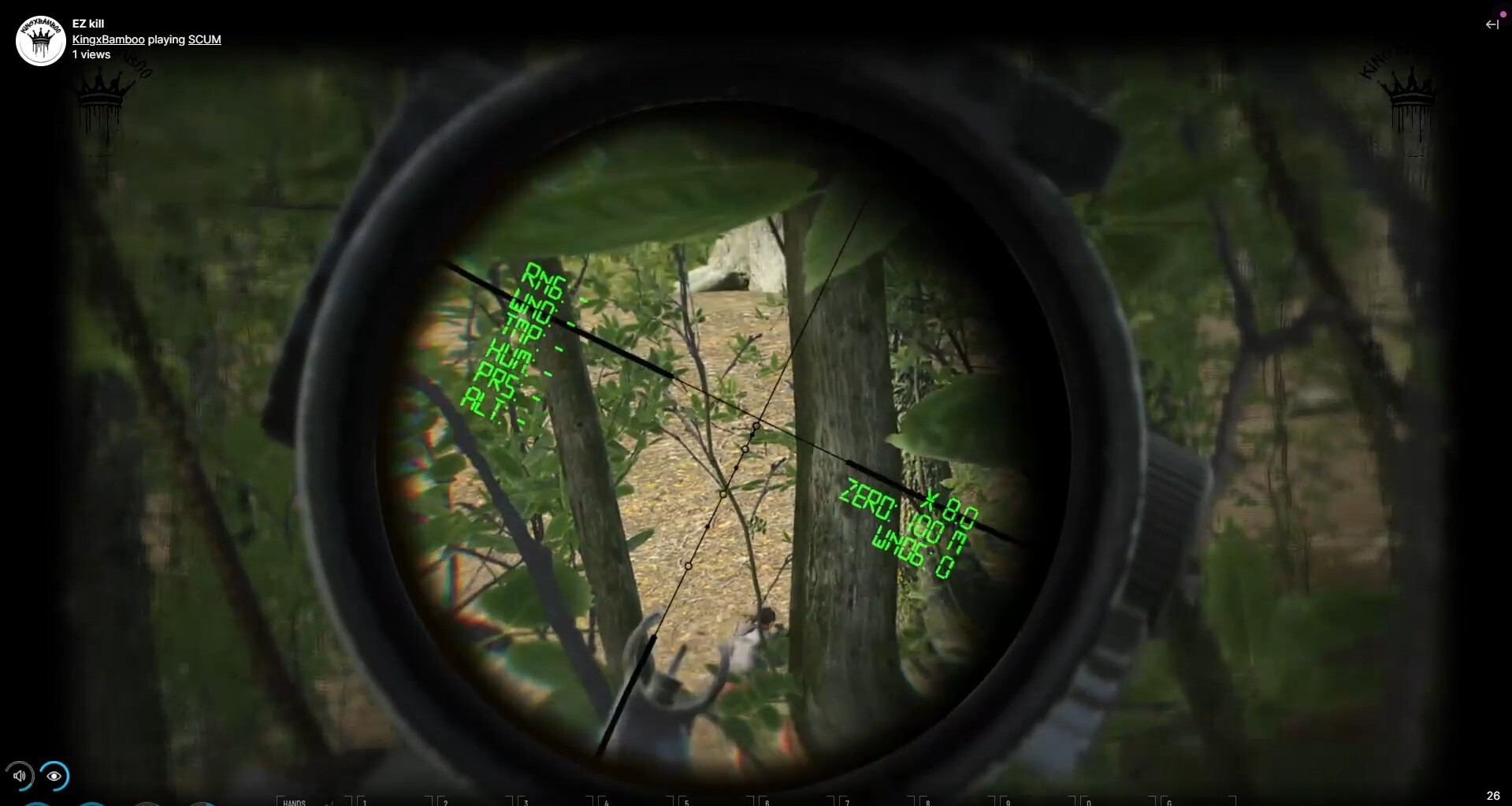
Sharpshooter skills from KingxBamboo.
______
That's it for today, see you next week!
Somke
April patch announcement
Let's get this straight right off the bat - the last patch didn't really rock the world, especially with all the issues it brought. This time 'round, we're making sure that everything will be in working order and that we are delivering more value with the patch itself.
Oh and just to be clear - there will be NO WIPE for this update!
Without further ado, let's see what the team's been up to last month. Here are some of the biggest content additions and feature improvements that you can expect:
This patch is definitely for the gun nuts, as we are introducing two new weapons in this patch! The first one is the SKS - the renowned Soviet-era semiautomatic carbine famous for its durability and versatility. Those who enjoy making precise and powerful shots from mid-range (and long range as well, with a little practice) will certainly enjoy playing with the SKS!
The second weapon we are introducing with this patch is the notorious Trench gun - a weapon so devastating because of the sheer destruction it wrought with its slam-fire capabilities that there was even an attempt to ban it from the battlefields of WW1! Those that want to get up close and personal and settle their disputes quickly and efficiently will find the Trench gun a no-brainer!
There were some functionalities that were omitted from the original Inventory rework that dropped in December last year, but now we are starting to fill in the gaps! From now on, you will be able to pick up and drop all your items with a single press of a button!
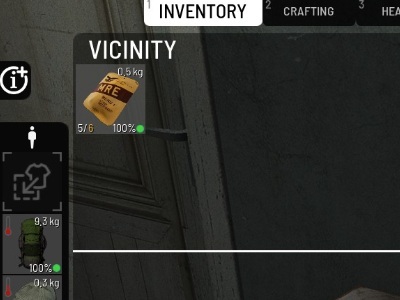
Here, you can see the button to pick up all the items in the vicinity, also with fully functional filters working seamlessly with this function. This means that you can filter out specific item types, and the "pick up all" button will pick all the items of this type while ignoring the others.
This option to pick up all or drop all also works for lootable containers, meaning that with a single press of a button you can either store everything in your inventory or drop everything into your vicinity.
Additionally, those of you who are keen on cooking will find that ingredients, as well as food items, have now become stackable, meaning that it is much easier to organize your inventories!
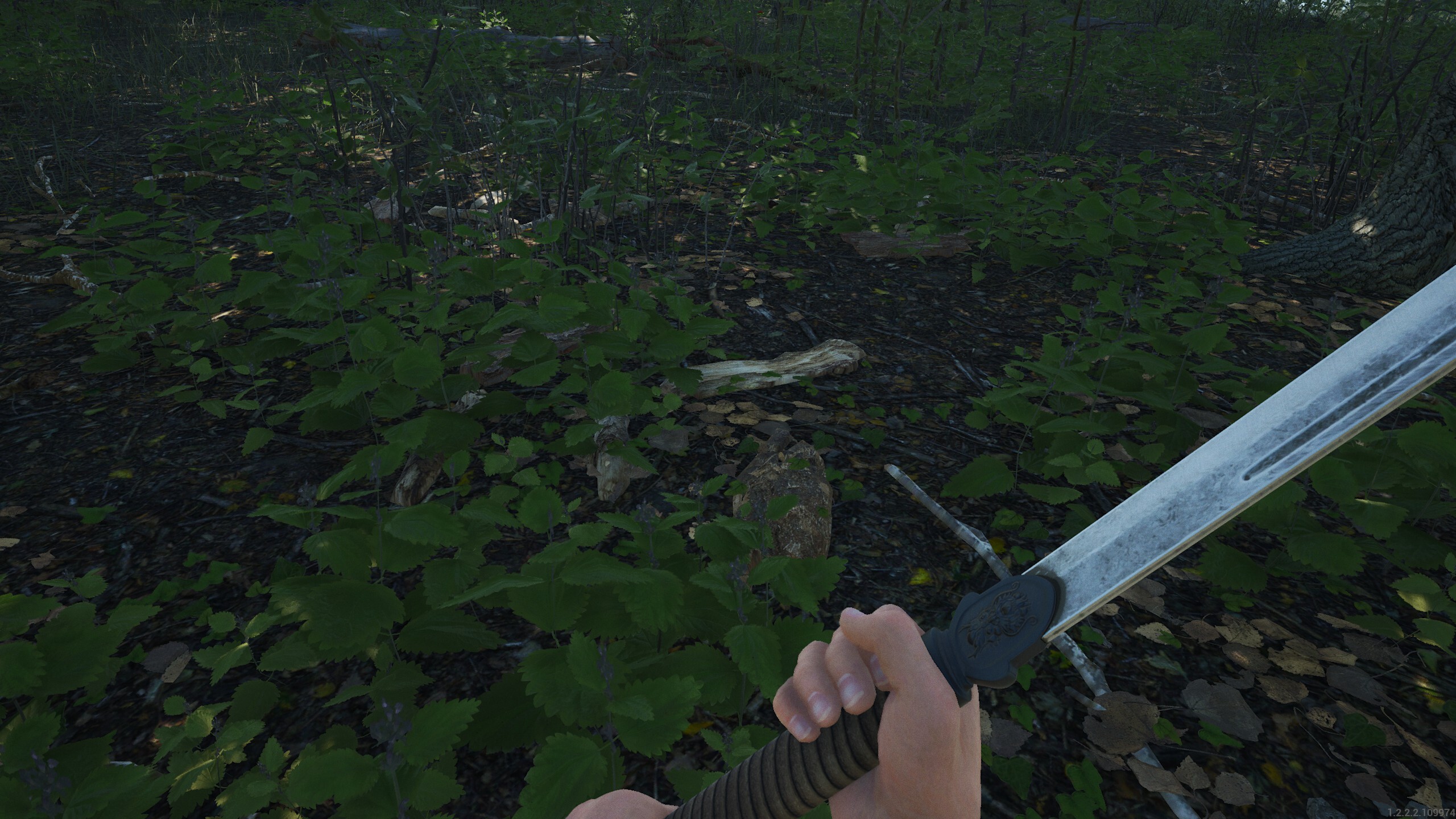
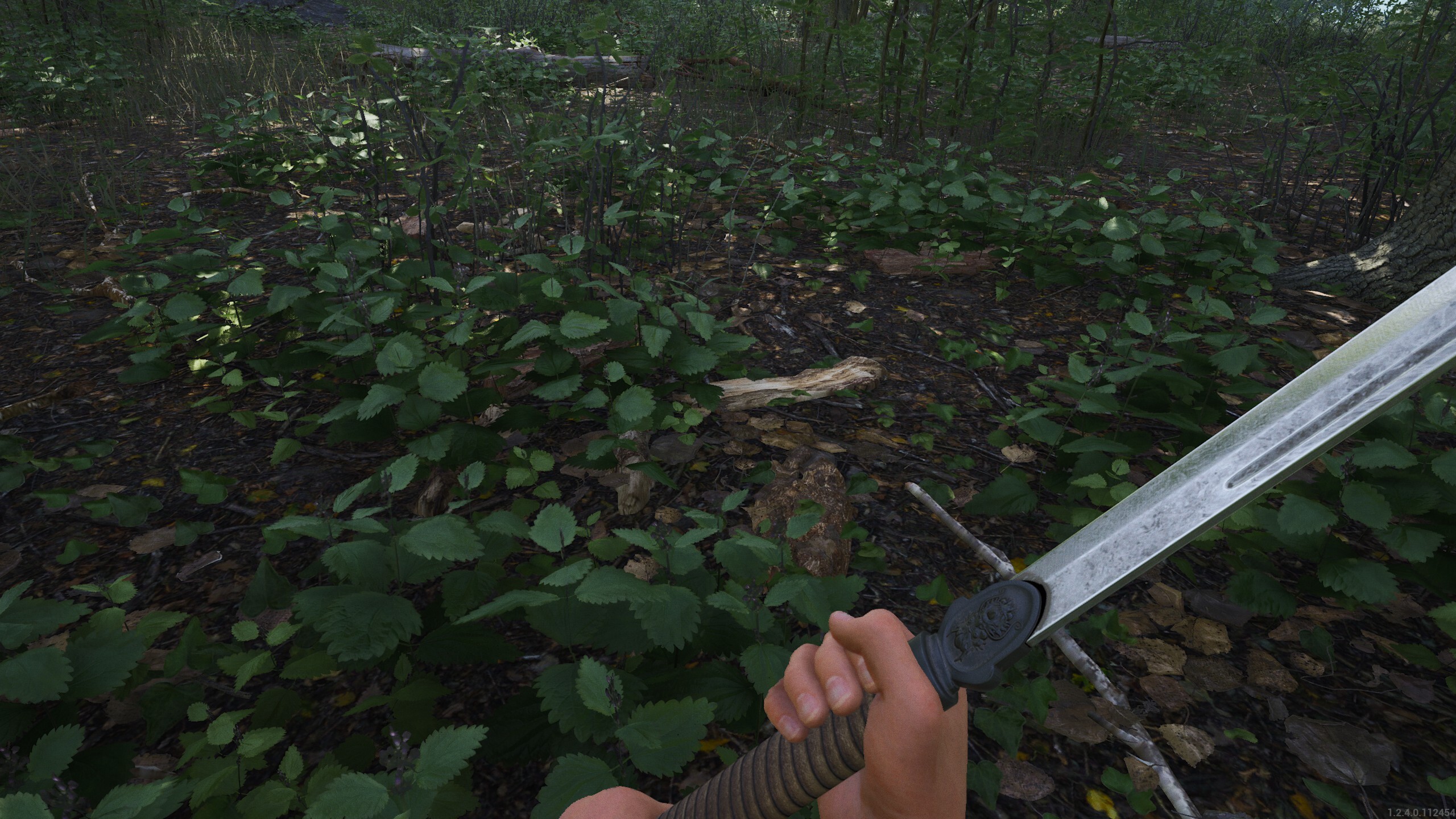
These speak more for themselves! What better way to present these than with some before-and-after images? The first set shows how these changes affect the foliage, while the second and third sets show the differences in the bunkers and abandoned bunkers, respectively. We'll end this segment with a showcase on how the new lighting affects items such a weapons.
Before
After
Bunker - Before
Bunker - After
Abandoned Bunker - Before
Abandoned bunker - After
Weapon - Before
Weapon - After
Secret bunker loot reworked, server setting descriptions including max and min values, informative text pop-ups for disabled interactions, more subtle vehicle wind sounds, and many more improvements and bug fixes await in the upcoming patch!
This is just a taste of what you can expect from the upcoming patch. We'll go in-depth on all the changes that will find their way into the game on release day. We'll be dropping some sneak peeks via our socials, so make sure to check those out!
See you next week!
The Gamepires team
SCUM - Community showcase
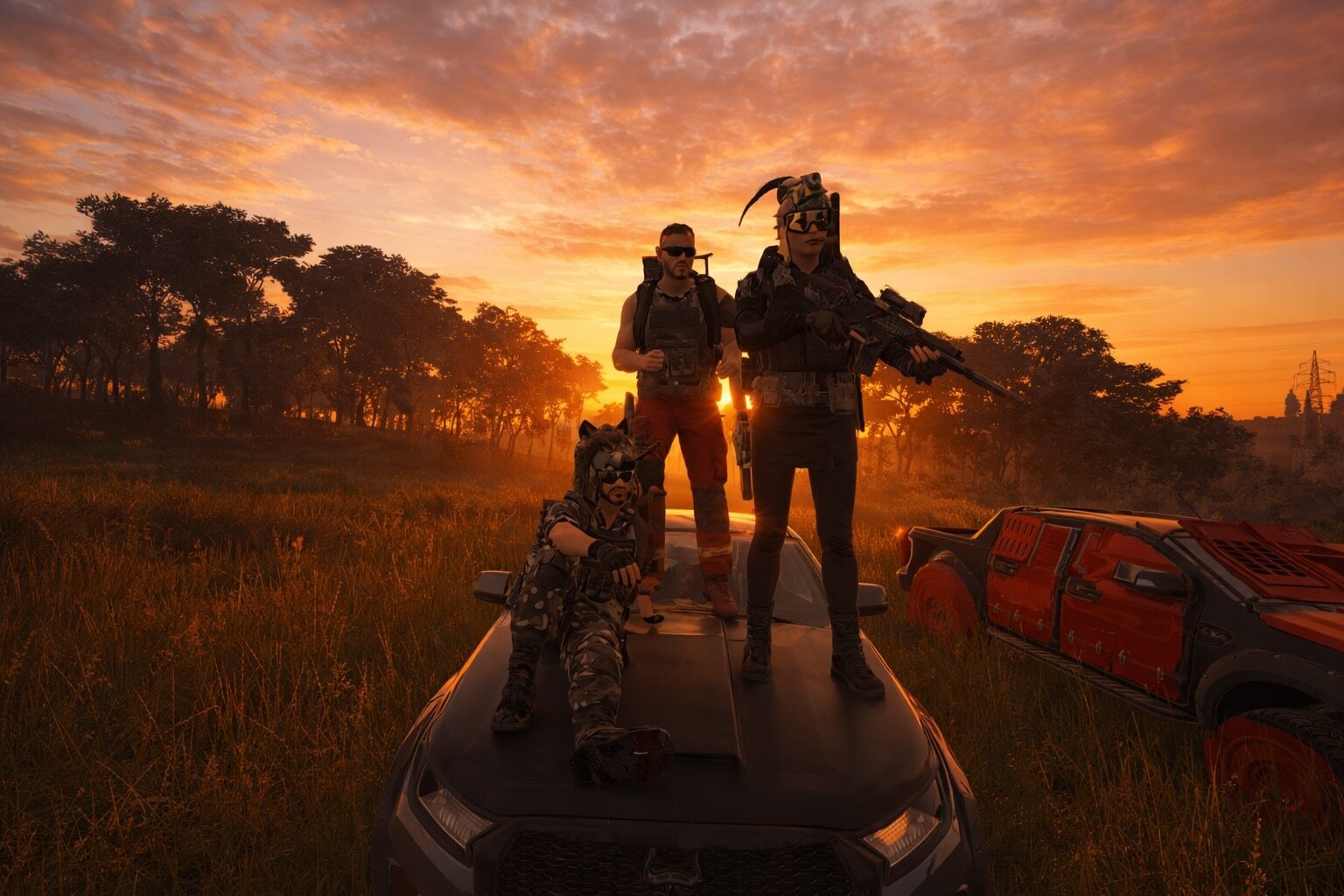
Premium sunset crew shot coming right your way!
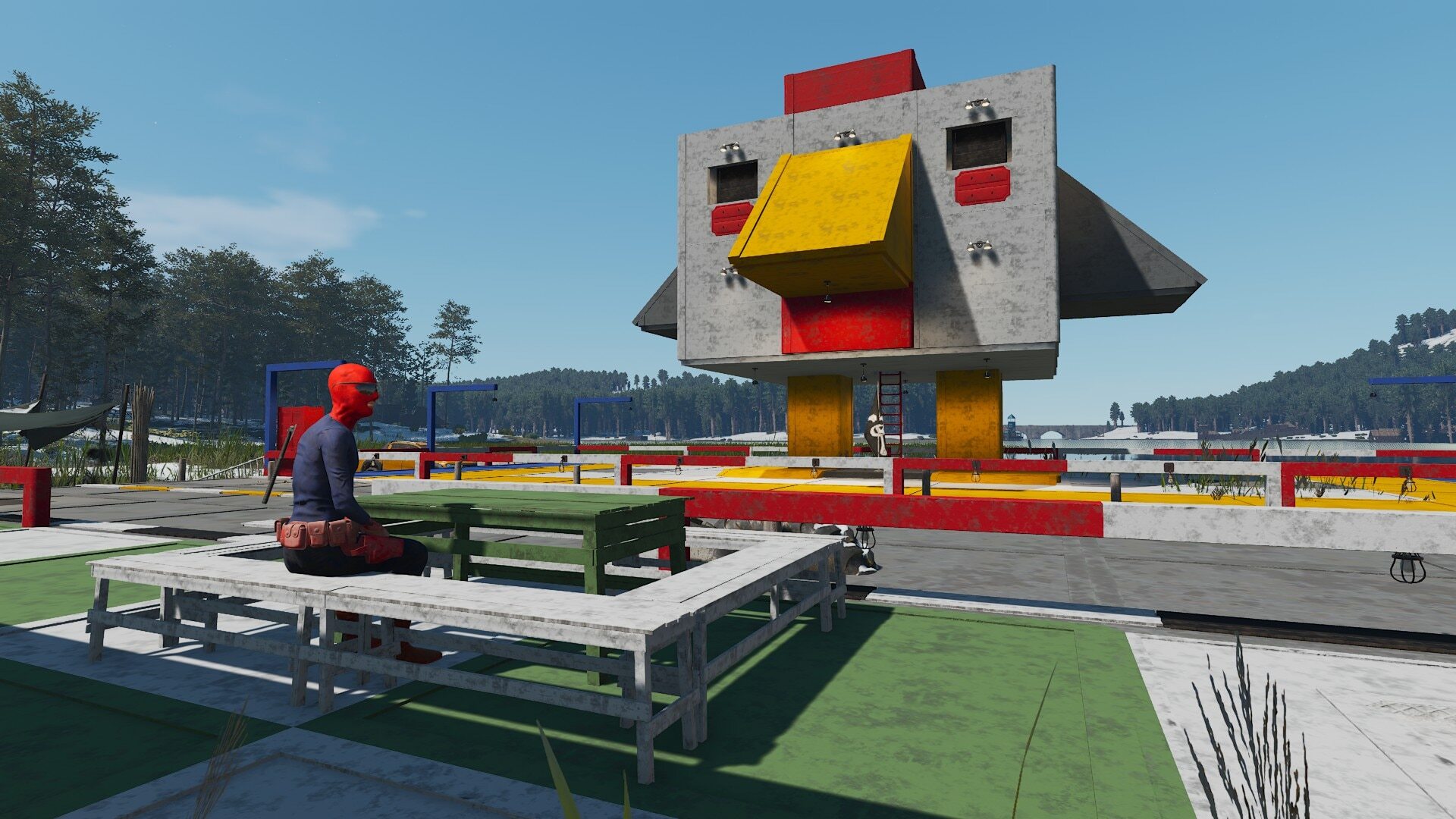
Chicks are gonna dig this guy’s base.
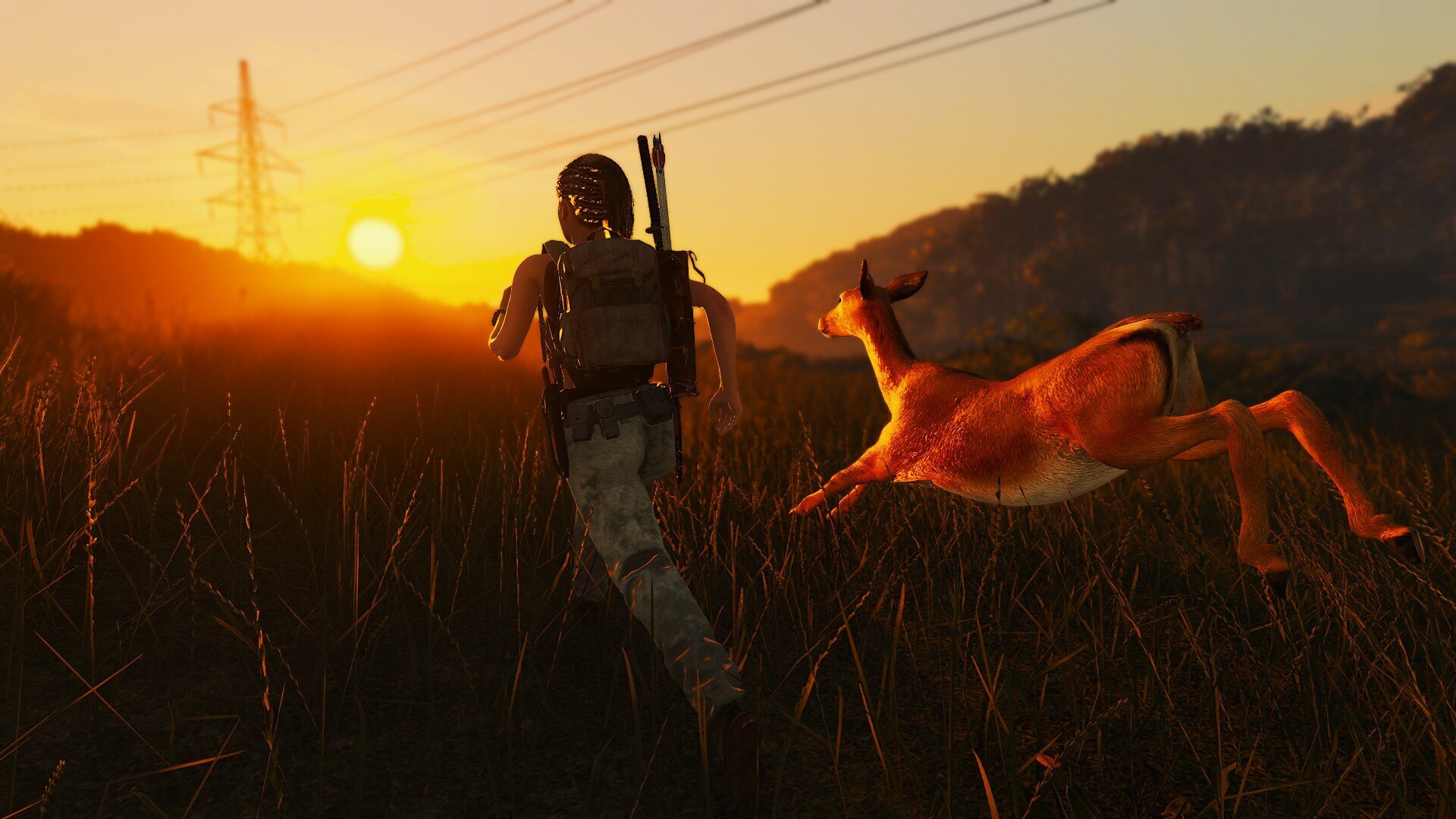
Gotta build up that stamina!
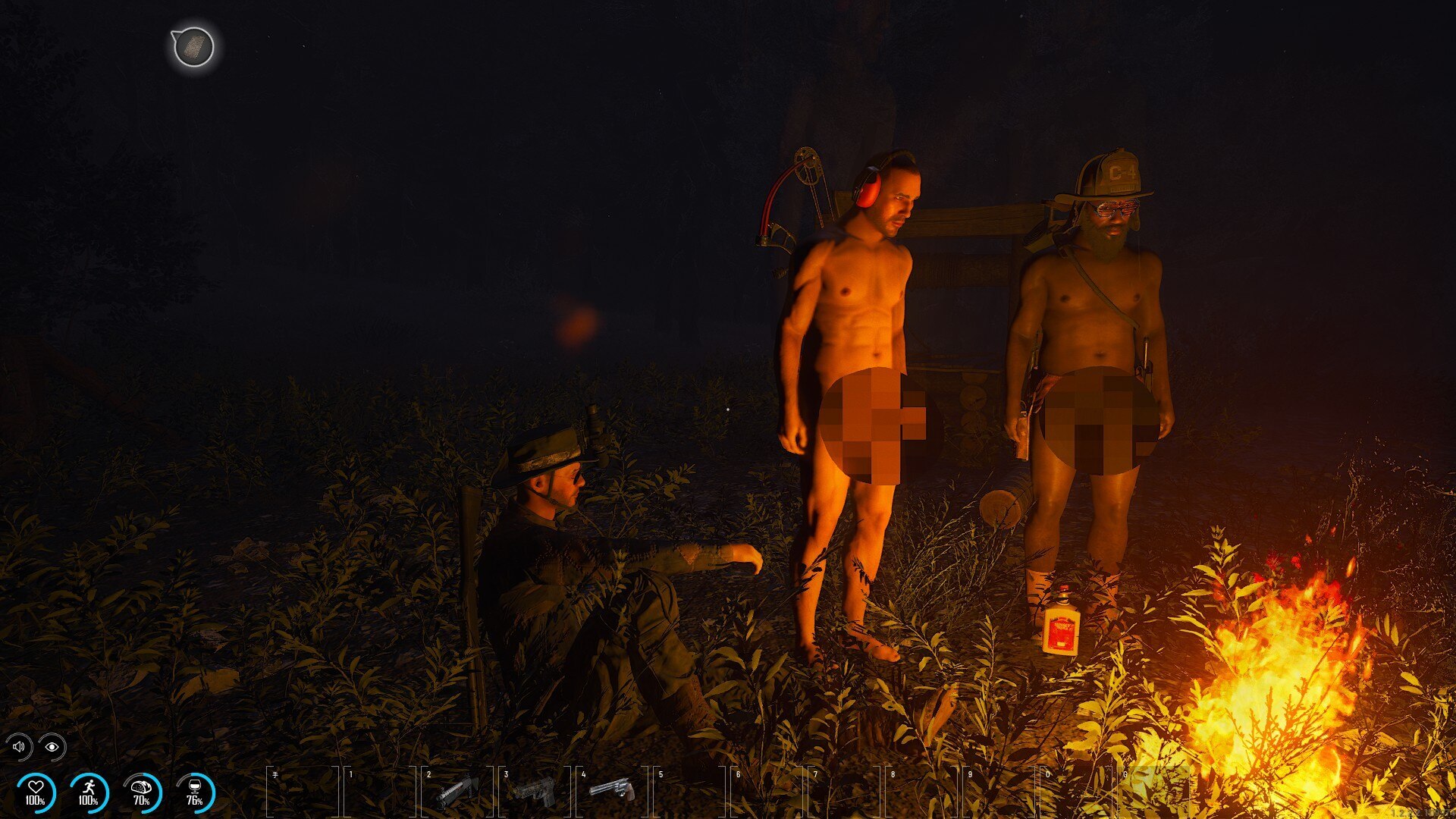
No need for open fire, we have Willy warmers for that.
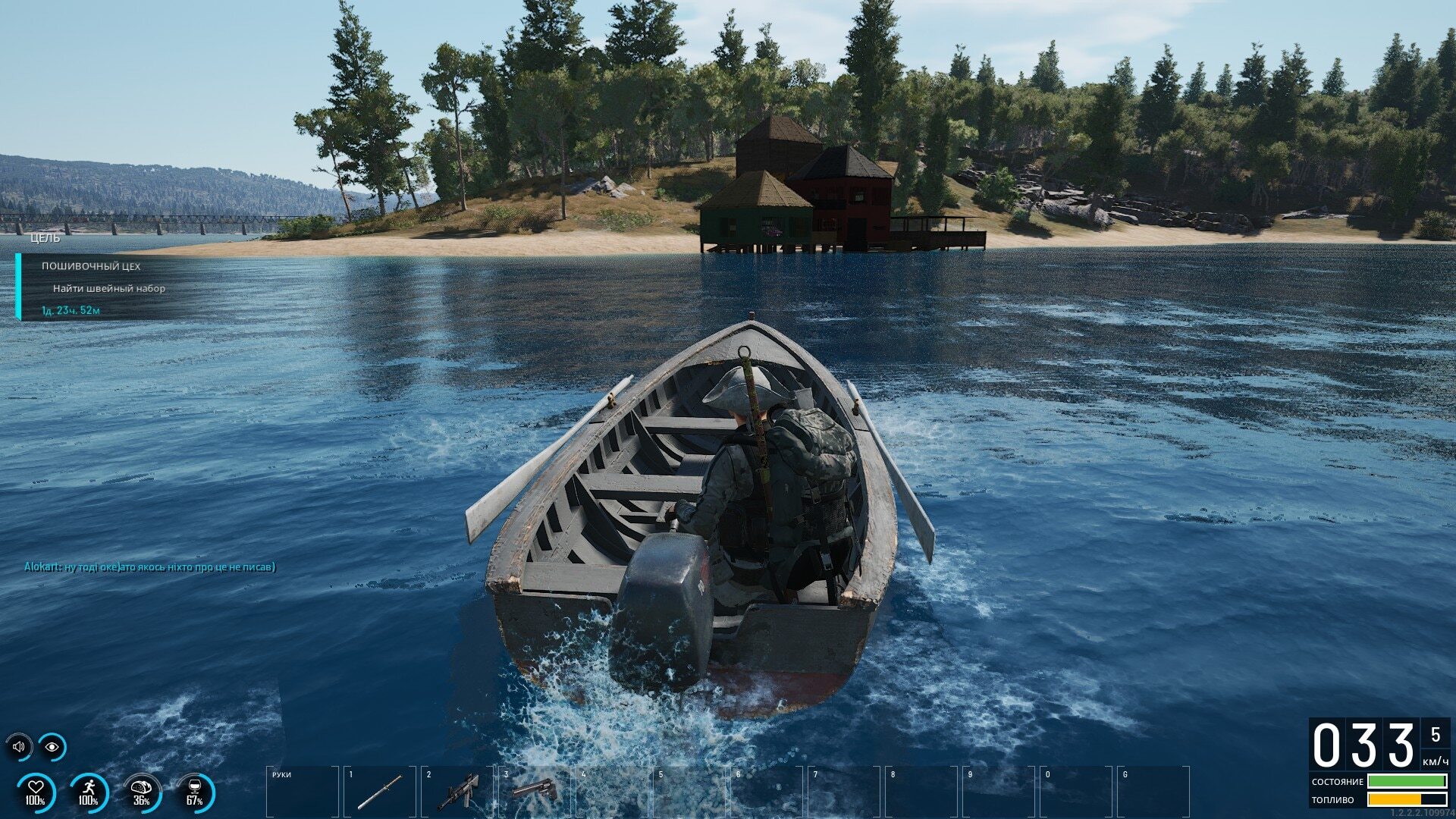
The worst pirate we’ve ever heard of… but we’ve heard of him.
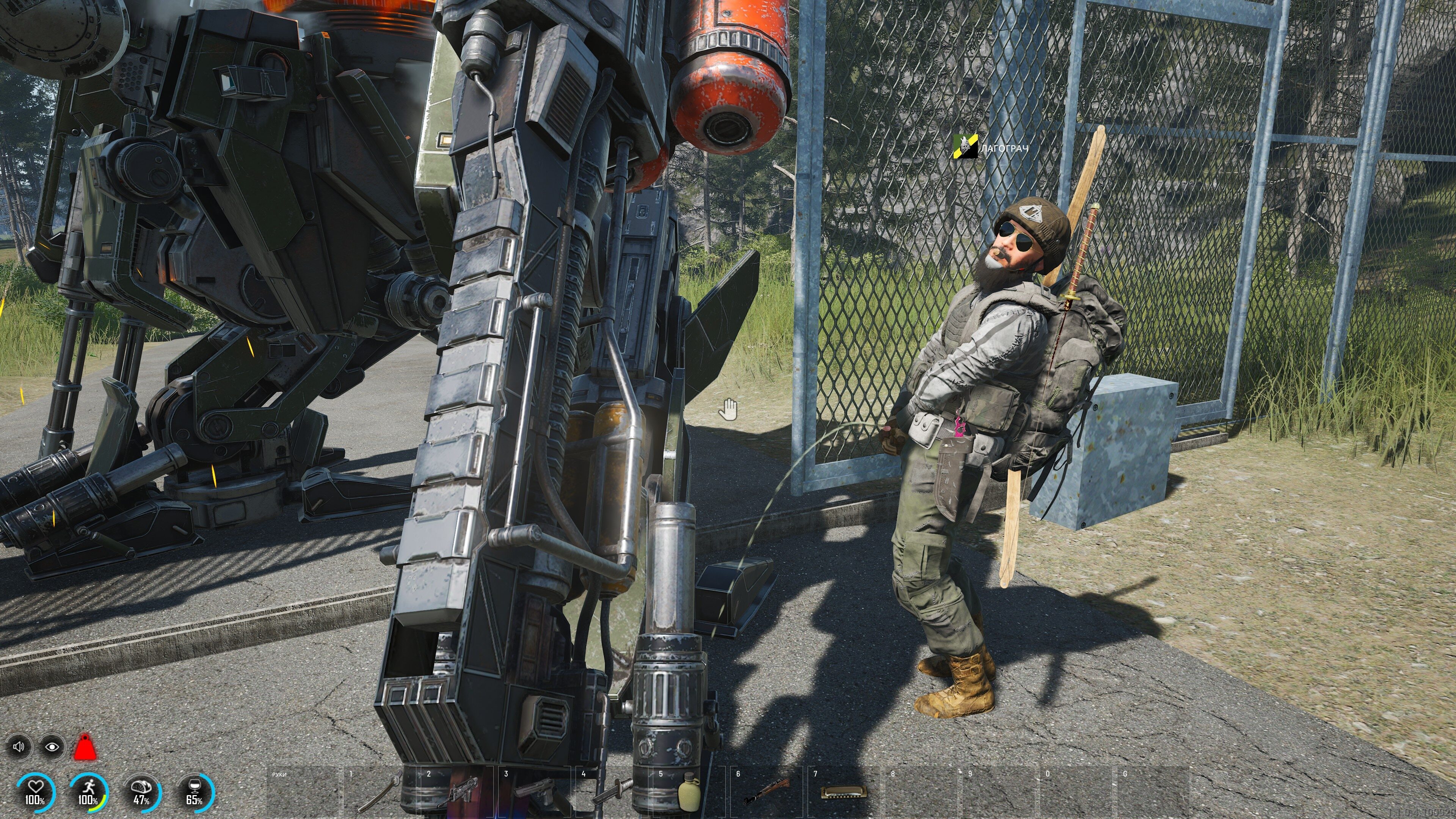
Not really a recommended way to beat a mech, but to each their own.
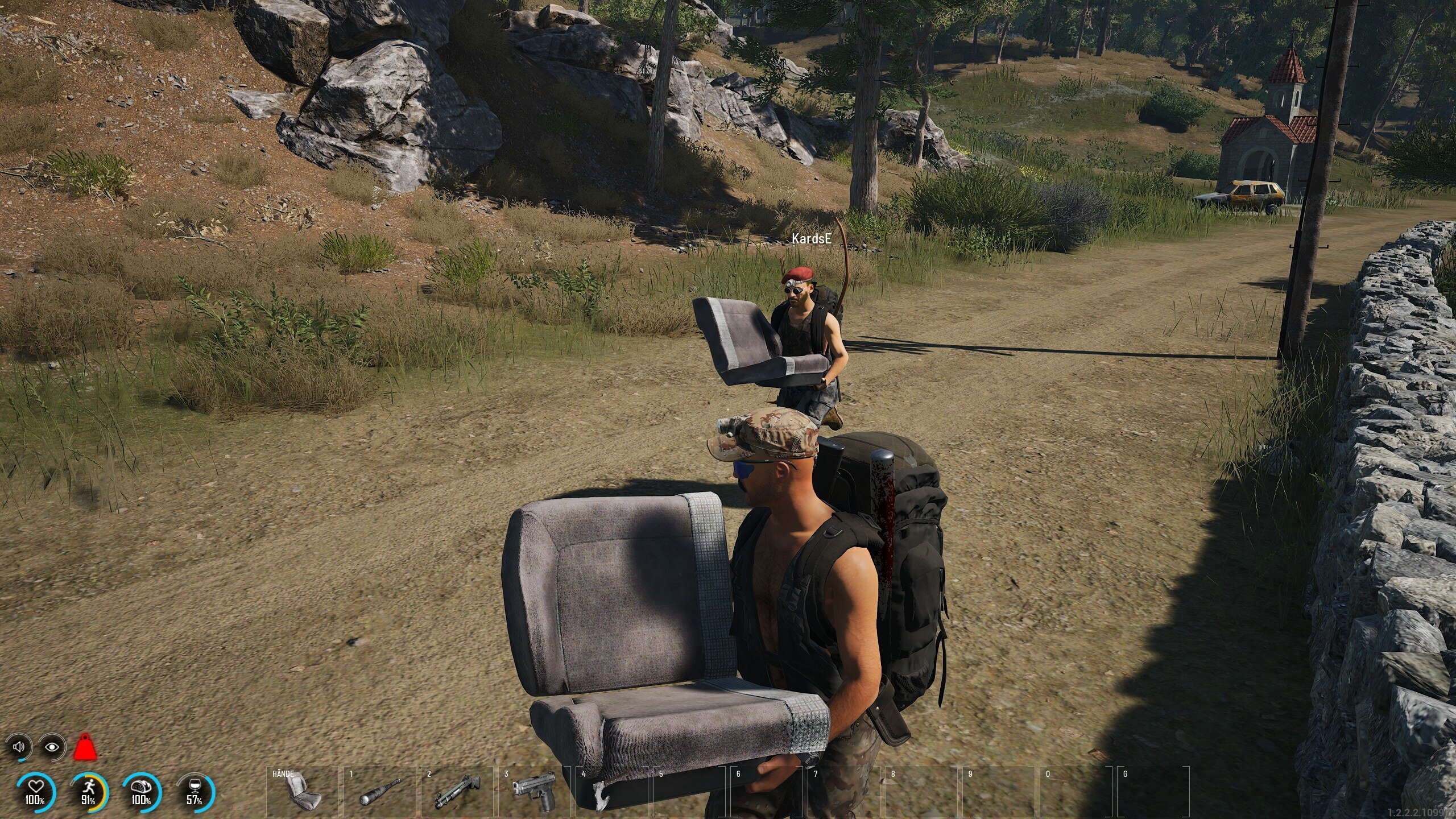
What happens when you leave your car unattended on the Island for too long…
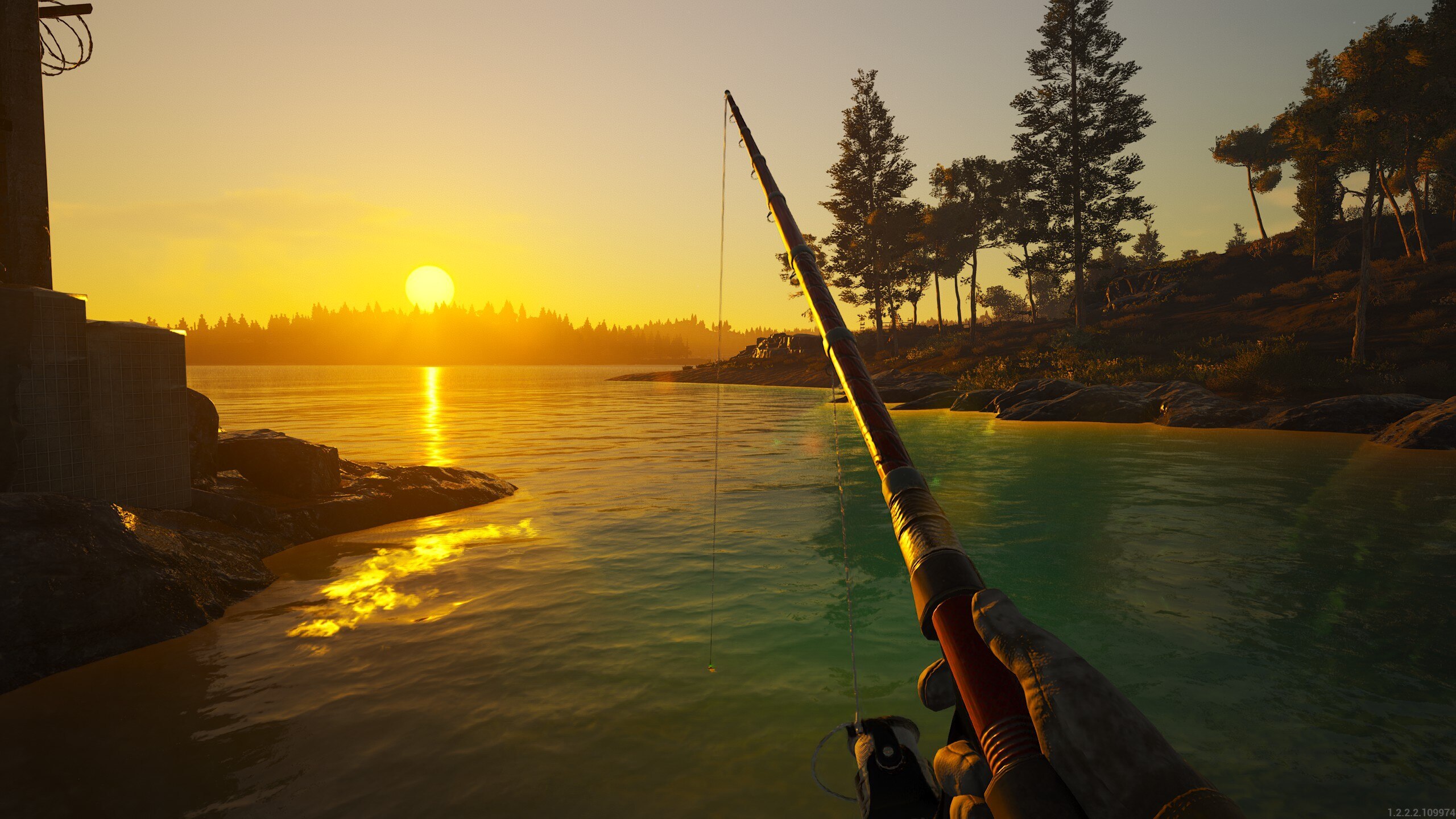
Your weekly relaxation shot is included, of course.
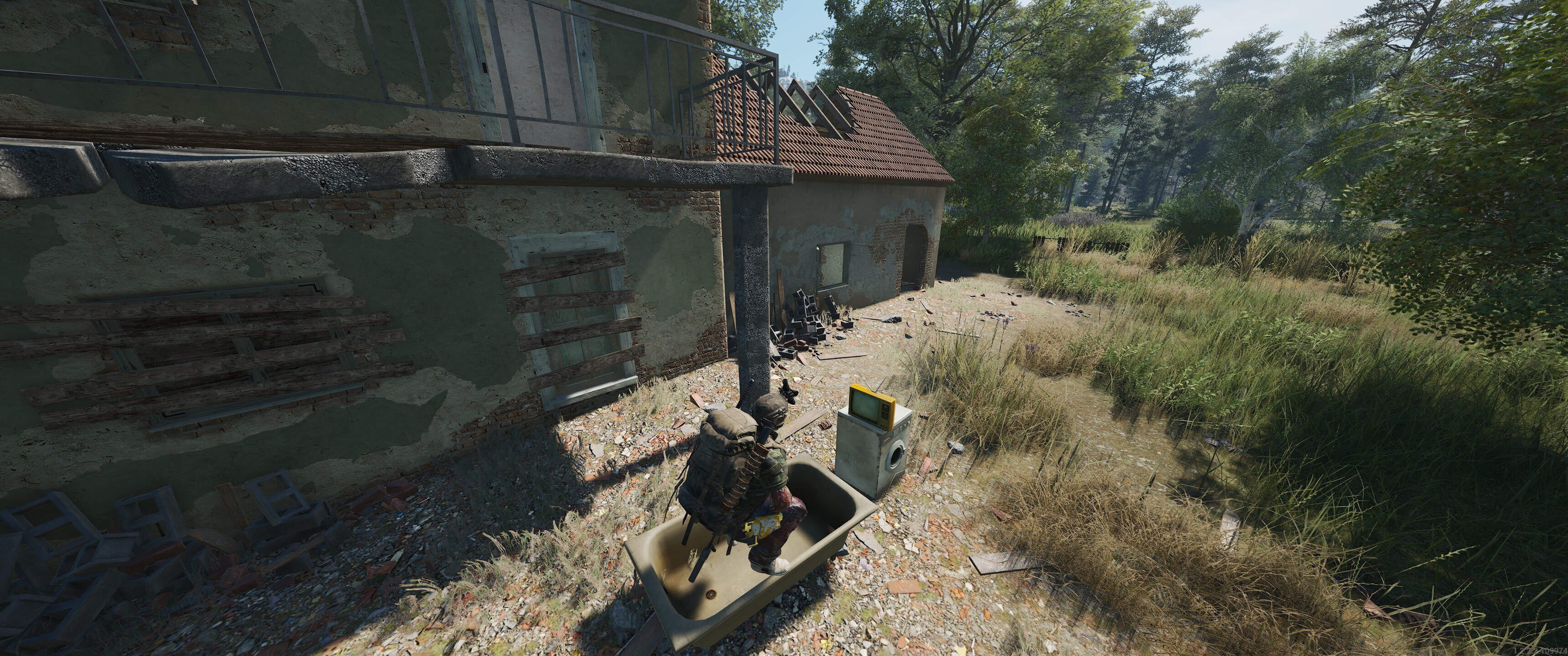
It’s surprising how little a guy needs to be happy.
______
YouTube video content from last week ->
Check out this intense plane extraction from DK Naz!
https://www.youtube.com/watch?v=ksD9kGRZW3w
Mr P7 says in his description: "Between loot, tension, and unexpected events, welcome to the daily life of a very unlucky player". Give it a look!
https://www.youtube.com/watch?v=eg-098yQRGA
There is never enough of SCUM guides so take a look at what AlexDerKoenich has prepared for you.
https://www.youtube.com/watch?v=q4TKh_W0LiY
Here's some fun from our Twitch creators ->
These Razors are not the sharpest tools in the shed...
Should have taken the shot, Parliamodivg.
Now you're just showing off, SoitsMatt!
______
That's it for today, see you next week!
Somke
SCUM - Community showcase
Just floating away from this week’s adult obligations.
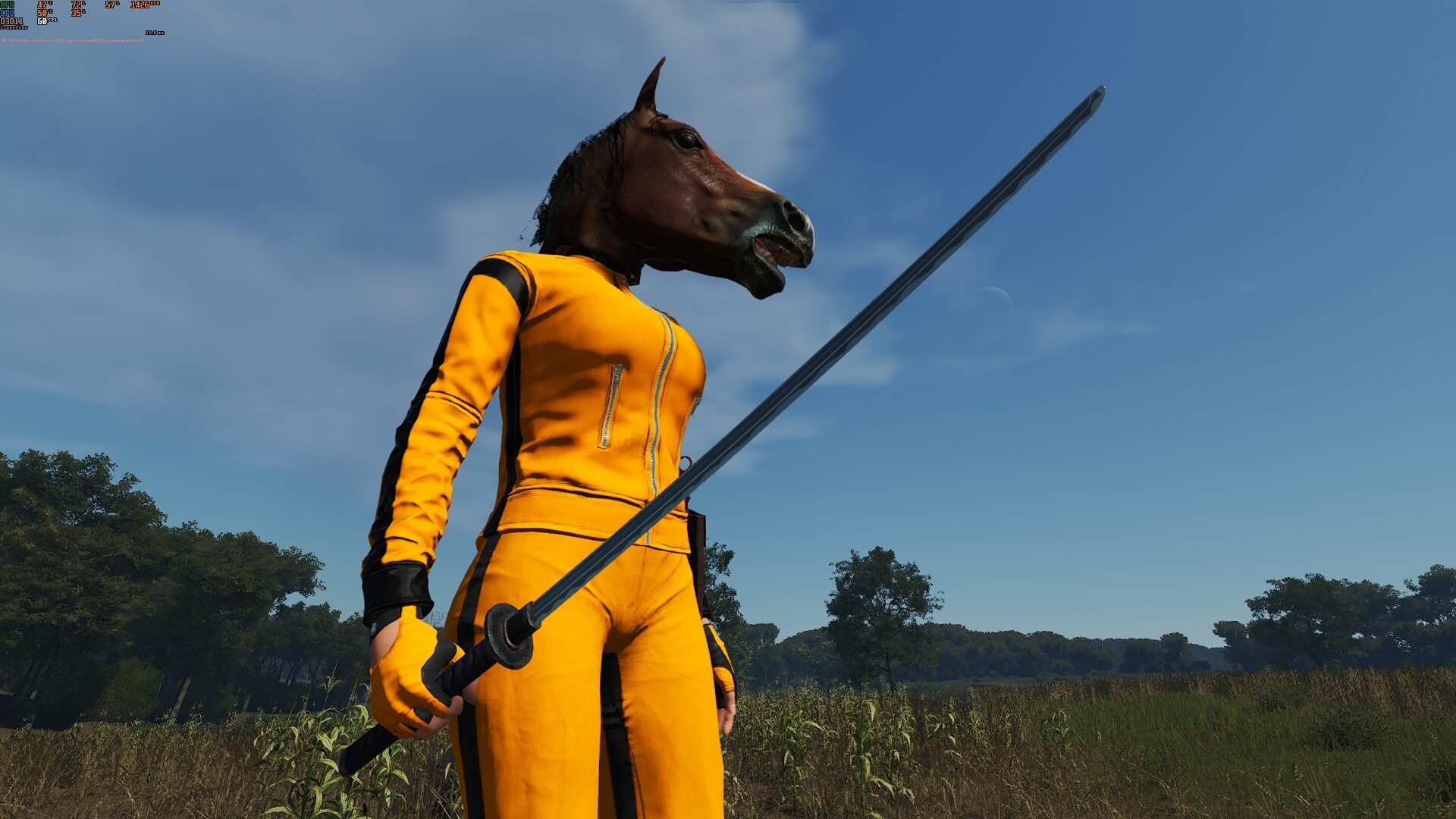
How Uma kills all those guys wearing a horse head is beyond me.
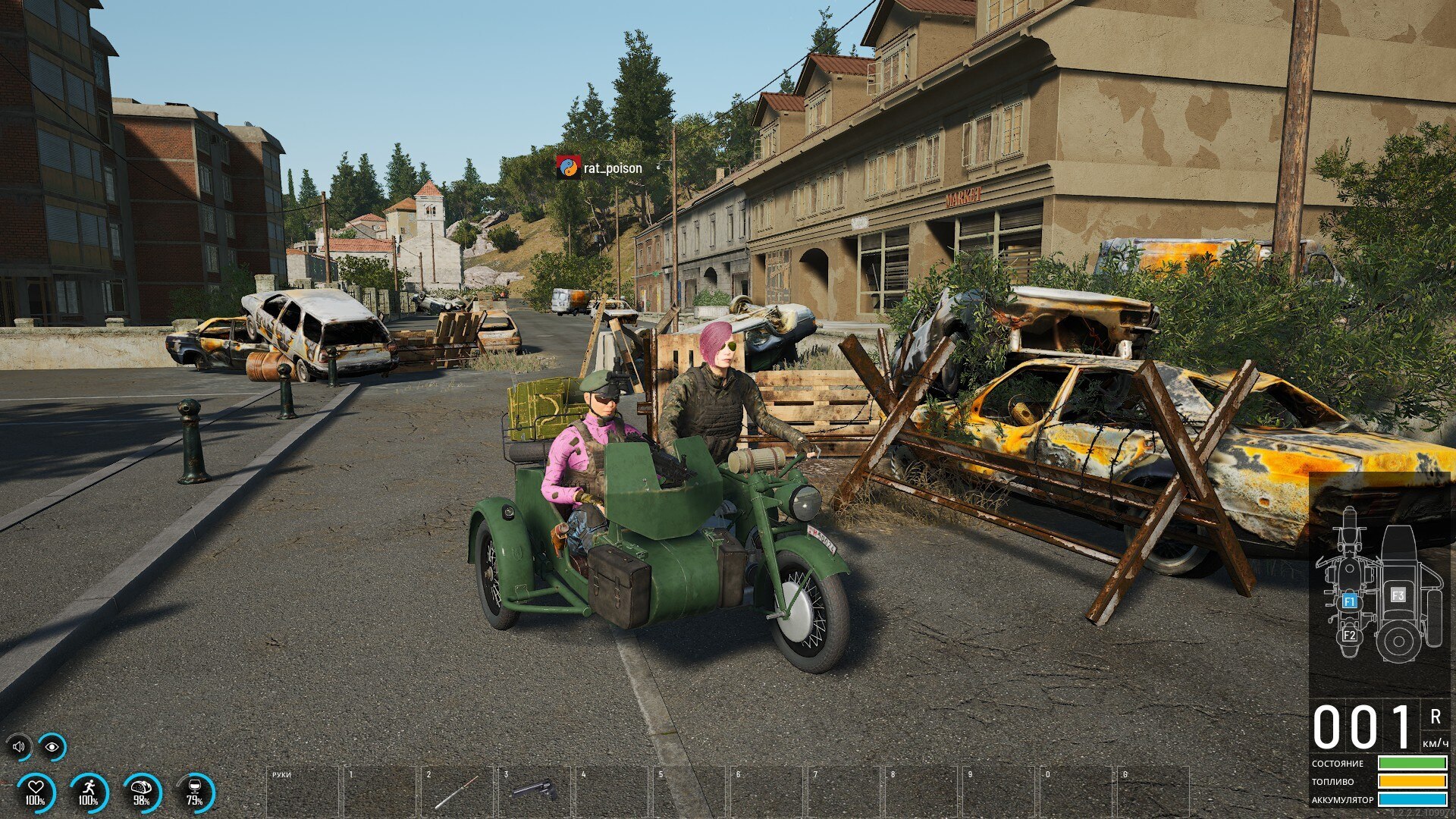
Bestie and I on our way to get our hair and nails done for WW3. 💅
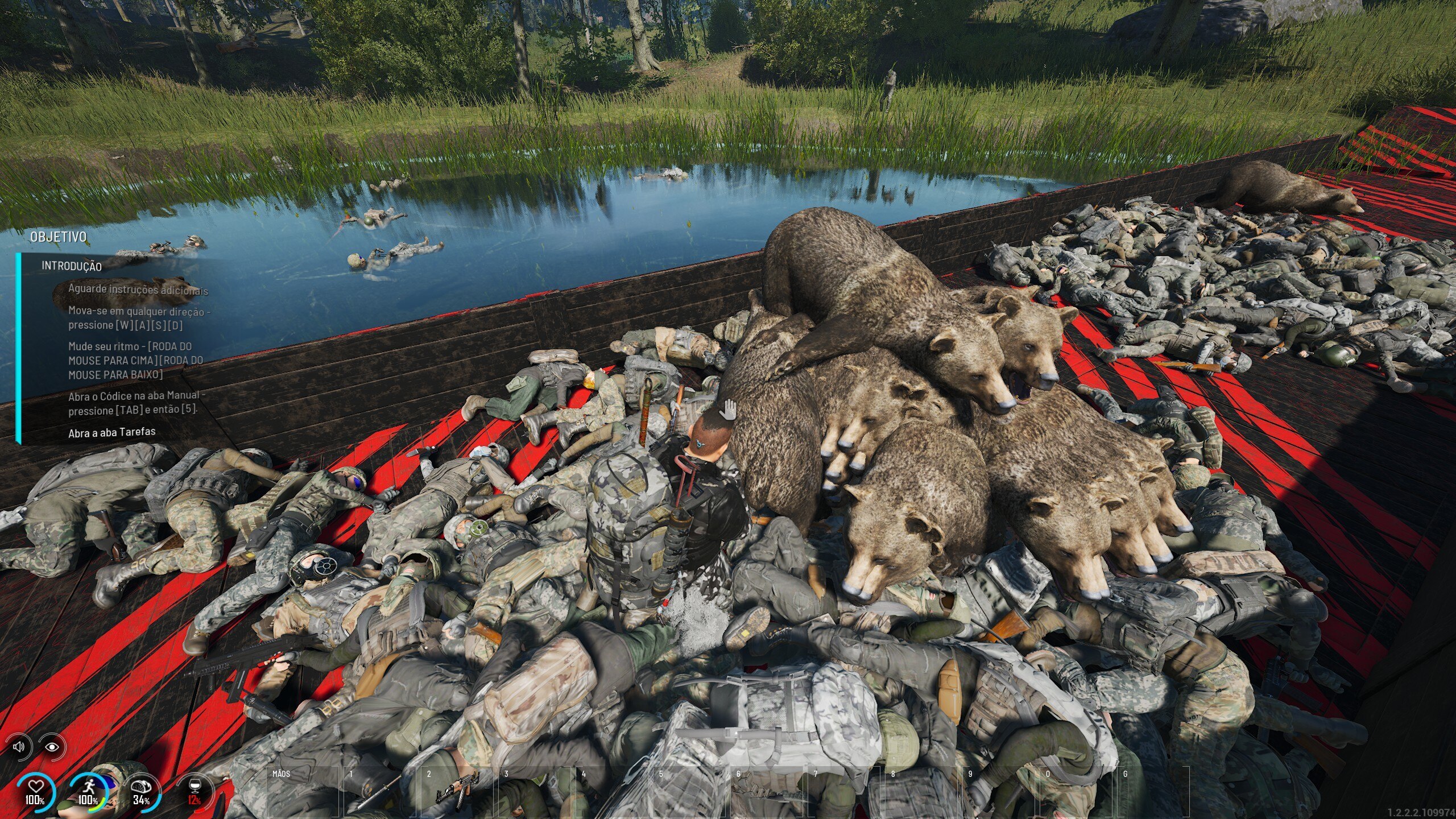
People are finally using our admin commands as designed!
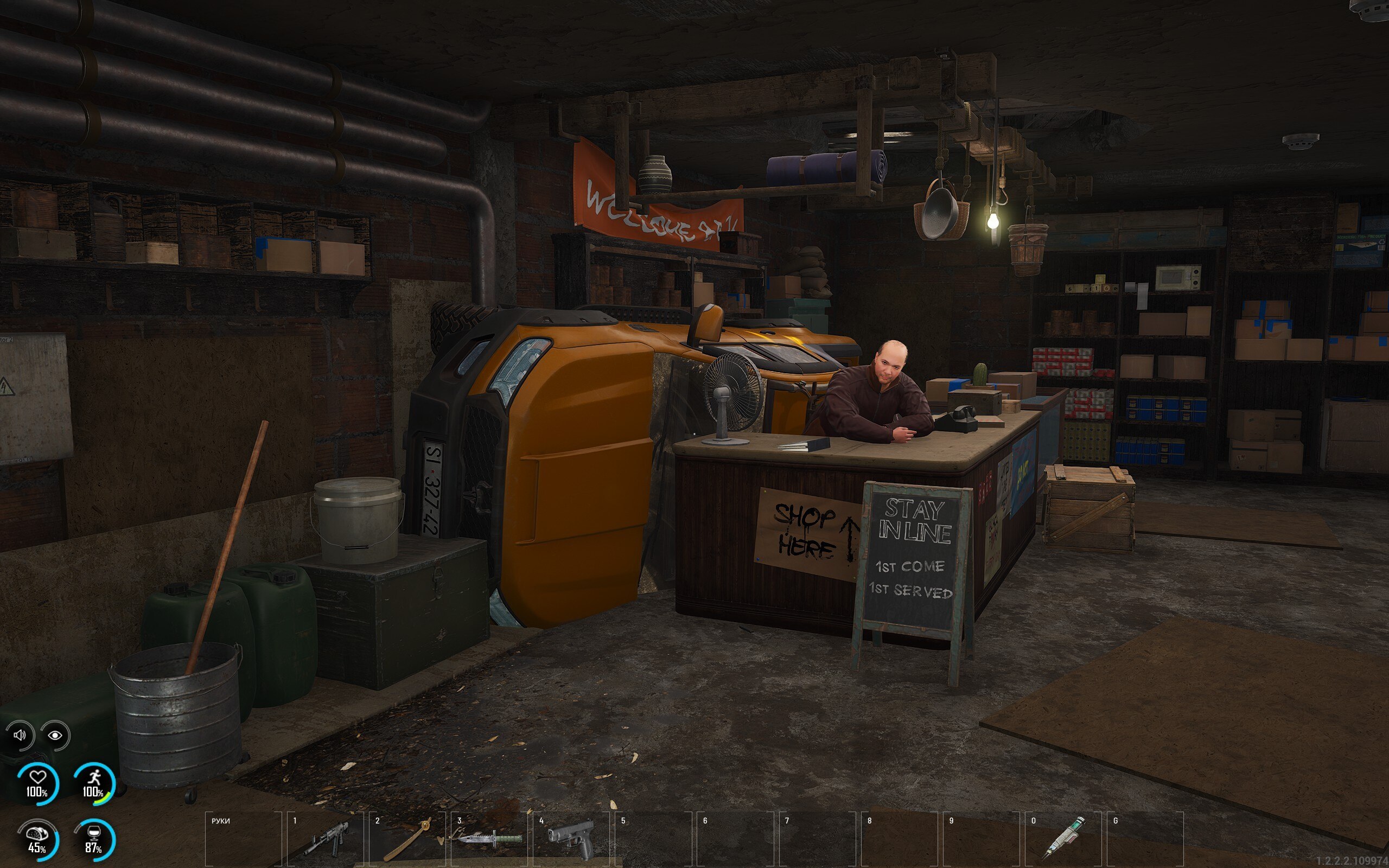
Needless to say, he went out and about the line.
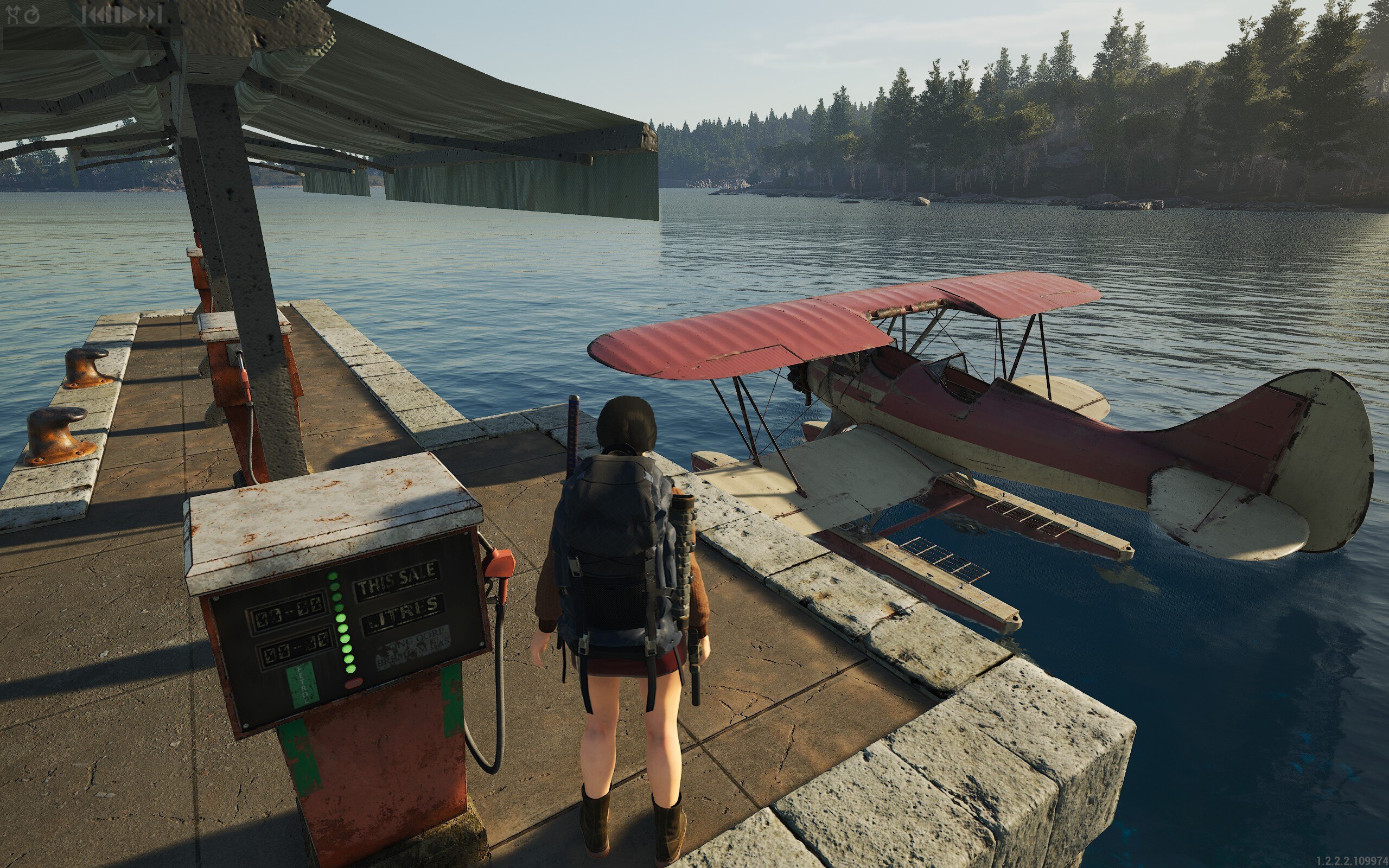
Fortunately, in SCUM, you don’t have to worry about gas prices…yet.
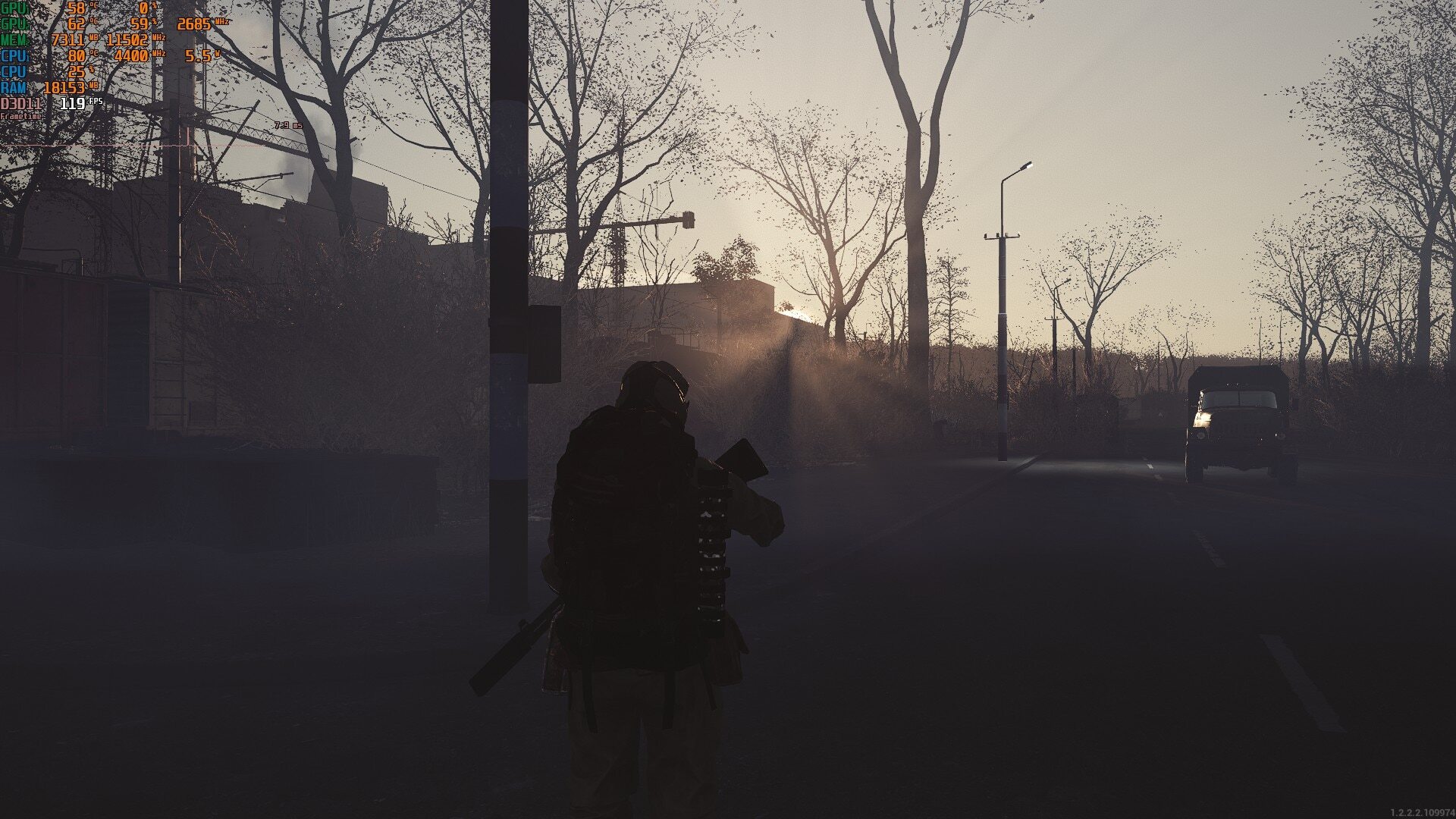
Vibes are always reactive in Krško. ☢️
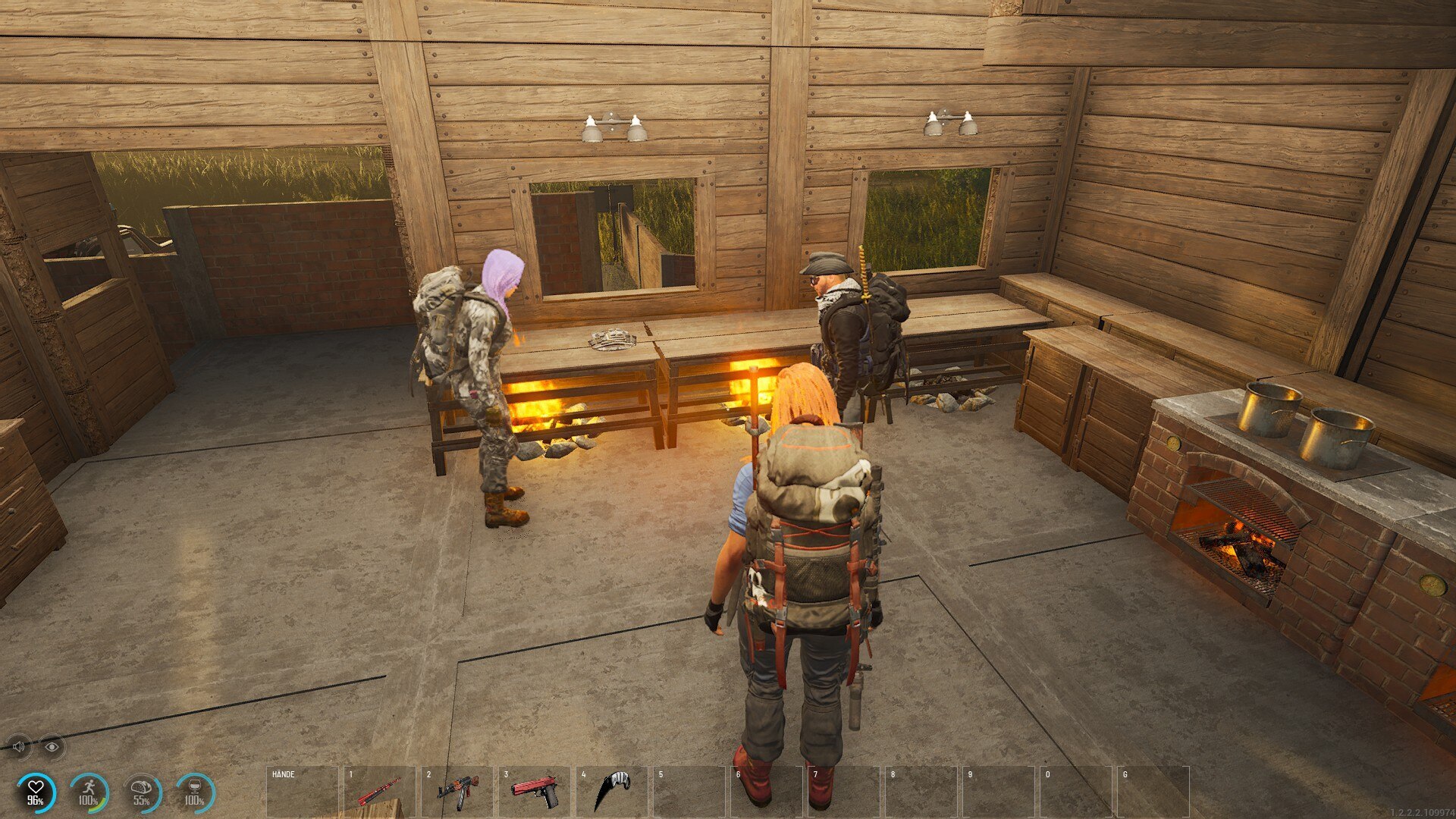
Not sure the fire ring works that way...
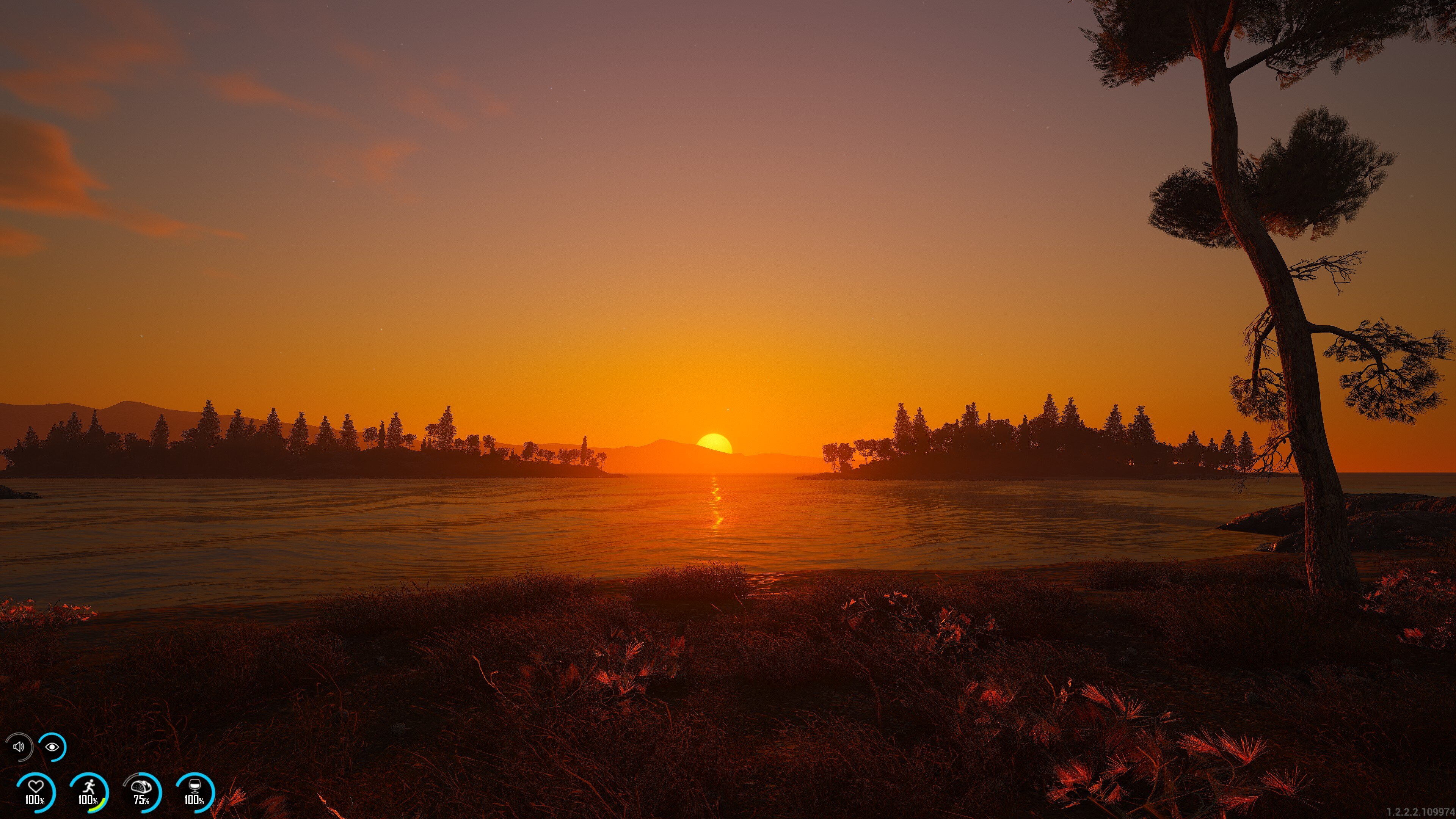
There is no escaping our weekly sunset pic!
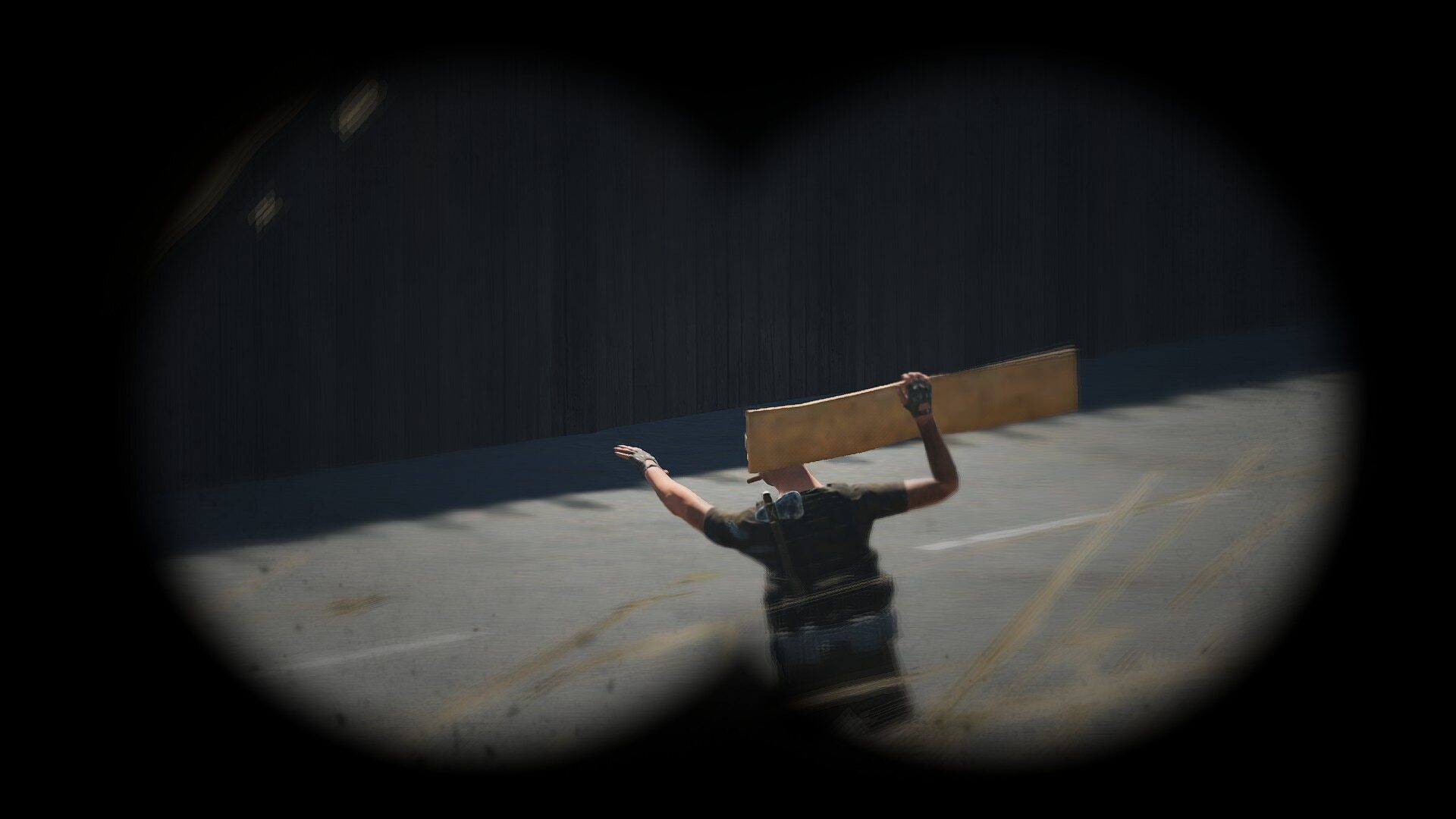
This guy is just trying to start his own board meeting.
______
Here are some of our YouTube content creators ->
Crazy PvP highlights coming from itzGeo0rge.
https://www.youtube.com/watch?v=JQI6of_sZTw
We love to see our players having fun. Check out Com Truse and his Easter Egg Hunt with his crew.
https://www.youtube.com/watch?v=orK9PQGPGbw
DadsGameTwo showcasing his flying skills before hitting the trader before wipe.
https://www.youtube.com/watch?v=AlcXoijv8rM
______
Of course, showcase can't go on without the Twitch crew ->
Choose your teammates wisely, Luis!
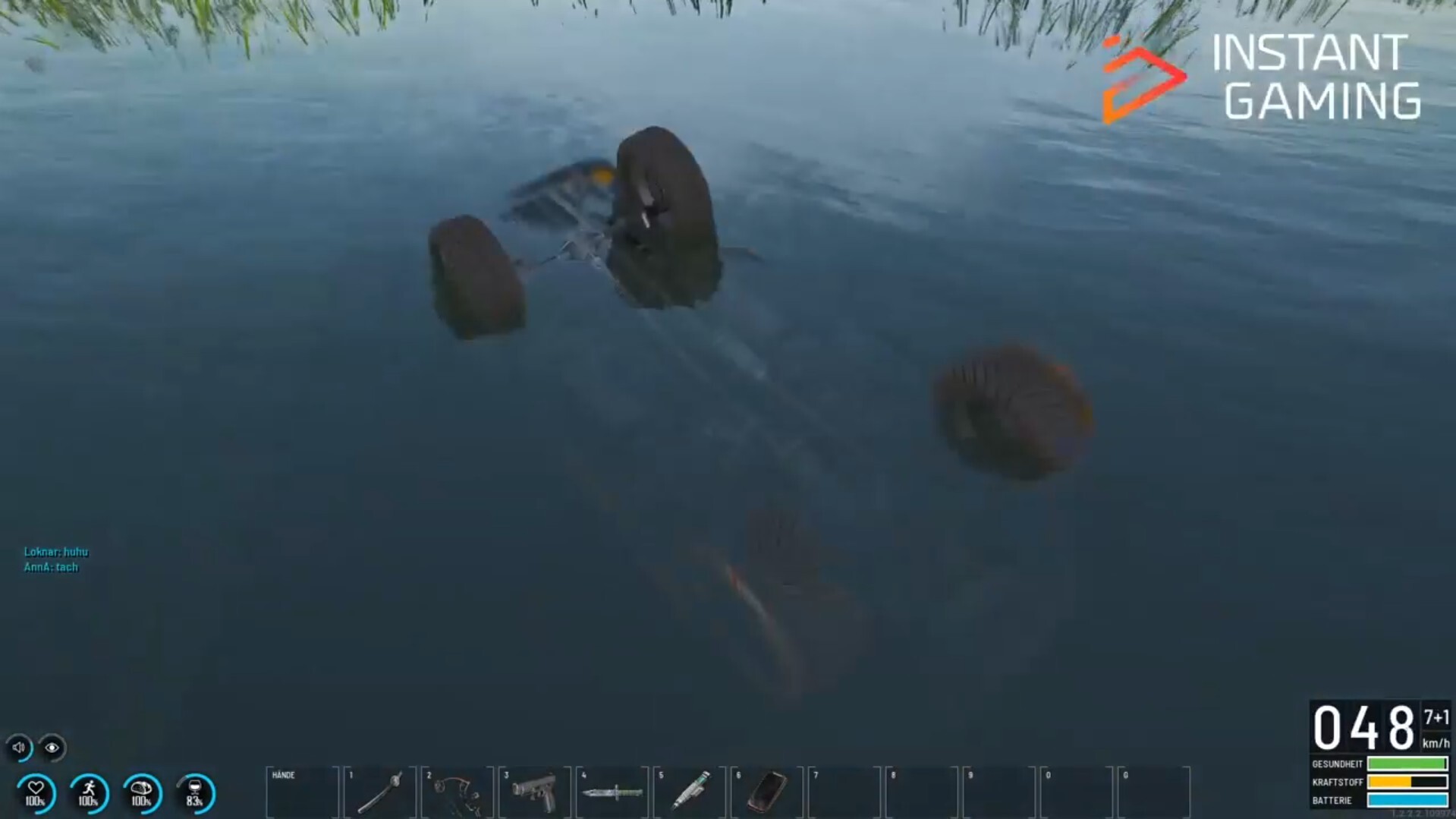
Not the best way to wash your ride, Tosuchan.
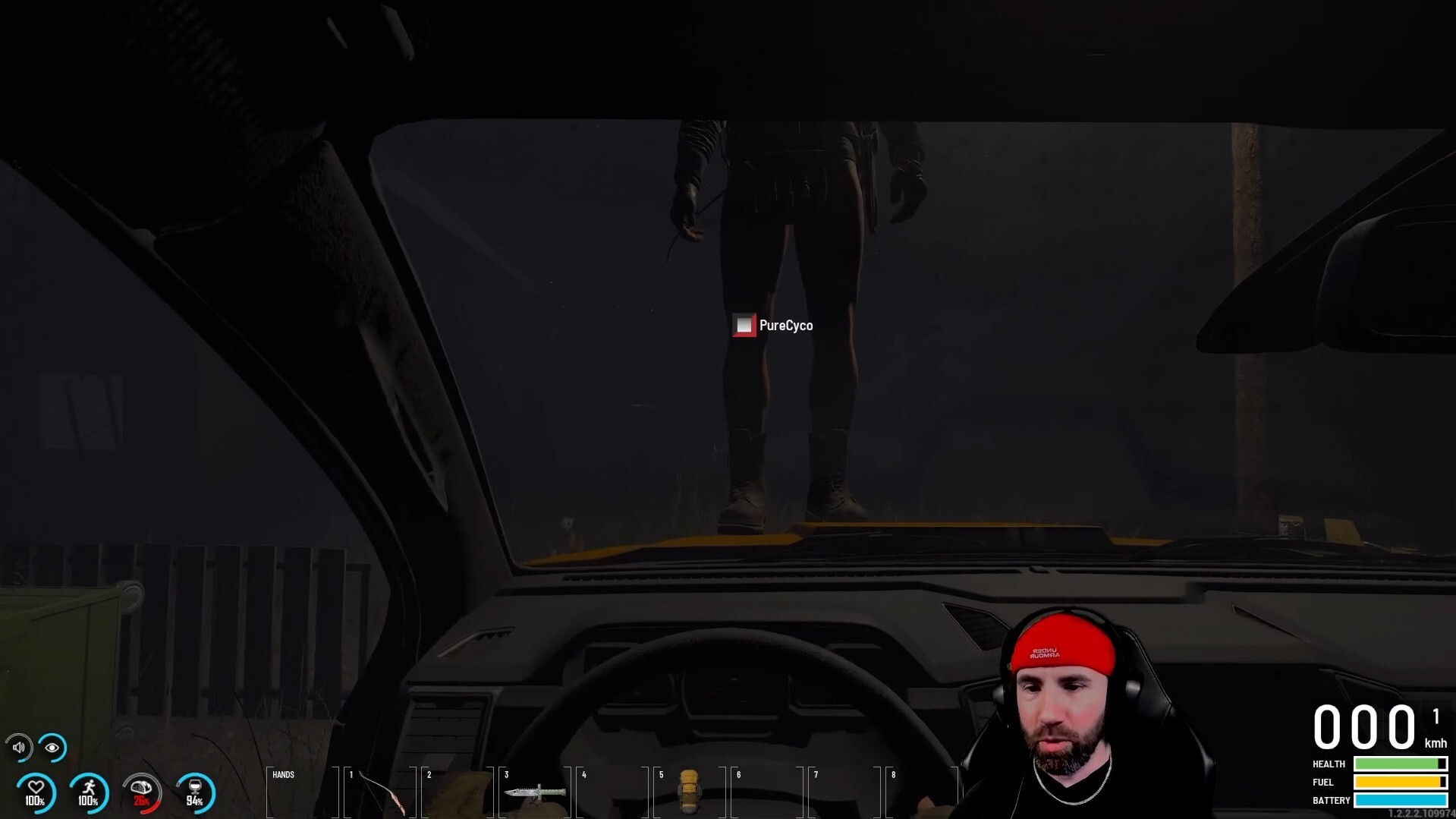
As it seems, Trajan84 is voyeuring somebody's peener.
______
This is it for this Tuesday, see you next week!
Somke